
You are using an out of date browser. It may not display this or other websites correctly.
You should upgrade or use an alternative browser.
You should upgrade or use an alternative browser.
Featured content
![[PSP on PS3] -PSP Emulation Showcase](/data/xfmg/thumbnail/0/115-0696ab22af5057c30f21fb03f1032cbc.jpg?1781365386)
![[PS4 Tutorial] Updating GoldHEN on a Jailbroken PS4 with Vue after Free](/data/xfmg/thumbnail/0/113-137b41a7b77c467116315c0bc705e823.jpg?1780529124)


-by neur0n, Akind
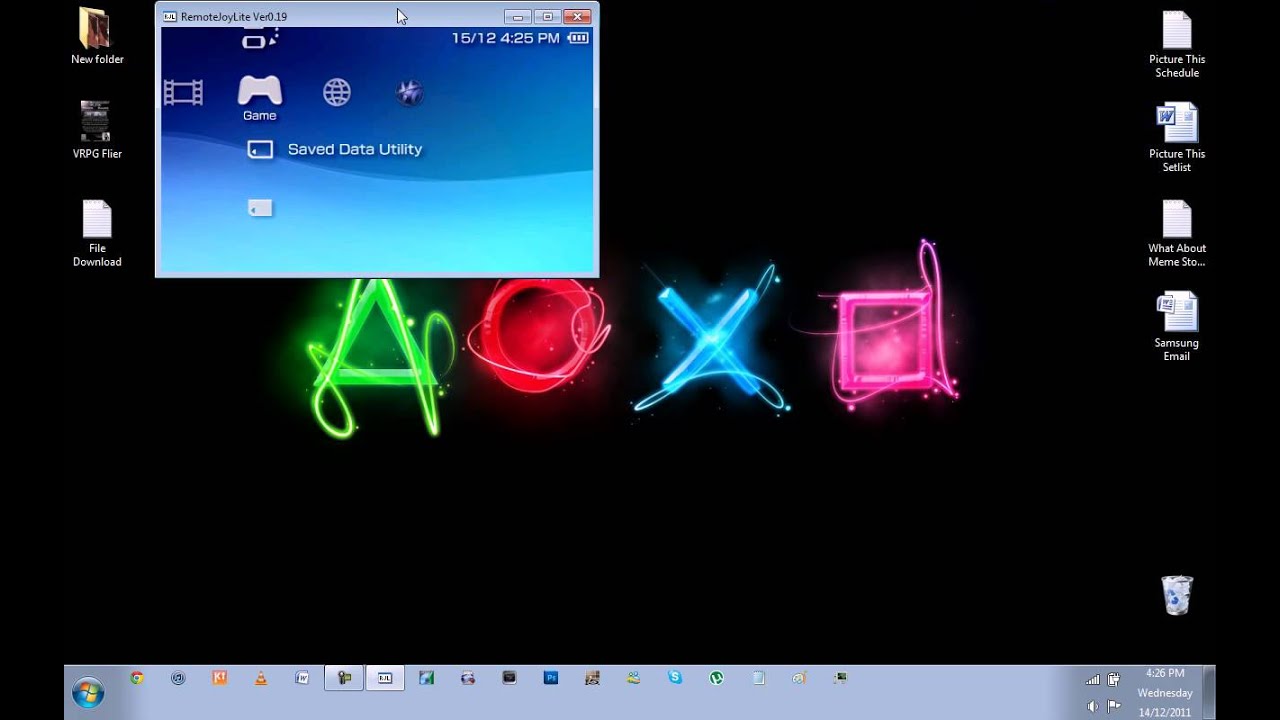
A plugin for implementing a TV-OUT feature while over a USB connection.
You can now view your PSPs screen on your much larger TV/Computer screen without Component cables.
- Improved time to transfer data between PSP and PC
- Improved compatibility with games
ALT + ENTER: full screen / window mode switching
ESC: setting mode
F1: FPS, color mode display
F3: screen transfer of the ON / OFF switching
F4: Display ON / OFF of the window title...

-by qwikrazor87 & Hotter
Sort your games and homebrews.
Quickly see battery info.
Delete, cut, copy, rename, create, view properties of file/folder, set them hidden/read-only.
View text files.
View and edit with hex editor.
View loaded threads, modules, files.
Use alarm clock.
Play C-snake, Tetris, Pong.
Use calculator.
View calendar.
And all that you can do from XMB menu when you are listening music or watching videos.
v1.7
Added alarm clock, alarm sound must be in...

-by codestation, darko79
A Heads-Up-Display plugin for not only your XMB, but in-game as well.
This plugin displays some basic info right on your PSP screen:
- FPS
- CPU/BUS speed and CPU usage
- notification on CPU speed change
- battery status (percent and time left)
- local time
Besides displaying info on screen, this plugin can:
- change cpu speed
- take a screenshot
August, 31st 2008. v2.02
------------------------
- changed option 'SHOW HUD', besides switching...

-by abcang1015
CustomHOME is the plugin that makes your HOME MENU more convenient.
[How to use]
The menu is displayed by pushing the Home button while playing a game.
*plugin Disable if you press the HOME button and run the game.
*Settings menu shows when you press SELECT-button for 2 seconds.
*when StopGame is disable, you can pause to press START-button.
*Exit Game: Exit the game and return to XMB.
*Reset Game: Restart the game.
*Shutdown: Shutdown PSP.
*Standby: Suspend PSP...

-by Codestation
Organize all your games, emulators, homebrews, etc, into their own folders under the Games Directory.
You can configure the folder prefix (use CAT_ for folders, or not), showing uncategorized content, and change the category mode in system settings.
[!]Fix duplicated entries on iso category in folder mode (PRO).
v1.5:
[+]Support for categories in folder mode like Bubbletune's GCL (thx Nekmo for betatesting).
[+]Support to hide certain homebrews/games/dlc...
This is a simple tool to create a scanline effect for PSP games and homebrew.
I'd recommend trying this on an 'actual' PSP first instead of a Vita eCFW since it's in beta stages but It's been tested on PSTV and seems to work fine on that platform as well.
I completed this simple POC in under 2 hours with some modifications after googling for information since I had free time before bed. It has a 'shaky' effect from the scan-lines being drawn too (not really intended, but oh well).
Tested...
-by Christophe Kohler
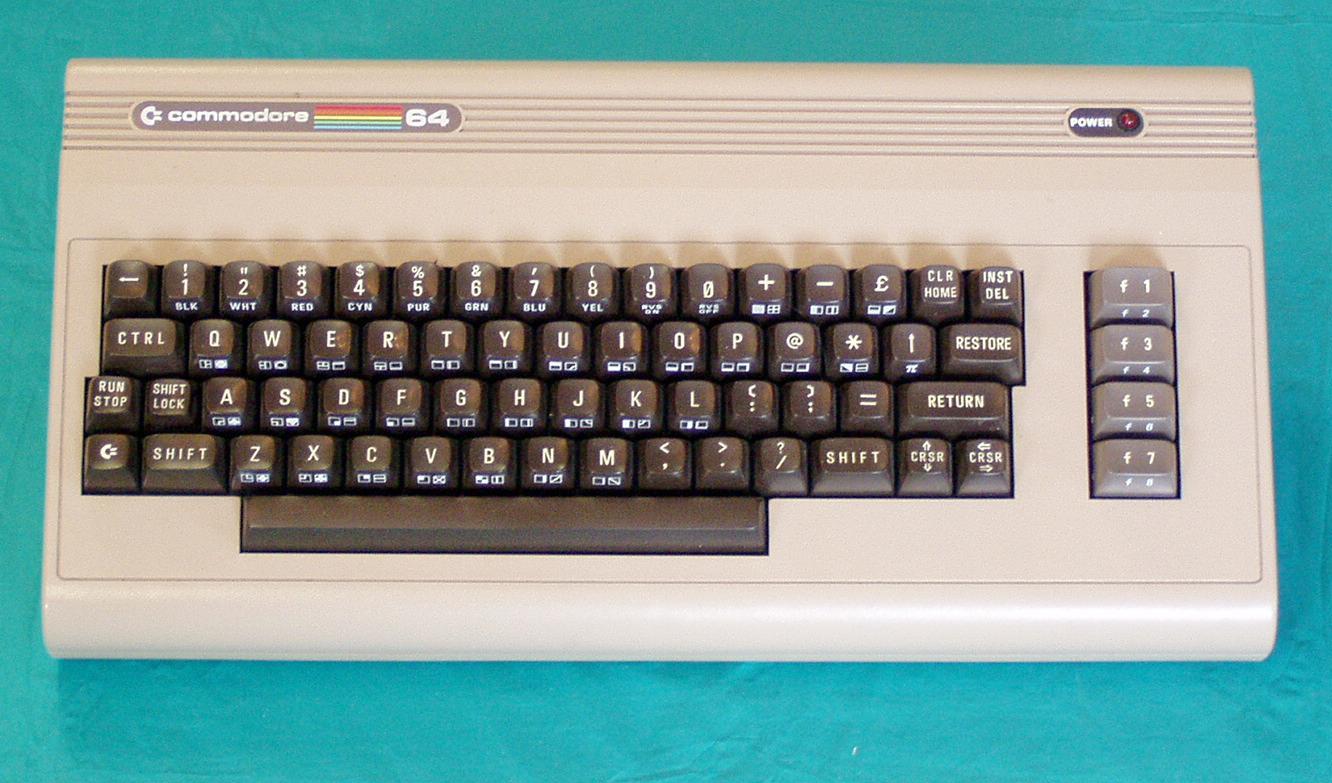
Commodore 64 emulator for the PSP.
V1.1 : (Aug 07)
What's new :
- Stereo effect on sound output
- Subdirectories support. User can now browse any directory of the memory stick.
- Update to latest VICE version (1.22)
- Add autofire option. Two speeds available.
- VIC20 standalone version.
- PLUS4 standalone version.
- "Shifted" keyboard GFX added (thank to Shabanak)
- Small speed improvment (unfortunatly still not enough for some few games like...
RetroArch is the reference frontend for libretro.
Here comes version 1.3.6 for PSP.
Included Cores in 1.3.6:
catsfc
catsfc_plus
fceumm - Nintendo NES
fmsx - MSX
gambatte - GameBoy / Color
imageviewer - Image App
lutro - Lua Player
mednafen_pce_fast - Turbo GrafX 16/CD (PC Engine)
nxengine - Cave Story
picodrive - Genesis / Master System
prboom - Doom
quicknes - Nintendo NES
tempgba - GameBoy Advance
For more information, visit the libretro official website...

-by Insoft
Nibbler is a Retro Style Game.
A remake of an old classic arcade game called Nibbler, where you navigate a snake threw a maze collecting all the apples before progressing to the next level.
It has a retro look and feel to it.
Improved graphics, mazes are now more graphical.
Four new levels added.
Bug fixes.
Following up on a Nifty Lifty release, the devs at Insoft also have a PSP game called nibbler.
This also being a Retro Style inspired game...
-by Woolio
Minecraft PSP is the only Lamecraft mode with working survival, crafting, mobs, and many other things!
- Fixed bugs causing crashes
- Cows became cleverer
- Cows drop more leather and meat
Gameplay:
- Complete mobs (cow, zombies)
- Zombies can wear armor (chain-mail, and gold)
- Armour (diamond, metal, mail, gold, leather)
- Drop
- World increased to 176x112x176
- A long day and a short night (13 minutes / 7 minutes)
- Creatve mode (immortality, the ability...

-by UMDGen Team
Tool to manipulate PSP UMD to create/rebuild ISOs.
-by pdc
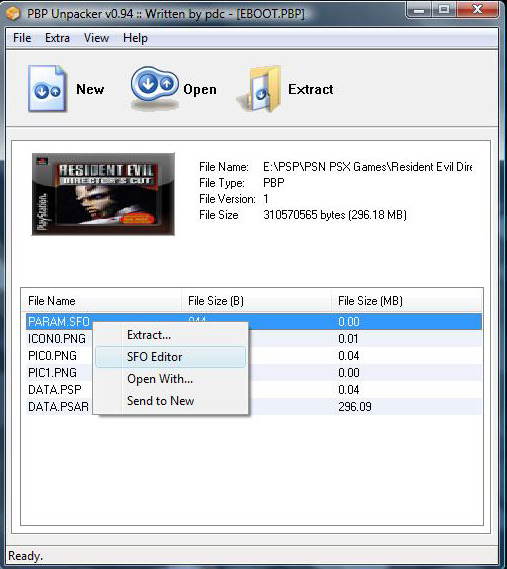
Tool for reading and editing PSP PBP files.
It can also read and write SFO files.
After you extract it, you can then pack it again, by selecting new.

-by DarK_sTyLe
CTF theme for your PSP.
Converted to work with 6.60 CFW.
Tabs at the bottom of the screen.
Lists on the sides.

-by zx-81
PSP-FTPD is a simple FTP server for the PSP.
It permits to send and retrieve files or complete directories to and from
your PSP without any cables, using your Wireless connection (WIFI).
- Improved speed transfer
(tested at home with 500k for download, 250k for upload)
- Tested on PSP slim with 6.60 PRO C2
- New graphics for EBOOT & background
- Add music for EBOOT
- Bug fix in battery status display...
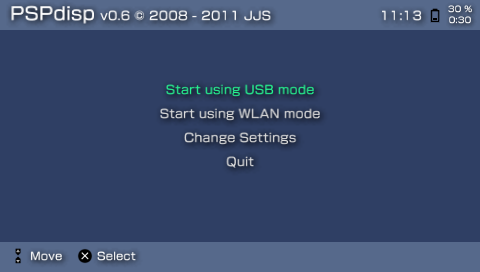
-by Jochen Schleu
This program enables the use of a Playstation Portable as an additional monitor in Windows.
You can also remotely send keyboard and mouse commands to the PC.
The newest version implements sound streaming, too.
v0.6
New features:
- settings can be saved in "presets"
- multiple instances of PSPdisp can be started to connect more than one PSP in WLAN mode
- support for Wake-On-Lan
- WLAN LED can be switched off
Bug fixes:
- not being able to restart USB...
Vita Doom
I (netrix) have had this sitting around for a while, but I've been busy with more important things. I don't want to detract from meetpatty's hard work, but it motivated me to release my port. I used the "DoomPSP-0.04 S.S. b5" PSP port. Unfortunately, I will not be able to do feature requests or provide extensive support due to the lack of free time.
Information
WAD files go in "cache0:/VitaDefilerClient/Documents/WADS"
Supports official WADs only.
Audio does not work yet...
i (Rinnegatamante) release my Quake port for Rejuvenate/HENkaku! It's based on winQuake ( https://github.com/id-Software/Quake/tr ... r/WinQuake ) and it supports both Shareware and Full version of Quake.
The packet you can download contains the free shareware version. If you want to use your full installation of Quake you just have to add pak1.pak file to data/Quake/id1 folder.
Features (as of v2.0):
Native 960x544 resolution!
Internal render rescaler
Sound and Soundtrack support...
VitaShell
VitaShell is an alternative replacement of the PS Vita's (& PSTV) LiveArea. It offers you a file manager, package installer, built-in FTP and much more. This homebrew was an entry of the Revitalize PS Vita homebrew competition and won the first prize. HENkaku's molecularShell is also based on VitaShell.
How to use an USB flash drive as Memory Card on a PS TV
Format your USB flash drive as exFAT or FAT32.
Launch VitaShell and press /\ in the 'home' section.
Select 'Mount uma0:'...
Lua Player Plus Vita (lpp-vita) - by Rinnegatamante
Lua Player Plus is a multiplatform LUA interpreter currently available on PSP (lpp-c++ / lpp-plugin), 3DS (lpp-3ds) and PSVITA (lpp-vita).
At current stage, it's good to make 2D games and apps but final goal is to provide a complete set of tools to make any kind of projects and make them easily portable towards consoles (lpp-3ds and lpp-vita for example both use a similar code syntax).
New functions:
- System.setCpuSpeed() - Sets CPU...