

Renombrator Two
Do you remember Renombrator One for renaming PSX images? Now it's Renombrator Two's turn to rename PS2 images, another of my tools that has helped me streamline work for the OPL Scanner project and that I have also decided to share with you.
What is Renombrator Two?
It's a free application that makes it easy to rename your PS2 game images with the correct naming convention for display in OPL.
How does Renombrator Two work?
Choose a location where you have PS2 games in ISO format with their correct OPL renaming.
Example:
SCES_500.06.Drakan.iso
Choose a location where you have the images you want to rename and click the rename button. It doesn't matter if you have multiple subdirectories; Renombrator Two will search each one.
The program will rename all images whose names match the game's ISO file name.
Important:
In order for images to be renamed, they must respect the sizes corresponding to their OPL classification.
640x480 px para imágenes BG
140x200 px para imágenes COV
242x344 px para imágenes COV2
64x64 px para imágenes ICO
18x240 px para imágenes LAB
300x125 px para imágenes LGO
250x188 px para imágenes SCR y SCR2
Once Renombrator Two has finished renaming all the images, it will ask if you want to move them to a single folder. If you choose, it will automatically create a folder called "Renombrator Two" in the same directory you assigned for the images.
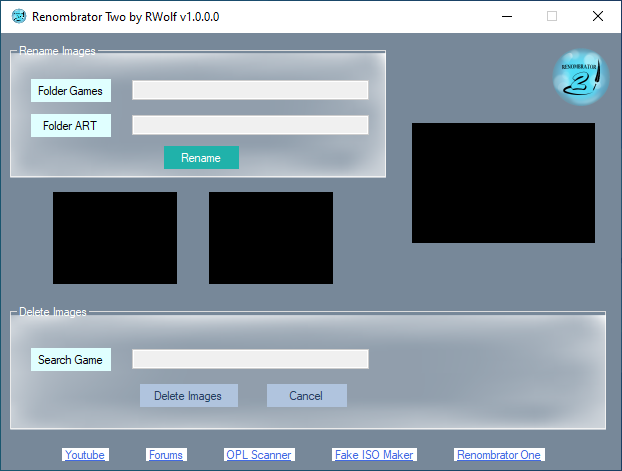
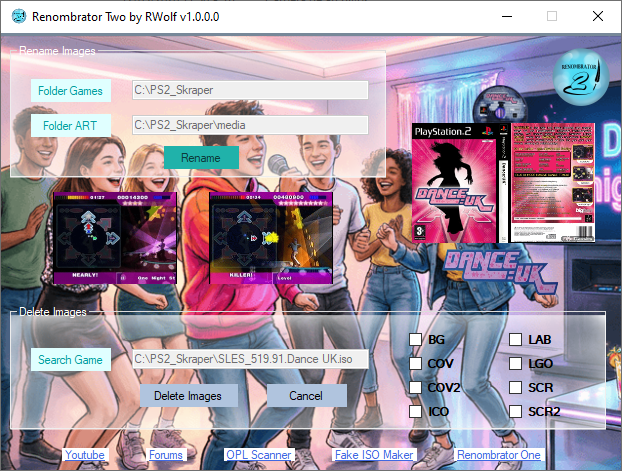
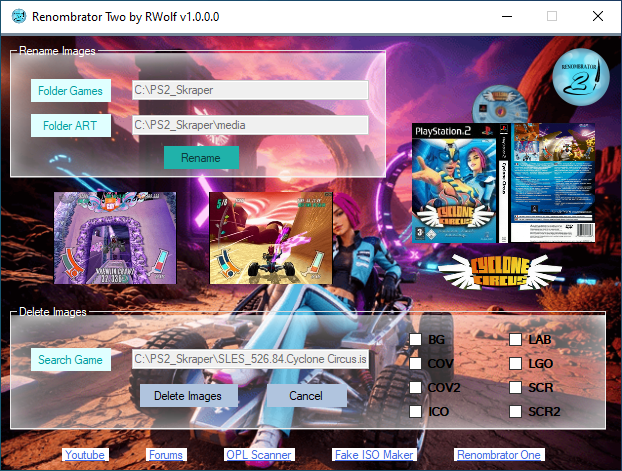
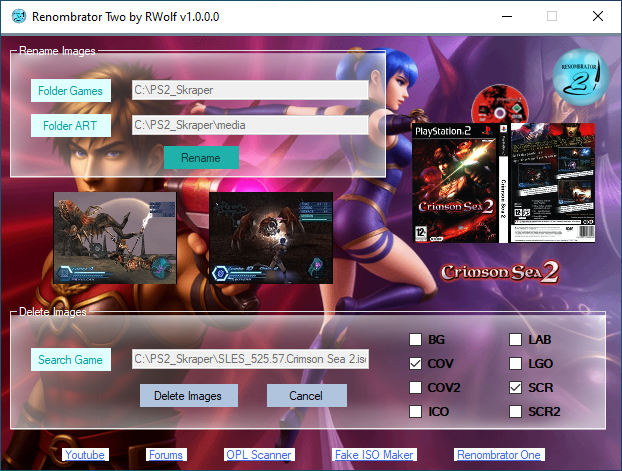
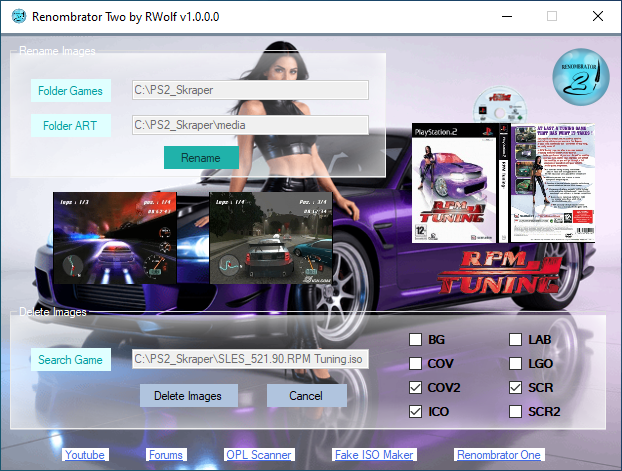
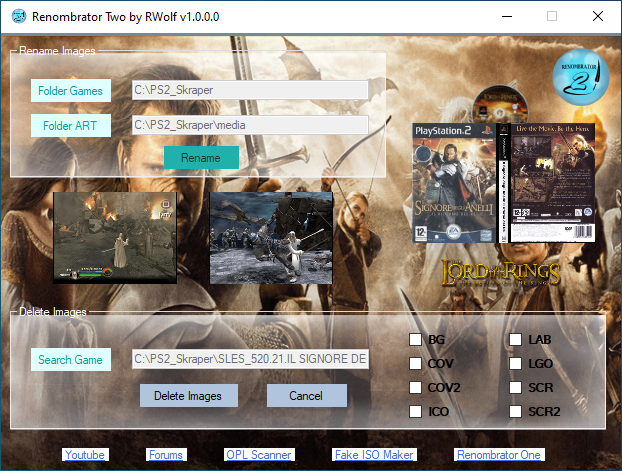
Now you can load a game using the "Search Game" button, and the images will appear in the program interface.
The options to delete images will appear in the right-hand panel, which is very useful when you only need the ones missing from your collection.
Note: Images must first be renamed to load in the interface.
Screenshots:
Sample Video:
Do you remember Renombrator One for renaming PSX images? Now it's Renombrator Two's turn to rename PS2 images, another of my tools that has helped me streamline work for the OPL Scanner project and that I have also decided to share with you.
What is Renombrator Two?
It's a free application that makes it easy to rename your PS2 game images with the correct naming convention for display in OPL.
How does Renombrator Two work?
Choose a location where you have PS2 games in ISO format with their correct OPL renaming.
Example:
SCES_500.06.Drakan.iso
Choose a location where you have the images you want to rename and click the rename button. It doesn't matter if you have multiple subdirectories; Renombrator Two will search each one.
The program will rename all images whose names match the game's ISO file name.
Important:
In order for images to be renamed, they must respect the sizes corresponding to their OPL classification.
640x480 px para imágenes BG
140x200 px para imágenes COV
242x344 px para imágenes COV2
64x64 px para imágenes ICO
18x240 px para imágenes LAB
300x125 px para imágenes LGO
250x188 px para imágenes SCR y SCR2
Once Renombrator Two has finished renaming all the images, it will ask if you want to move them to a single folder. If you choose, it will automatically create a folder called "Renombrator Two" in the same directory you assigned for the images.
Now you can load a game using the "Search Game" button, and the images will appear in the program interface.
The options to delete images will appear in the right-hand panel, which is very useful when you only need the ones missing from your collection.
Note: Images must first be renamed to load in the interface.
Screenshots:
Sample Video:


