


UniqueUserName
R.I.P.
-by cosmito
-
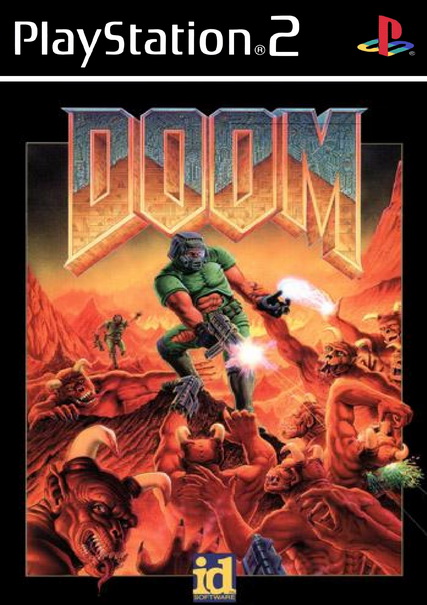
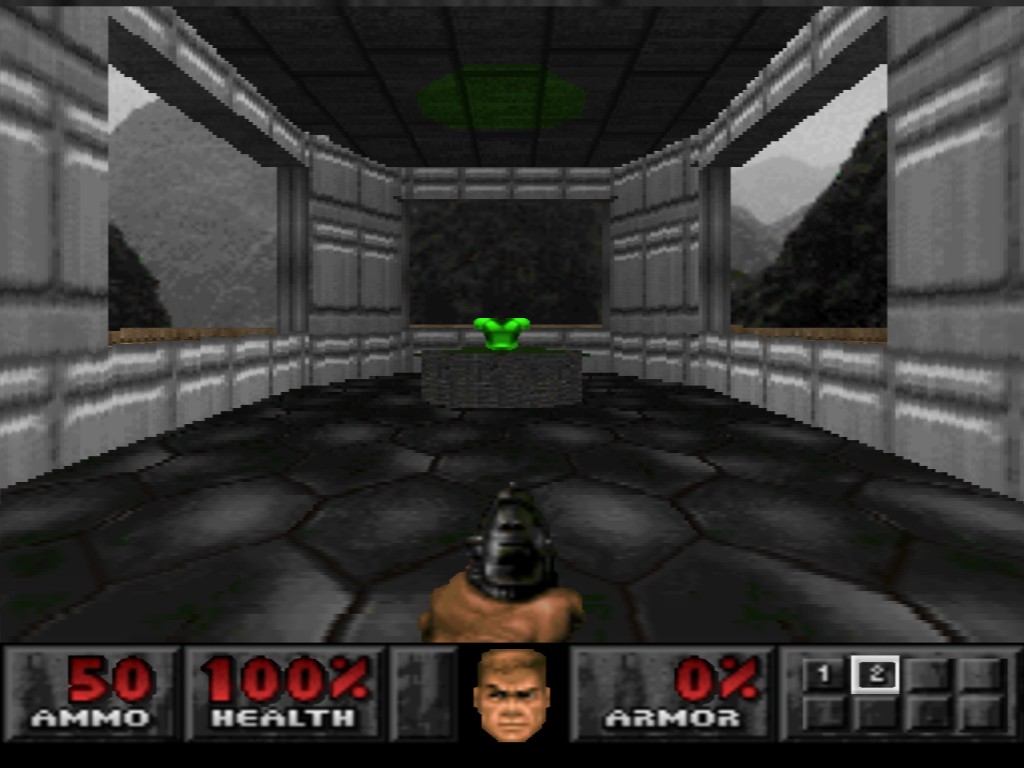
Doom emulator for the PS2.
Supports Doom 1, Doom 2, and pretty much any .WAD file.
-
-Version 1.0.5.0-
HDD support (at last).
Simple but effective WAD selector.
No more need to have only 1 WAD (game) per ps2doom!
Controller almost fully configurable, using the configuration file (ps2doom.config).
It now uses freesd, instead of LIBSD.
Japanese users should be happy now.
And possibly PS3 compatible now?
For doom2 wads, sound is no longer half sampled.
Sounds the same to me, anyway…
-
Not directly compatible with OPL 0.9.3.
To work around this, simply add OPL 0.8 to your apps menu, and select that first... when it boots, just select this emulator like you normally would.
Or you can do some auto-boot wizardry from OPL-APPS with uLE on your memory card.
======================
Those who are interested in using the HDD must read the 'Whatsthis.txt' file released along with the distribution.
It explains exactly what settings you must change in the config-file and where to put it.
======================
Ps2doom configuration:
Version 1.0.5.0 features a configuration file named 'ps2doom.config'. It can be manually edited
to redefine the game controls at a computer or at the PS2 using uLaunchELF text editor, for example.
Where to place the configuration file?
At startup it looks for the configuration file first at the same folder ps2doom is running and if it
doesn't find it, then looks at memory card (mc0:ps2doom).
Normally you would put the file along with the ps2doom executable but it requires a different approach
when running off HDD. There's a simple rule you can follow:
- If you want to run it off USB device or memory card you just place it along the ELF. Additionally,
if you want the option to run it also from HDD, then you must place the configuration file
at memory card (mc0:ps2doom). Also in this case you must set the HDD paths. I recommend having only one
configuration file, placed at the memory card.
The reason for this is that there's no way of knowing the launch path when running off HDD
so it cannot load the configuration file from the local folder simply because it doesn't
know where the local folder is. So if running from HDD, it will look at the memory card location
after failing to it it from the local folder.
If you want to load the WADs from the HDD you also need to edit the hdd section of the config.
Example: Supposing you have the doom wads placed at a partition named '+MyPartition' inside the
'ps2doom' folder, (at '+MyPartition/ps2doom/ that is) the hdd section should be :
  hdd:
  {
    use_hdd           = false; // set to true if you want to load the WADs from the HDD
    path_to_partition = "hdd0:+MyPartition"; // Case sensitive !
    wads_folder       = "ps2doom";          // Case sensitive !
  };
Remember that the paths are case sensitive, so "hdd0:+MyPartition" and "hdd0:+mypartition" are different paths!
-

-
Adilson Pierog= for his contribution, and for figuring out which irx were needed, and correct sequence order.
Jason Yu= for his audio support functions.
Lukasz Bruun= for originally creating PS2Doom.


