ManaGunZ

PS3 ManaGunZ - PS3 Backup Manager by Zar v1.41

Offtopic...
Since some days ago NVIDIA is running a marketing campaign related with raytracing, and they are using some promotional images with the icons of some games organized in a way that really looks like the interface of some kind of "game library" app, in my oppinion it looks really nice and it fired my spark
NVIDIA-RTX-DLSS-Raytracing-Reflex-Titles-2060x1159.png


Take a look at that @Zar ... the first thing that came to mind is to use that style for the managunz GRID ui (in that image the size of the icons is perfect for the ICON0.PNG's... but the same can be made to display the plastic case+covers too)
After thinking a bit more about it and how it matches with the tiny3d features i realized that is like an hibryd of the managunz "GRID + FLOW3D" ui's together, i mean...

That style requires to use a noun number in the columns, to have one game always at the center (so columns number = 3, 5, 7, 9, etc...)
And the number of rows doesnt matters... in that image with 6 rows looks fine... but any other number will look fine... lets say... if we use a single row is not going to be much different than the actual FLOW2D
 
Last edited:
Offtopic...
Since some days ago NVIDIA is running a marketing campaign related with raytracing, and they are using some promotional images with the icons of some games organized in a way that really looks like the interface of some kind of "game library" app, in my oppinion it looks really nice and it fired my spark
NVIDIA-RTX-DLSS-Raytracing-Reflex-Titles-2060x1159.png


Take a look at that @Zar ... the first thing that came to mind is to use that style for the managunz GRID ui (in that image the size of the icons is perfect for the ICON0.PNG's... but the same can be made to display the plastic case+covers too)
After thinking a bit more about it and how it matches with the tiny3d features i realized that is like an hibryd of the managunz "GRID + FLOW" ui's together, i mean...

That style requires to use a noun number in the columns, to have one game always at the center (so columns number = 3, 5, 7, 9, etc...)
And the number of rows doesnt matters... in that image with 6 rows looks fine... but any other number will look fine... lets say... if we use a single row is not going to be much different than the actual FLOW 2D
Great @sandungas !
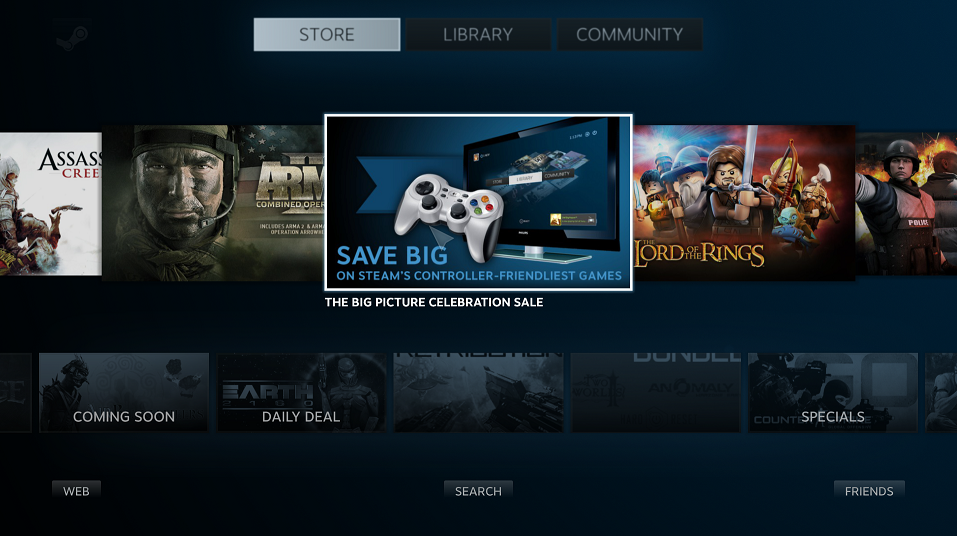
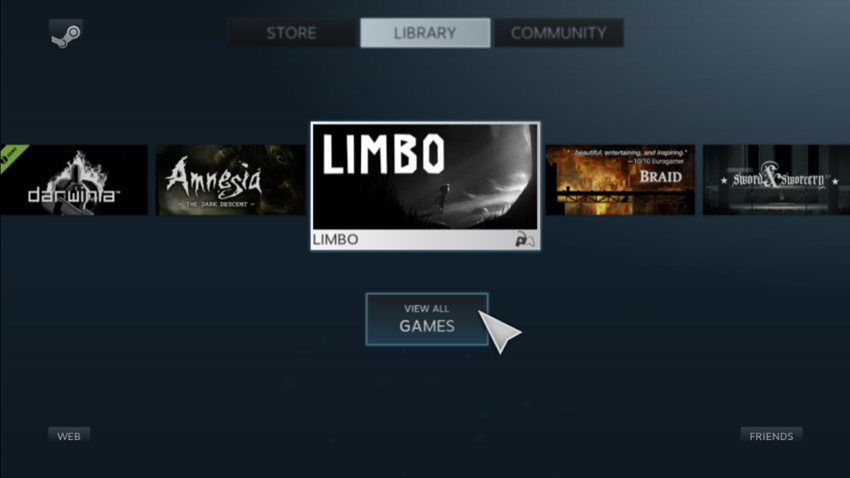
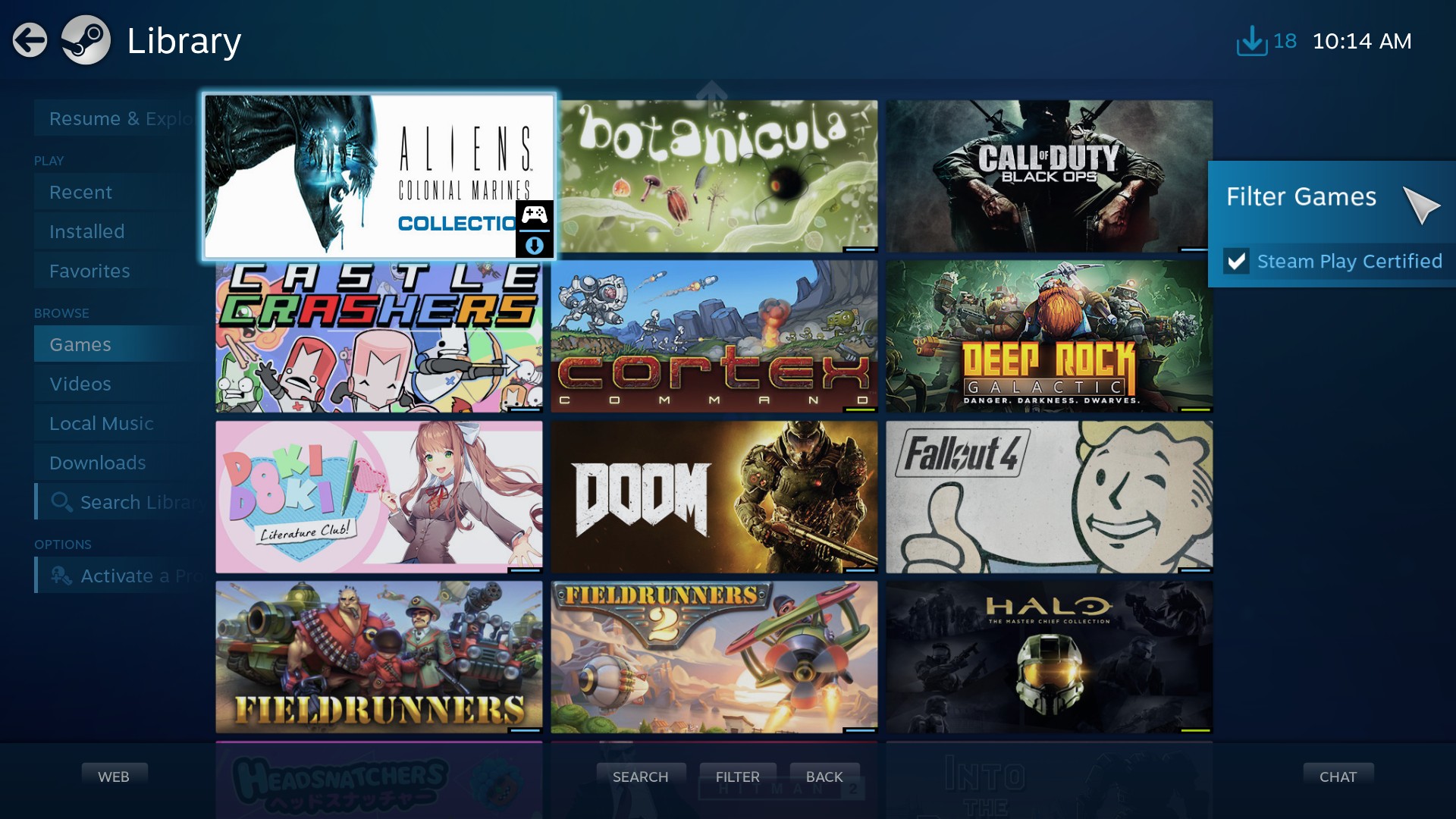
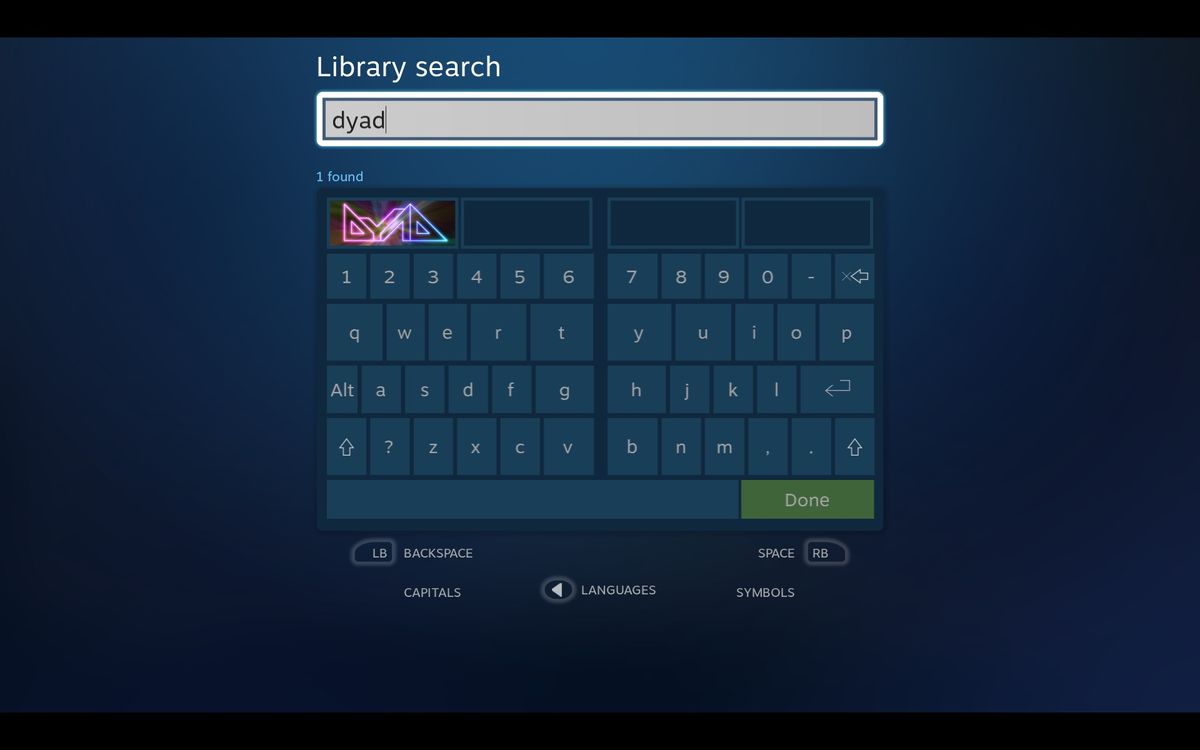
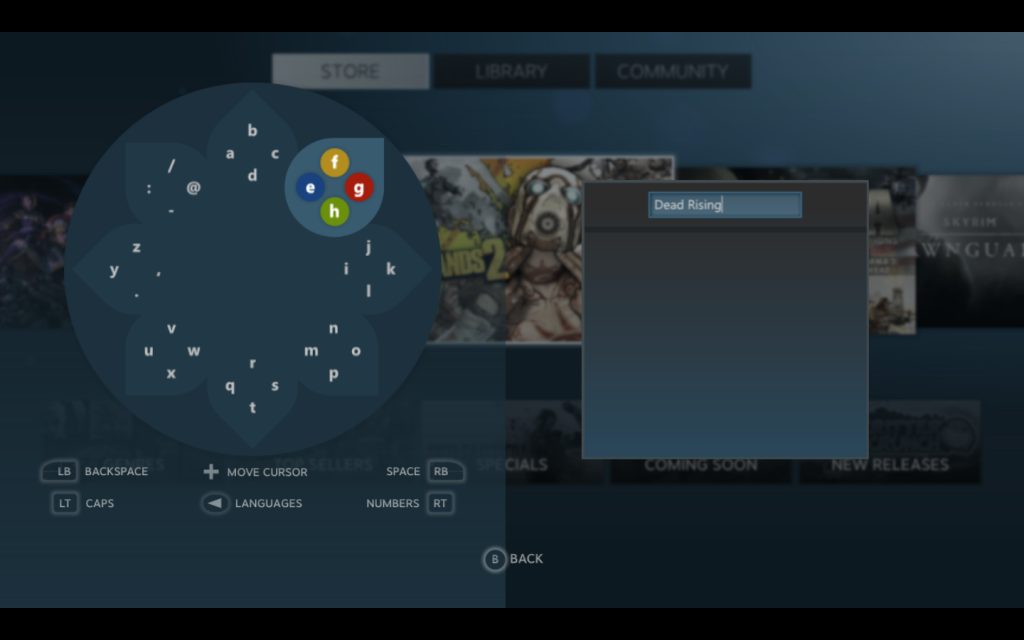
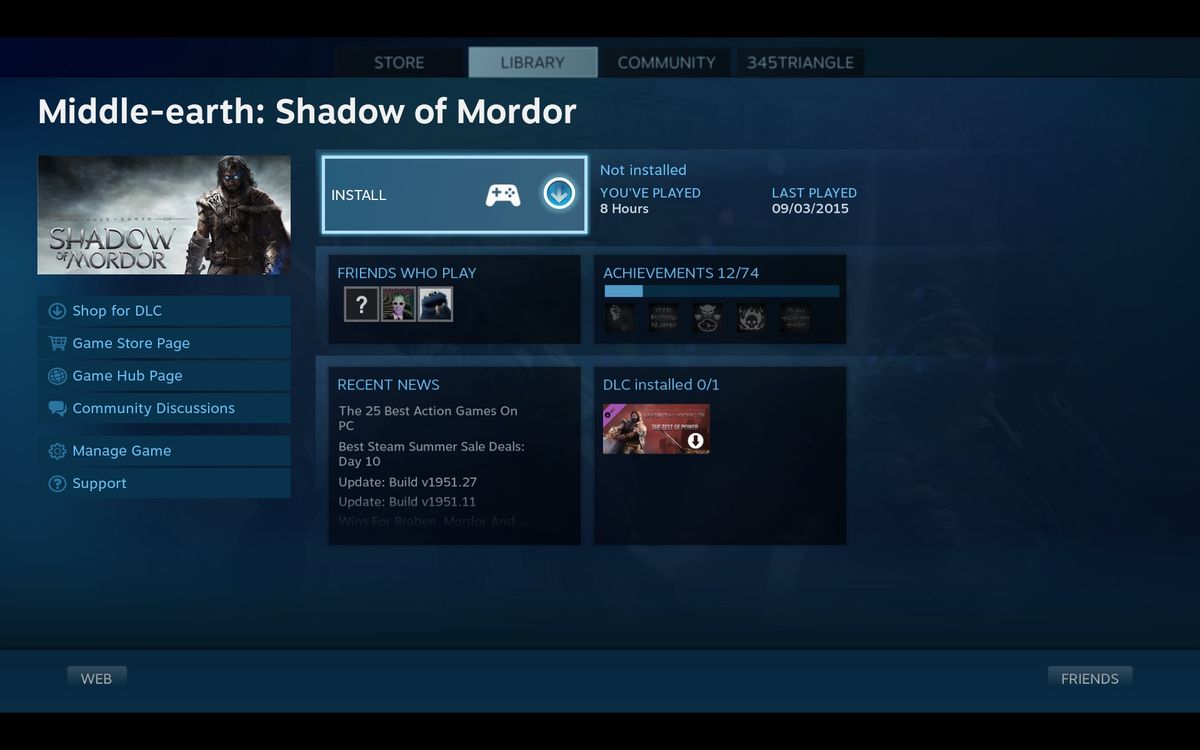
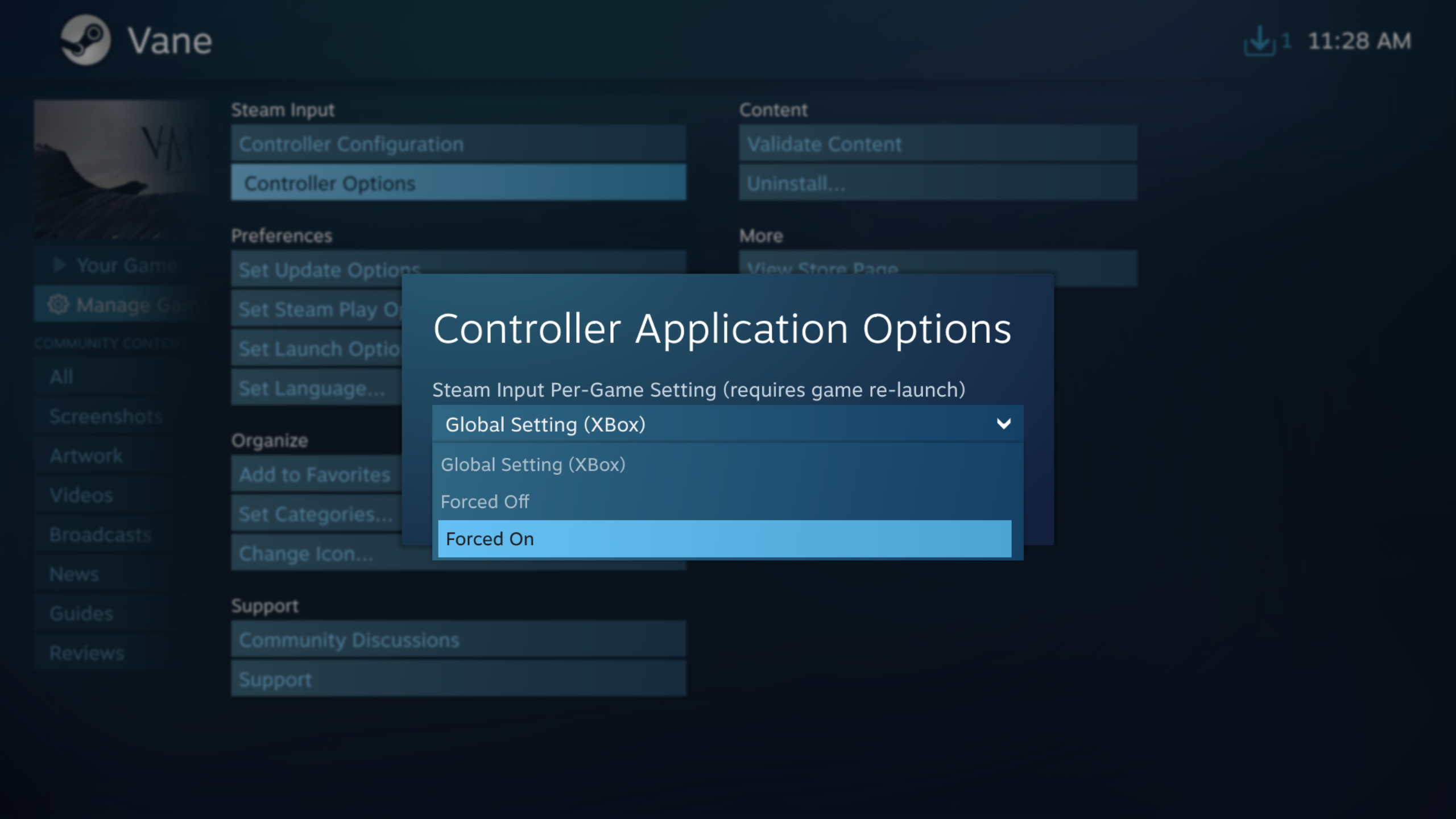
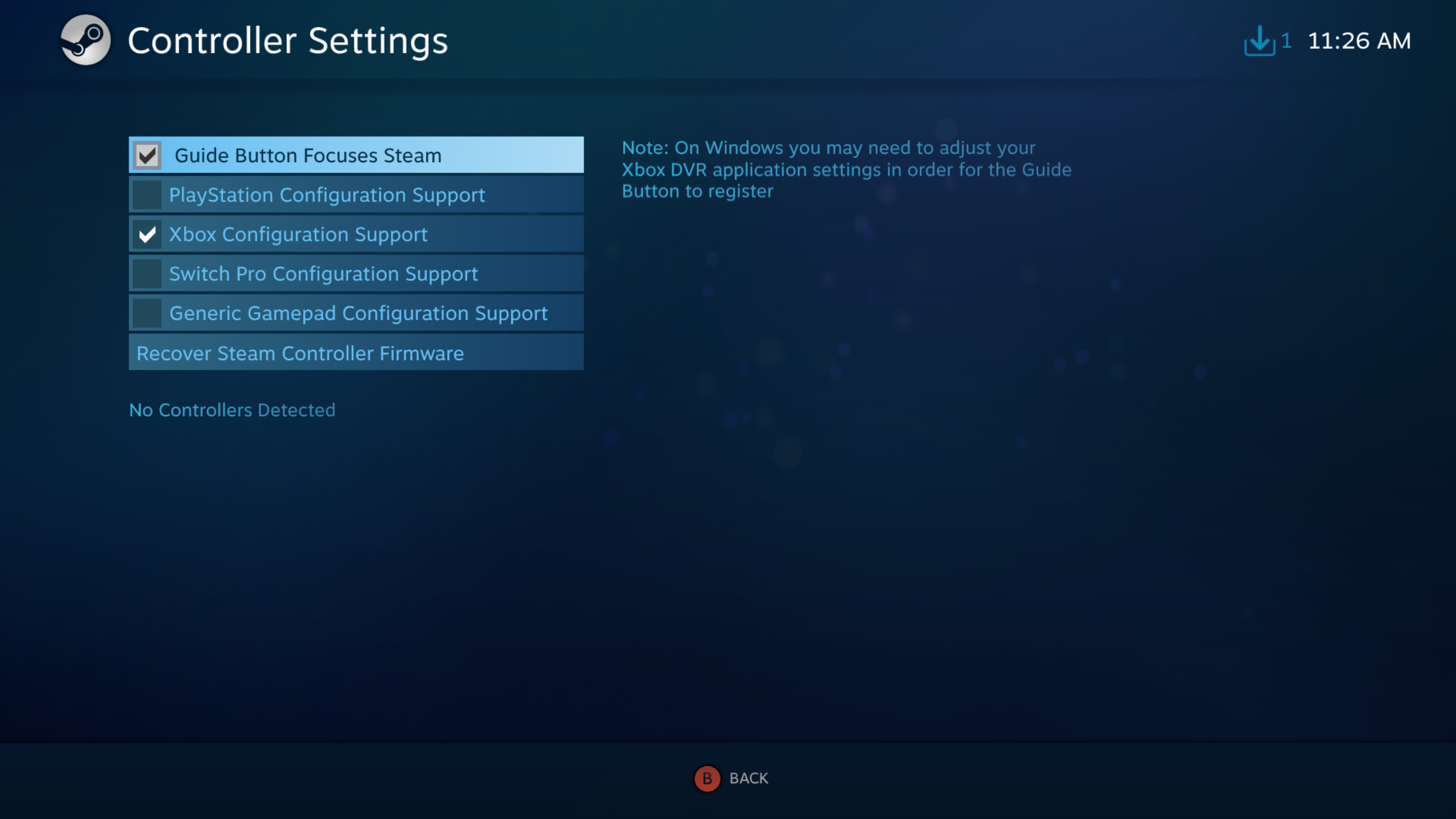
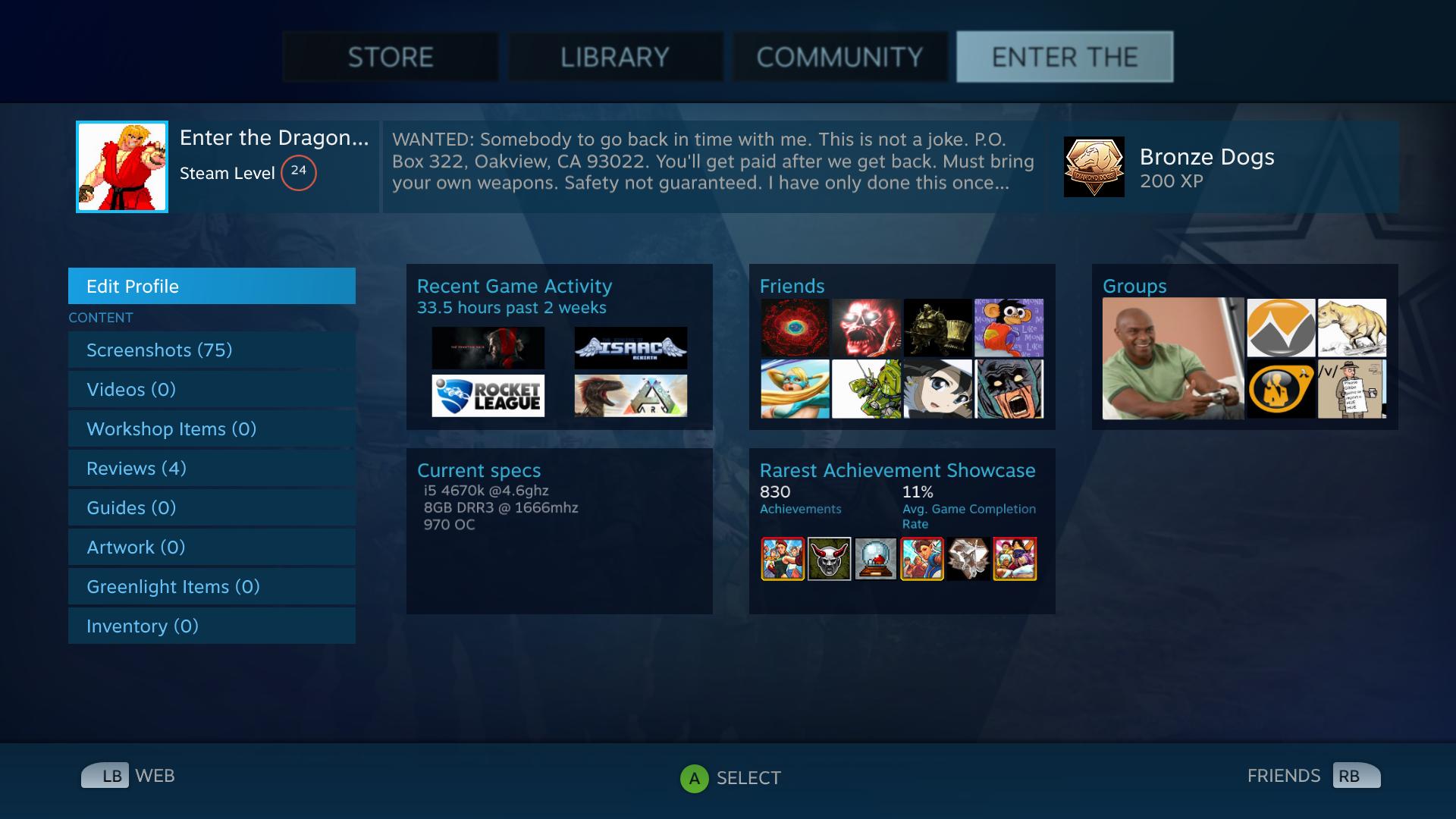
Some similar and it's great it's the Steam Big Picture mode UI. We can borrow a lot from there as well.
Not only game libraries, but settings per game and virtual keyboard interface.

5109_02_steam_s_big_picture_gaming_goes_to_the_big_screen_tv_full.png


big-screen-mode.jpg


15384328091581588953gol1.jpg


03084457885252.jpg


Imagem-2.jpg


03084534452253.jpg


da337e846c66a9e0fe65deb162f39547f92c91ef.png


1c01fa82c684885df131fe18602394bff6fd793f.png


03084903930257.jpg


It is worth to navigate Steam in big picture mode with a controller and experience it by yourself. I use steamlink hardware to stream my pc games and it's awesome. The UI is very easy to understand.

EDIT: It would be also cool if we could merge our PSN library games and PS1, PS2, PS3, PSP ISOs in the same manager and launch from it. That way we could categorize games per Genre, etc. And we would not worry about rebuilding the ps3 database and loosing the manually created albums through the PS3 XMB. Managunz could save it's playlist or something in the HDD.
 
Last edited:
Thanks for the feedback.

#1: when snapping window to the right side, full screen & left side the buttons work as expected. Once the left side is selected, the button to return to window doesn't do anything. The others seem to do as expected. Hopefully i explained it well enough.
I'm going to fix it !

#2: it sees my usb exfat drive an files as expected but i have a folder with 15,000 files that i want to copy to another folder inside internal hdd. As soon as i try to open folder the ps3 freezes and requires me to press the power button to restart.
It needs some investigations, i don't know how to fix it yet : How many time did you wait before turning off the system ?. I'm not sure but I think it froze because it didn't finish to read the files inside the directory. The file manager display files after it retrieve every name/size, 15000 files probably took too much time. The best solution would be to use a background thread to open the directories, so it won't froze the screen anymore.

#3: feature request: add ability to select a whole folder for copy/cut/delete with appropriate options such as overwrite/skip/cancel etc...

I think cancel is already implemented. I'll try to add : "overwrite or skip"

#4: feature request: ability to add backgrounds maybe from ultimate toolbox resources, or from a lan location on a network for your own pics.
I don't understand. (Reading files through ps3netserv is already planned.)

This is a very nice feature rich file explorer, i like it. great job.
Thanks :)

May I add another suggestion to the Filemanager, @Zar ?
Add MD5 verification after copying files from Internal to External HDD or vice-versa.
It would be welcome specially when making backups of PS3 files (like saves, etc).
Compress folders or files to zip and unzip them (nowadays you can do it in webmanmod but only using commands through the browser). The compression ratio could be ZERO, only to store files into a single file, this way transfering files are faster and more stable.
Good idea, maybe, I'll add an option "Safe paste" to check md5 once the file is copied.
I won't add the compression to it, becauseI think it's better to let user to this manually. So, I'm just going to add option like "Compress to ZIP", "Compress to RAR". I think these two are enough. (Managunz support lot of compressed files).
 
@Zar Isn't Rar proprietary?
I am unaware of any third party software that can compress to Rar.
As far as I know only decompression is allowed,
unless a third party has reverse-engineered the module soft of like ffmpeg with h264 ( x264 etc).
 
  • Like
Reactions: Zar
It needs some investigations, i don't know how to fix it yet : How many time did you wait before turning off the system ?. I'm not sure but I think it froze because it didn't finish to read the files inside the directory. The file manager display files after it retrieve every name/size, 15000 files probably took too much time. The best solution would be to use a background thread to open the directories, so it won't froze the screen anymore.


it doesn't crash, I waited about 30 minutes to open the folder
 
Last edited by a moderator:
it doesn't crash, I waited about 30 minutes to open the folder
So, it's definitly a bug, I'll see what I can do to fix it.

@Zar Isn't Rar proprietary?
I am unaware of any third party software that can compress to Rar.
As far as I know only decompression is allowed,
unless a third party has reverse-engineered the module soft of like ffmpeg with h264 ( x264 etc).

oh, I didn't know. Also, after a second look at the lib : https://github.com/bucanero/libunrar-ps3, it's confirmed as it seems to allow only the extraction.
 
@Zar You might could use 7-zip, though it would probably have to be on the fast preset with a low dictionary size as it can eat up RAM.
Rar's (not Rar5) default dictionary setting is 4MB.

Speaking of only extraction, yes, this I knew, as 7-zip supports decompressing it.
 
Yo! What's up guys!?

I don't know if here is the right place to post but i've got a problem to install the latest version of ManaGunz (V1.39)

The PS3 freeze when I start the ManaGunz, I see the fix "No more freeze when the firmware is unknown/new. I'm not sure how I fixed it tho." on GitHub but I guess is exactly what's happened because shows the message "New Firmware! Please wait while MGZ search for new offsets"

Then I have to hold the power button to turn off the game, I tried to install 3 times.
I have a PS3 with HEN 3.0.3 and 4.88 HFW.

Should I install the previous version? (v1.37 maybe?)
 
I'm sorry I don't try the software on HEN...

"New Firmware! Please wait while MGZ search for new offsets" use only lv1peek and lv2peek... I was sure HEN had these, it's weird...

I suggest you to wait the next update, it's already ported to 4.88 on github : https://github.com/Zarh/ManaGunZ I didn't upload the pkg yet. I wanted to finish something else first... but it will take some time to finish I guess... So, I'm going to upload the pkg tomorrow
 
I'm sorry I don't try the software on HEN...

"New Firmware! Please wait while MGZ search for new offsets" use only lv1peek and lv2peek... I was sure HEN had these, it's weird...

I suggest you to wait the next update, it's already ported to 4.88 on github : https://github.com/Zarh/ManaGunZ I didn't upload the pkg yet. I wanted to finish something else first... but it will take some time to finish I guess... So, I'm going to upload the pkg tomorrow

Ok then... I'll wait the next update.

I thought weirdo too, I NEVER had a problem with ManaGunz. I'll try to test previous versions too, but I guess will not work anyway.

Thanks! :D
 
  • Like
Reactions: Zar
@Zar, would it be possible for ManaGunZ to dump the decryption key from a Blu-Ray disc, in the same format that is used by Redump? The getkey package from Redump include its source, though it does not include a license, so I don't know if it can be used. Are the blu-ray disc keys that ManaGunZ is already able to dump related to the decryption keys that Redump uses? I compared some dkeys from redump with the disc keys that ManaGunZ makes, but I couldn't find any correlation.

Also, could ManaGunZ give the option to dump 3Dump.bin to USB instead of dumping it to the tmp folder (though this would only be a convenience feature, so it isn't exactly necessary).
 
Excellent, been waiting for the pkg shortcut to come back. Thanks

I'm busy installing the shortcuts to my isos and there seems to be an issue with the Metal Gear Solid HD collection. I create and install the shortcut easy enough and can mount the disk without issue, however when the update for the game is installed it deletes the pkg shortcut and i have to install it again? any ideas? im guessing its a naming issue?
 
  • Like
Reactions: Zar
Excellent, been waiting for the pkg shortcut to come back. Thanks

I'm busy installing the shortcuts to my isos and there seems to be an issue with the Metal Gear Solid HD collection. I create and install the shortcut easy enough and can mount the disk without issue, however when the update for the game is installed it deletes the pkg shortcut and i have to install it again? any ideas? im guessing its a naming issue?

Yes, it's probably because you used the same TITLE_ID as the original, the update overwrite the shorcut files. I suggest you to use something it doesn't exist like NPEB4XXXX when you create the shortcut pkg.
 
@Zar I will describe my experience of what happened and I will give you some easy suggestion to fix this usability issue below:
Last night I was using the File Manager and I was copying folders / files from my external HDD which its windows was docked to one side and the internal PS3 hdd to the other. When I activated the external HDD windows and I selected what I wanted to copy, when I tried to paste in the other windows (internal PS3 HDD) I forgot to activate the windows (I think) and instead of pasting where I wanted it pasted all files and folders in the original location, the external HDD. Because of that it duplicated all my files, adding suffix _000 to each file. Because it didn't have any feedback/confirmation in the screen asking me if I was certain of this action, I messed up and I had to clean it, deleting file by file. It was tedious =P. Just add a confirmation asking if I want to overwrite, skip or cancel would be great, also telling the user where it is copying before the action happens.

Other thing that I have a doubt and I could'nt find info is when you select a folder and you press the context menu, if I remember correctly there is a menu item called "Check Permissions". When I press it something happens really fast and I can't see what happened, and if some action really happens I can't cancel it before it start. It's not clear what is this feature. A feedback or confirmation, depending of what it is, could help the user. Because I got confused I though "did I mess this folder? I don't have a backup of it, what should I do?". And here I am, LOL =)

Anyway, great file manager / content loader. =)

PS: BTW I was using File Manager 1.39 I don't know if in the latest 1.40 you changed the interface behaviors I described earlier.
 
Last edited:
  • Like
Reactions: Zar
Very clear !

I wanted to add an option to "overwrite", "ignore" or "copy and rename", It will be available inside settings. I'll add the message of confirmation, I don't like it, but you'll be able to enable/disable it from settings too. BUT if the destination and the source are the same it will ask if you are sure to duplicate the files.

CheckPermission give full access (write/read/execute) to the directory/file, I don't think you broke something with it.
 
Last edited:
CheckPermission give full access (write/read/execute) to the directory/file, I don't think you broke something with it.
Maybe you could rename that option to "FixPermission" like in Irisman, so there is less confusion on what it does (the option CheckPermission sounds like it should give the user some info about the current permission of the file, rather than changing it).

Also, maybe the option "Dump files for redump.org" (from test v1.41) could be renamed to "Generate GetKey dump" or "Dump GetKey files", and the help text at the top could say something like "Generate files required for redump.org submissions". I just think it would make the BluRay options menu look a bit nicer.
 
Back
Top