Jaimy
Member
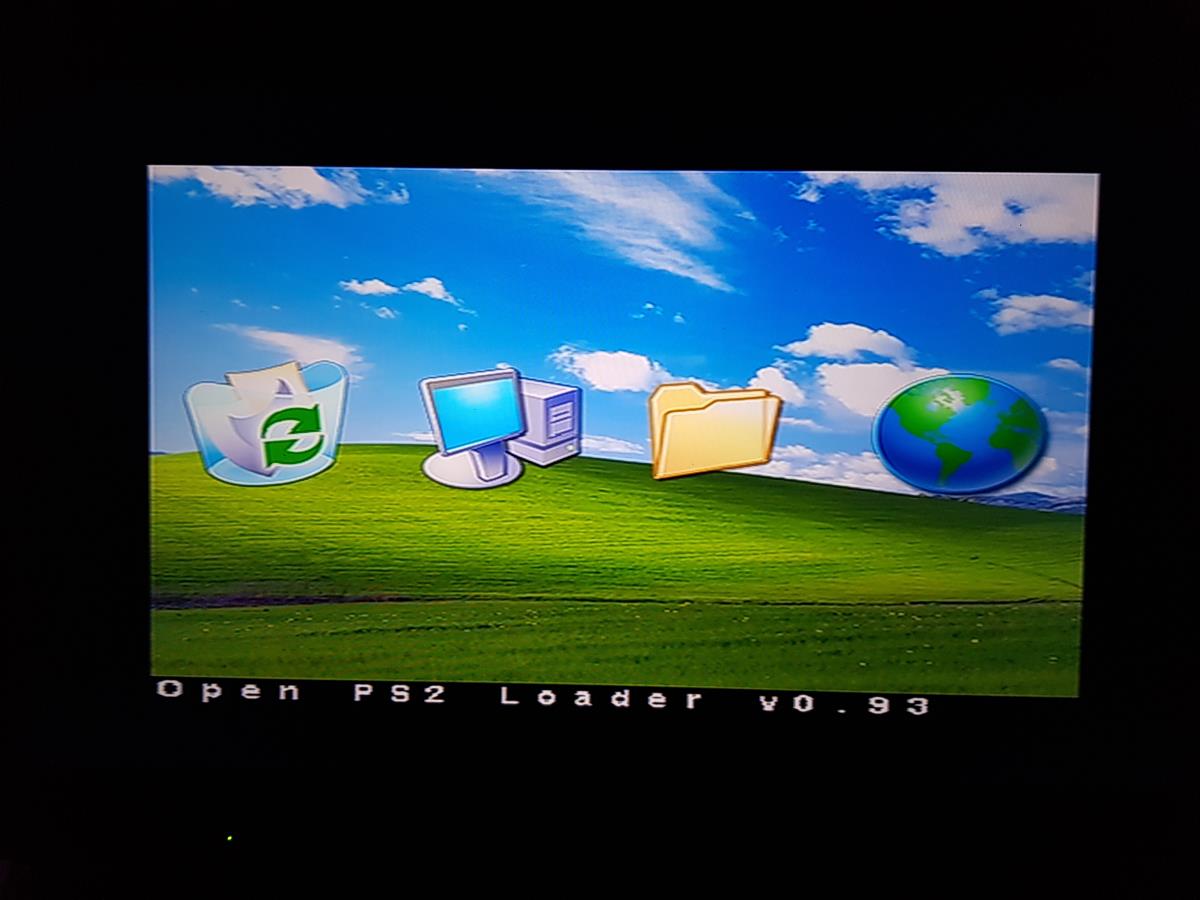
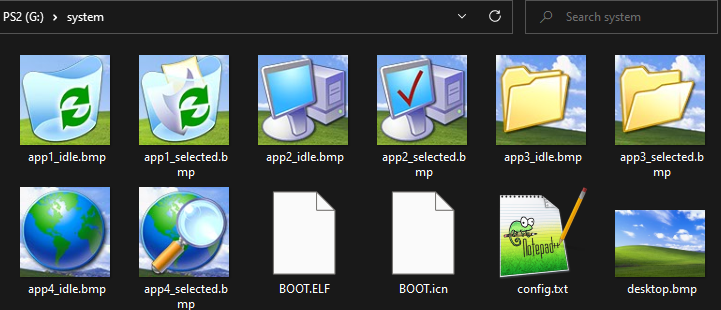
I wanted the menu to have transparent icons, but since it doesnt allow for png format I went a different way by finding the locations of the icons relative to the background. I've just finished a basic background but it has alot of potential. I'd like to share the template for people to get started: (I'm not allowed to share links, maybe a moderator could check the link?)
Using a tool like Photoshop to select the red squares, cut the selection from any background that you want to use and paste & save it over the relative icon.
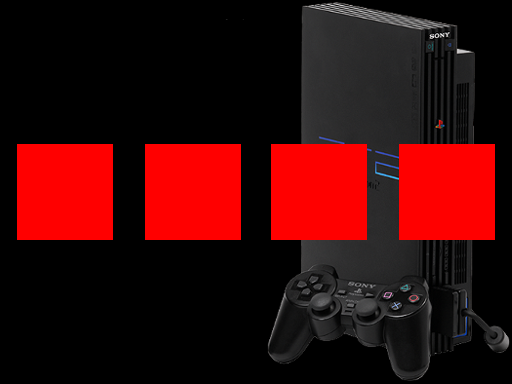
(don't use this picture, use the desktop.bmp from the template)
Here is the result:

Relative files
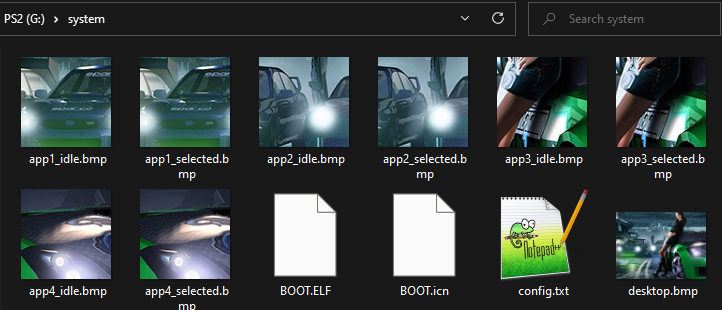
Using a tool like Photoshop to select the red squares, cut the selection from any background that you want to use and paste & save it over the relative icon.
(don't use this picture, use the desktop.bmp from the template)
Here is the result:
Relative files