PS2 OPL NOT SHOWING VNC GAMES/POPS

I purchased FreeMcBoot from Amazon preloaded onto a memory card, and with it, I was able to get my PS2 setup to run and play PS2 games (albeit no cover images.) Then I tried using Popstarter so I could play Metal Gear Solid, figured that would be a good installation to do first, and figure out the two-disc thing, since Popstarter can handle multiple discs.

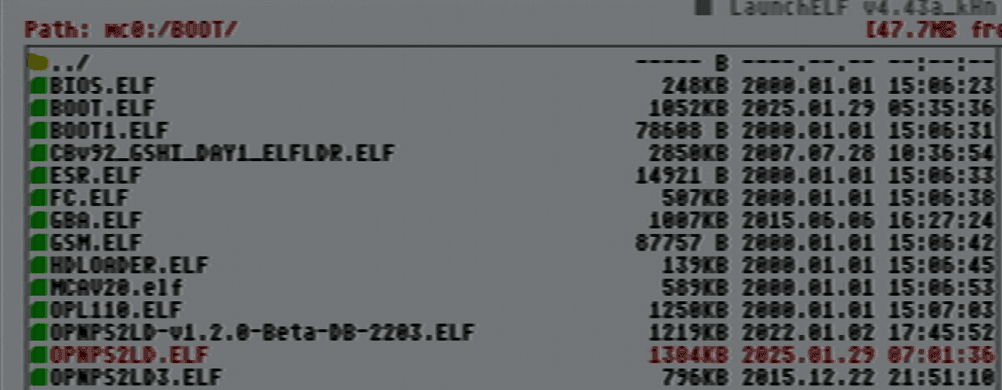
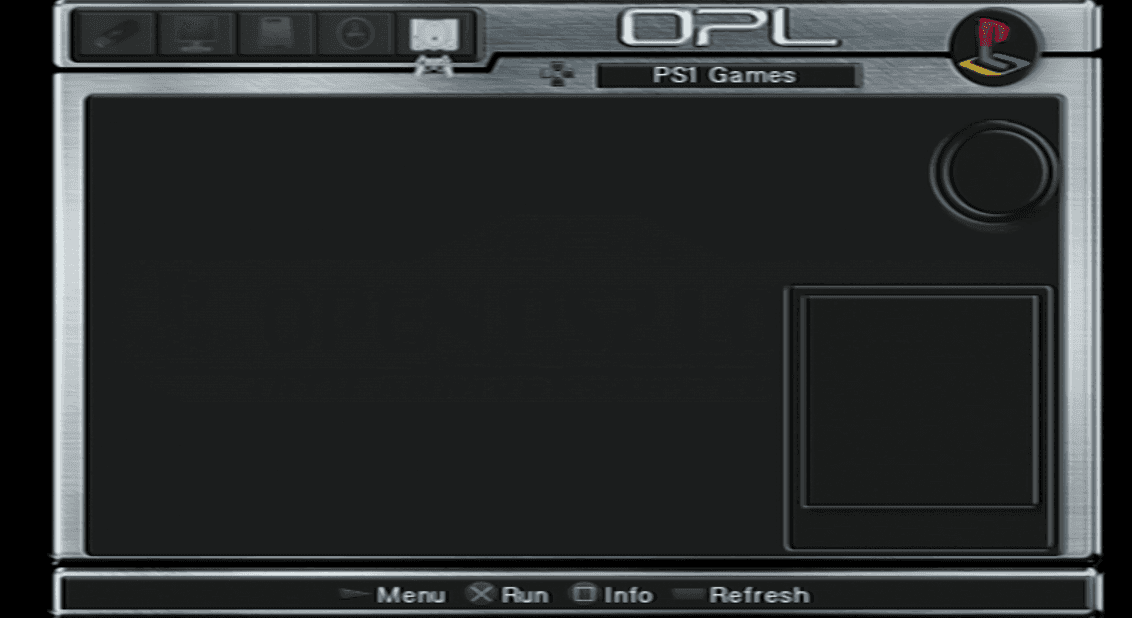
However, where I got the elf files, and VNC files all setup in the right place, and loading it from the file browser works, I cannot for the life of me to get OPL to show the games. It will show my PS2 titles, but not my PS1 titles.

I followed the Popstarter guide, and several YouTubers and it does load the game through the file browser, just not through OPL, in OPL it doesn't even detect them, in ANY version of OPL (or at least the ones that came pre-installed, and the ones I installed.)

A few forums recommended turning them into APPs and that will do it, but I got no clue how to even perform that. Can anyone give me a hand, I've been trying to figure it out for two days.

I'm trying to get OPL to load the VNC files so I can play my PS1 games from my HDD.
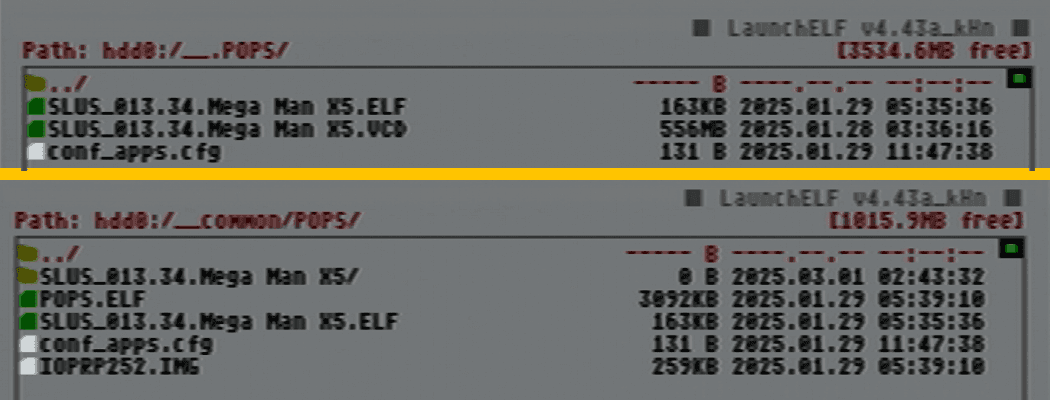
groan.png

boot.png

PS1.png

PS1.1.png

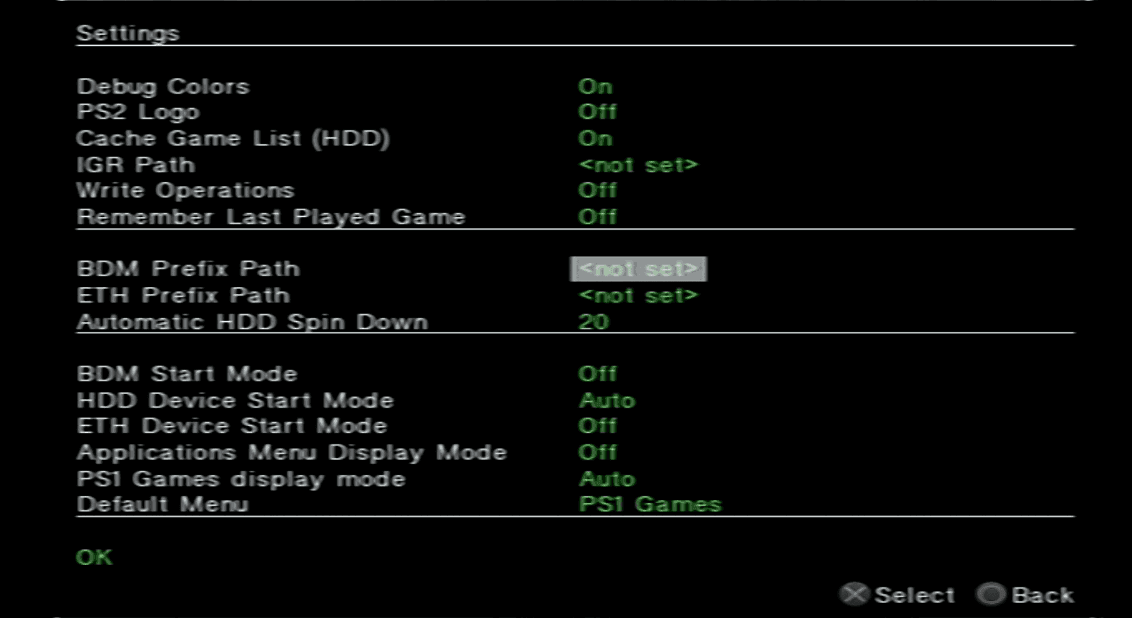
PS2.png

PS2.1.png
 
You're NOT using OPL. You're using OPL DB. They are two different projects.

Download the official OPL: https://github.com/ps2homebrew/Open-PS2-Loader/releases/tag/latest
Older versions: https://mega.nz/folder/Ndwi1bAK#oLWNhH_g-h0p4BoT4c556A

And, for easiness, use this installer: https://www.psx-place.com/resources/popstarter-game-installer-for-opl.1176/

I also recommend you to install this on your MC: https://github.com/israpps/BDMAssault
Even if you're not using an exFAT device, it is a must have since it solves the VMC fragmentation issue.
 
You're NOT using OPL. You're using OPL DB. They are two different projects.

Download the official OPL: https://github.com/ps2homebrew/Open-PS2-Loader/releases/tag/latest
Older versions: https://mega.nz/folder/Ndwi1bAK#oLWNhH_g-h0p4BoT4c556A

And, for easiness, use this installer: https://www.psx-place.com/resources/popstarter-game-installer-for-opl.1176/

I also recommend you to install this on your MC: https://github.com/israpps/BDMAssault
Even if you're not using an exFAT device, it is a must have since it solves the VMC fragmentation issue.

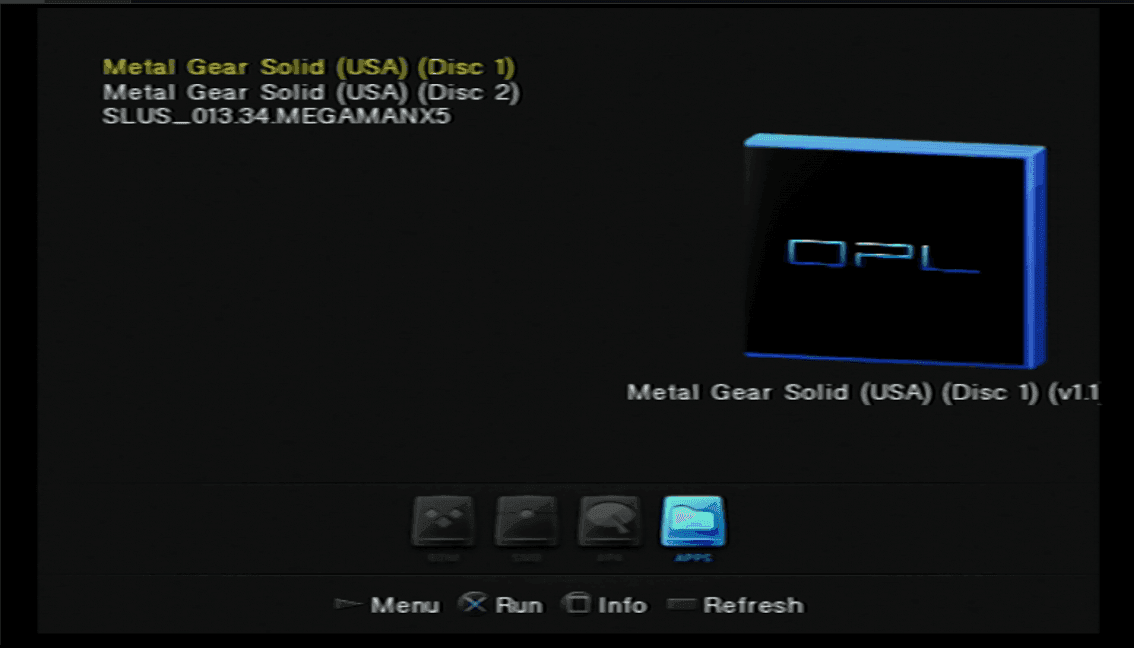
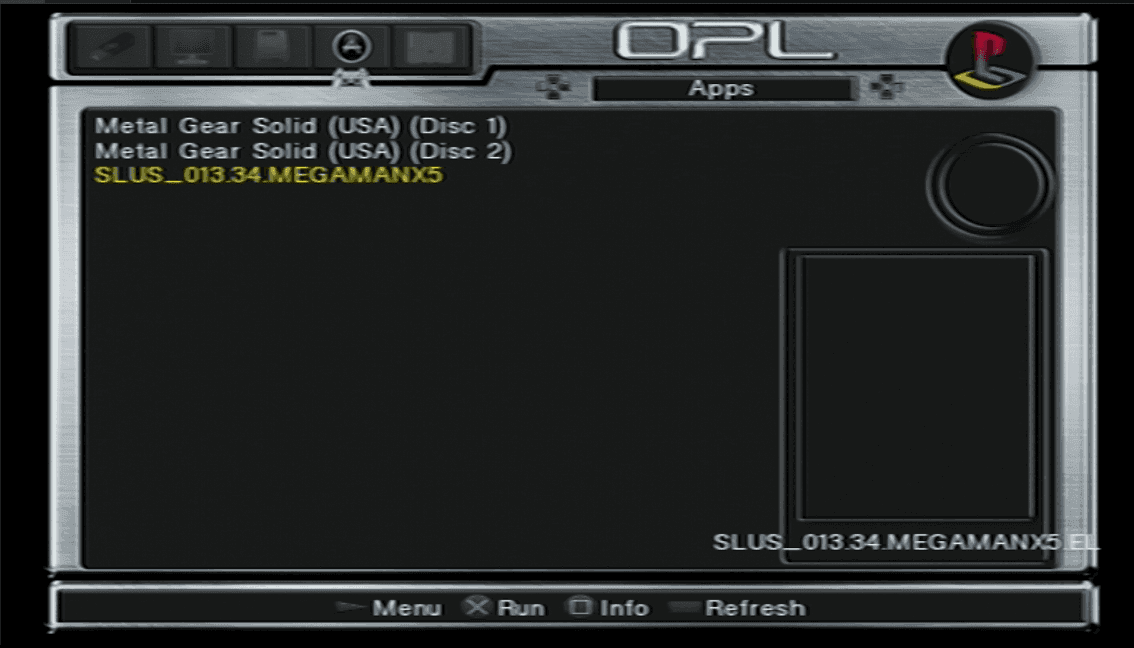
I managed to get the games to show up in OPNPS2LD, by using the ELF Batcher here, however the games are listed as APPS now and not actually in the PS1 section. https://www.ps2-home.com/forum/viewtopic.php?f=81&t=1648&start=10

Thought about using the popstarter game installer too, to make my life easier, but as my internal drive doesn't have a drive letter, I can't mount it and load games onto it. I'm not using USB, I'm putting everything into my SSD, then I got to figure out how to apply the trojan patches to the games I play from. https://www.psx-place.com/resources/popstarter.683/

Going to try in the meantime to use OPL that you recommended and see if that can make it well, less "Appish" and more PS1ish, but as I managed to somehow pull it off, I'm tempted to quit while I'm ahead. (I'm hoping applying the artwork won't be as difficult as that part was.)
 
You're NOT using OPL. You're using OPL DB. They are two different projects.

Download the official OPL: https://github.com/ps2homebrew/Open-PS2-Loader/releases/tag/latest
Older versions: https://mega.nz/folder/Ndwi1bAK#oLWNhH_g-h0p4BoT4c556A

And, for easiness, use this installer: https://www.psx-place.com/resources/popstarter-game-installer-for-opl.1176/

I also recommend you to install this on your MC: https://github.com/israpps/BDMAssault
Even if you're not using an exFAT device, it is a must have since it solves the VMC fragmentation issue.

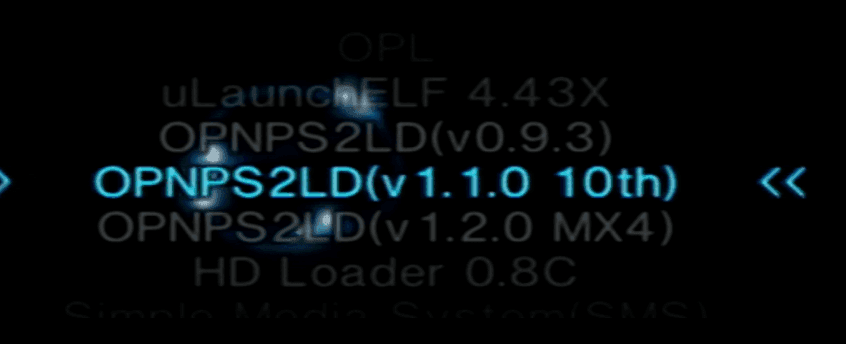
Yeah, exactly what I thought, since I got like 4 versions installed. I am using the newest ones, except the 10th anniversary (OPNPS2LD-Beta-2199) doesn't show PS1 games, and they have to be listed as an app and the newest one only lists PS1 games as an App once you make the batch list for them. (OPNPS2LD) (From the links you gave me.)

I'm guessing they depreciated the feature and the tutorials I'm watching are out dated.


opl2.png

opl1.png
 
You still don't get it. OPL never has "PS1" category, that's why you need utilize "APPS" category for POPStarter.

OPL DB have "PS1" category because it have integrated POPStarter against author's will, that category is made in a hackish way, it uses backported OPL code for old ps2sdk, and POPStarter run that way can wipe out VMC. It is garbage.

And BTW: Do not use "conf_apps.cfg" - it is obsolete. Place applications in folders along to and fill up "title.cfg".
 
You still don't get it. OPL never has "PS1" category, that's why you need utilize "APPS" category for POPStarter.

OPL DB have "PS1" category because it have integrated POPStarter against author's will, that category is made in a hackish way, it uses backported OPL code for old ps2sdk, and POPStarter run that way can wipe out VMC. It is garbage.

And BTW: Do not use "conf_apps.cfg" - it is obsolete. Place applications in folders along to and fill up "title.cfg".

I require a visual tutorial, that is entirely new news to me. Being fair, modding a PS2 is entirely new to me, a Wii is MUCH easier for me to mod. I'm now stuck trying to figure out how to get my PS1 games to show the artwork, how to batch-rename them, and transfer them into my PS2 without using Red Host client, thinking it'll have to be PowerShell.

I'm hoping to get helpful information from.

It's one thing to correct someone, it's an entirely other thing to teach someone. I'm not interested in a history lesson about OPL DB, or POPSTARTER, like a majority of people. I am looking to get from Point (A) - I made my games into a VCD to Point (B) I want them in my PlayStation 2.

You can tell me all about how there's this new system, don't use this, don't do that, but until you explain in detail in a manner which I can follow along and learn, I'm not going to actually get a single thing you're talking about.

So, I'll make it easy for everyone, because I am asking for help.


I used this guide to set up Popstarter.
https://bitbucket.org/ShaolinAssassin/popstarter-documentation-stuff/wiki/Home

I followed this video to set up PS1 games (used USB instead of Red Host.)

I figured out how to get my PS2 cover art from this guide

This kid showed me how I could get my games working as Apps AND IT WORKS, so I'm happy.

I followed this to update my BOOT.ELF to update all my ELF files for my PS1 games.
https://bitbucket.org/ShaolinAssassin/popstarter-documentation-stuff/wiki/quickstart-hdd

I followed this guide to upload my VCN files into my SSD/HDD.
https://bitbucket.org/ShaolinAssassin/popstarter-documentation-stuff/wiki/pfsshell


What I don't know.

How can I batch rename my files to show the game ID? OPL Manager 24 doesn't give me that option. I suspect that is the reason the game cover art isn't displaying properly.

How do I apply Hugopatches for the games I want to play such as my Yu-Gi-Oh! Forbidden Memories? (Can I get a step-by-step?)
https://www.psx-place.com/threads/hugopocked-fixes-for-popstarter.39750/

Is there a better alternative to using powershell to transfer VNC files to the HDD that isn't Redhost client? My HDD doesn't have a drive letter, I don't want to run the risk of corrupting the drive, and I can't format it to give it one.

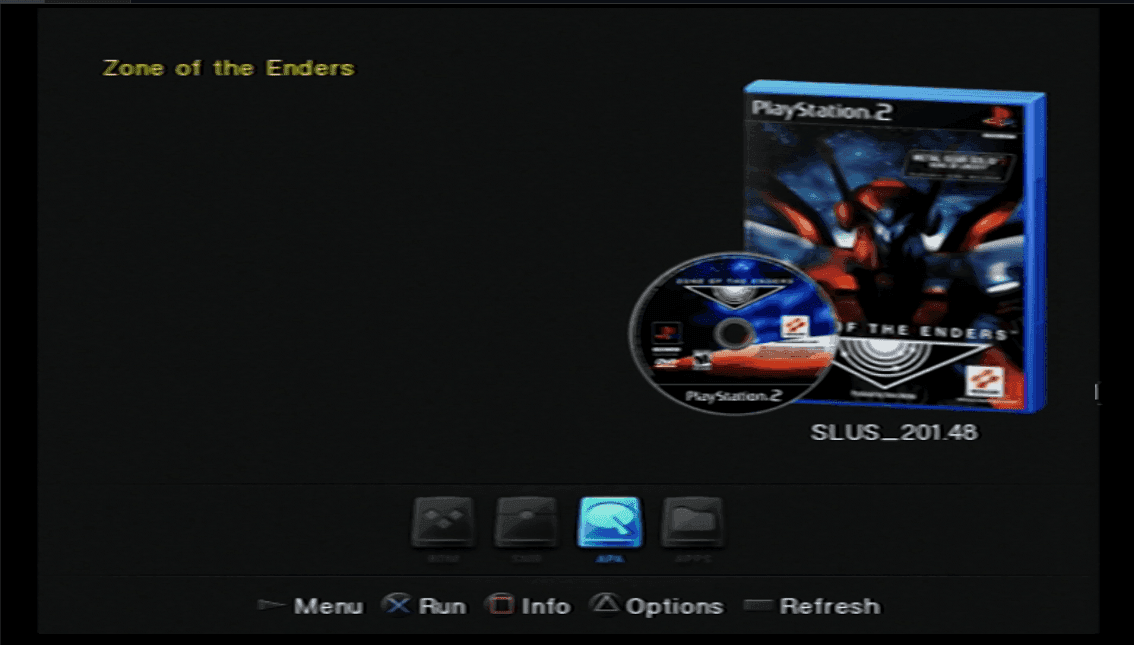
I'd like to get my artwork on the PS1 games, but I have a feeling its tied to how its all named, so despite me getting it working on the PS2 titles. It's not working for the PS1 titles.

opl3.png


You still don't get it. OPL never has "PS1" category, that's why you need utilize "APPS" category for POPStarter.

OPL DB have "PS1" category because it have integrated POPStarter against author's will, that category is made in a hackish way, it uses backported OPL code for old ps2sdk, and POPStarter run that way can wipe out VMC. It is garbage.

And BTW: Do not use "conf_apps.cfg" - it is obsolete. Place applications in folders along to and fill up "title.cfg".

Update
: I found the "title.cfg" you were talking about and after some good visual guides I figured it out. Now I just need to sort out how to update the VNC games, and how to get cover art for the PS1 games (doing a batch rename.)
 
Last edited by a moderator:
Yeah, exactly what I thought, since I got like 4 versions installed. I am using the newest ones, except the 10th anniversary (OPNPS2LD-Beta-2199) doesn't show PS1 games, and they have to be listed as an app and the newest one only lists PS1 games as an App once you make the batch list for them. (OPNPS2LD) (From the links you gave me.)
OPL DB's PS1 Page implementation is rejected by the POPStarter developer and introduces unexpected errors in some games. Avoid it.
Launch the games from the apps page on the latest OPL versions.

How do I apply Hugopatches for the games I want to play such as my Yu-Gi-Oh! Forbidden Memories? (Can I get a step-by-step?)
https://www.psx-place.com/threads/hugopocked-fixes-for-popstarter.39750/
Just put the fixes next to the VMCs of that specific game.
 
OPL DB's PS1 Page implementation is rejected by the POPStarter developer and introduces unexpected errors in some games. Avoid it.
Launch the games from the apps page on the latest OPL versions.


Just put the fixes next to the VMCs of that specific game.

I shall make note of this going forward I'm going to do that (had to format the hdd due to a sizing problem, as I wasn't expecting to need a POPS, POPS1, and POPS2 folder). I've been able to get my PS1/APPS installed, even found a batchloader to generate ELF's for all my games.

Only thing left I have to do now is figure out why the cover art isn't working for PS1 games, running my VCN files through OPL Manager again, and going to upload the art through my flash drive into the ART folder in directory. (Does POPSTARTER have a separate art folder or is it shared with the PS2 Art folder?)
 
I figured it all out, only HWNJ was genuinely helpful.

The rest of you provided zero help, like, absolutely nothing of value was gained from your interactions, and you wasted both your time, and my time, thank you for absolutely nothing.
 

Similar threads

Back
Top