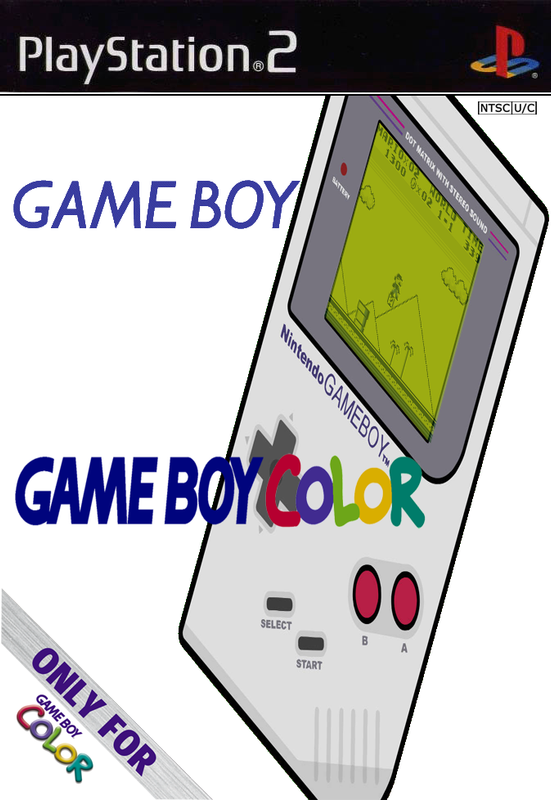
OPL-PORT -Game Boy Color (InfoGB) KaylaKaze's MOD (HDD)

PS2 OPL-PORT -Game Boy Color (InfoGB) KaylaKaze's MOD (HDD) 2016-09-28

bfgqip.png

-by KaylaKaze​


  • Game Boy Color emulator for the PS2.


  • ========== ADDING YOUR GAMES TO GAME BOY COLOR ISO, TO PLAY IT WITH OPL IN 2016 ==========

    This OPL-PORT ISO may seem a little tricky at first, but its actually one of the easiest to set up, and start playing.

    It WILL boot, and run fine, from USB (mass) or IHD (internal hard drive).
    HOWEVER, you canNOT store your games in the ISO, like with most other ports.
    You also, canNOT store your games on a USB device... They MUST go onto a hard drive.


    -----STEPS:

    1. Add your games to the "ROMS" folder inside the "!Anywhere on IHD!" folder.
    (and transfer them to your preferred game storage location with "uLaunchElf").

    2. "MOVE" the CONTENTS, of ALL folders in the zip, to where its !FOLDERNAME! says.
    (ONLY the CONTENTS, of these special directing folders, NOT any !FOLDER ITSELF!)

    3. "BOOT" OPL, and Launch your ISO from whatever menu corresponds to your device.
    (ISO goes in "CD" folder on ROOT of USB... OR treat as a PS2 game if used in IHD)

    4. After the Emulator loads...
    (NAVIGATE and SELECT, in two steps, your Partition, and then inside the ROMS folder, where your games are stored)


    -----Enjoy!


    NOTE: Ive already included the settings files for the maximum allowed Screen Size, and Button Mapping.
    (you can change these from the main menu, if they are not to your liking)

    I did not include the Path-Settings file that you will have to set up manually, for your personal-choice of games storage location.

    With all the folder/files Ive included, placed where they are supposed to go, it will boot directly to the Partition-and-ROMS Folder Management Screen.
    (I set it up as noob-friendly as I could)

    Everyone will choose a different location, so I leave that upto you and your imagination/personal taste.


    -UniqueUserName @ PSX-SCENE.COM @ PSX-PLACE.COM


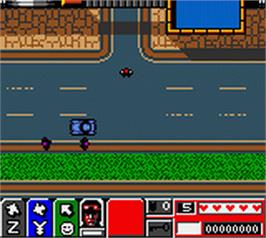
  • Thumb-Grand-Theft-Auto-2-2000-Rockstar-Games.jpg

    legend_of_zelda__oracle_of_ages,_the_(gbc).jpg


54e9c13c2b966.jpg
 
This version of InfoGB seems to be a lot better than the one that is for either the internal hard drive or USB, because both freeze on my PS2 when trying to load the emulator for the first time. I can see the boot screen, but cannot go further than that as it gets stuck checking the hard drive.
 
I tried to compile this for ya, but I could only find one infoGB on github, and it's so old that it's almost impossible to compile now without changing the src code. one of the dependencies is 15 years old, so it's broken if you try to compile it.
 
I tried to compile this for ya, but I could only find one infoGB on github, and it's so old that it's almost impossible to compile now without changing the src code. one of the dependencies is 15 years old, so it's broken if you try to compile it.
Thanks for trying to compile it. I just was trying to see if I could play some old Game Boy games on PS2 using my PS2 formatted hard drive. I guess I will stick to emulator on PC for the handheld GB, GBC, and GBA consoles.
 
Thanks for trying to compile it. I just was trying to see if I could play some old Game Boy games on PS2 using my PS2 formatted hard drive. I guess I will stick to emulator on PC for the handheld GB, GBC, and GBA consoles.

I think there's a retroarch for ps2, but I dunno if it has that core or how well it works. I've had a lot of problems in the past with emulators and the ps2.
 
I think there's a retroarch for ps2, but I dunno if it has that core or how well it works. I've had a lot of problems in the past with emulators and the ps2.
Same here, retroarch and other emulators do not sound correctly on PS2. One example of this is the NES emulator fceum, which has some bad slowdown regards to the sound.
 
Back
Top