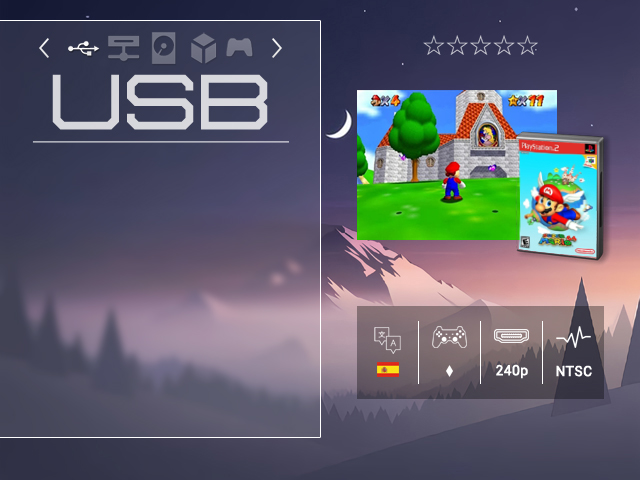
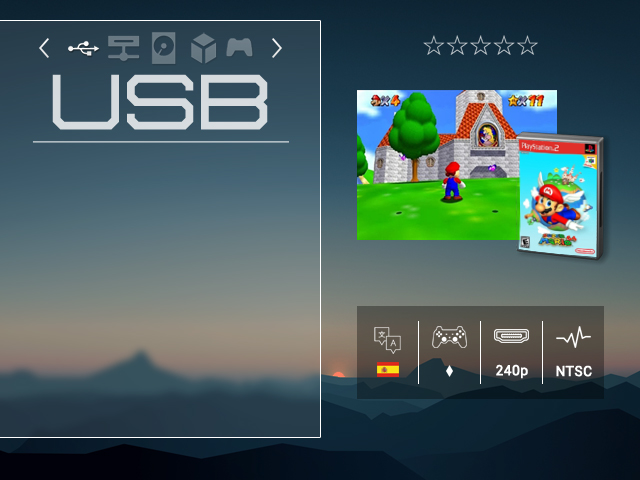
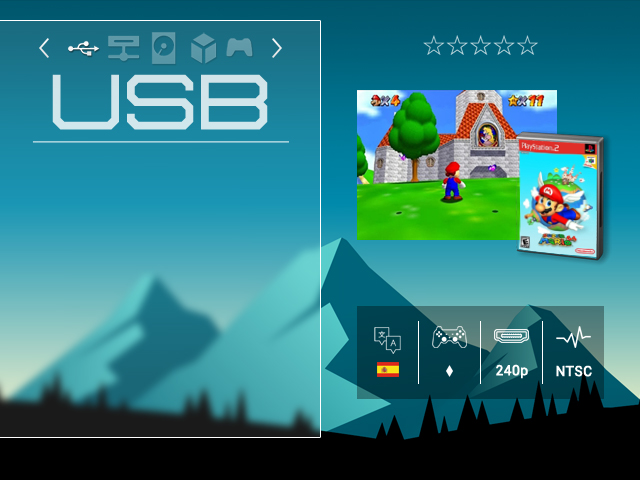
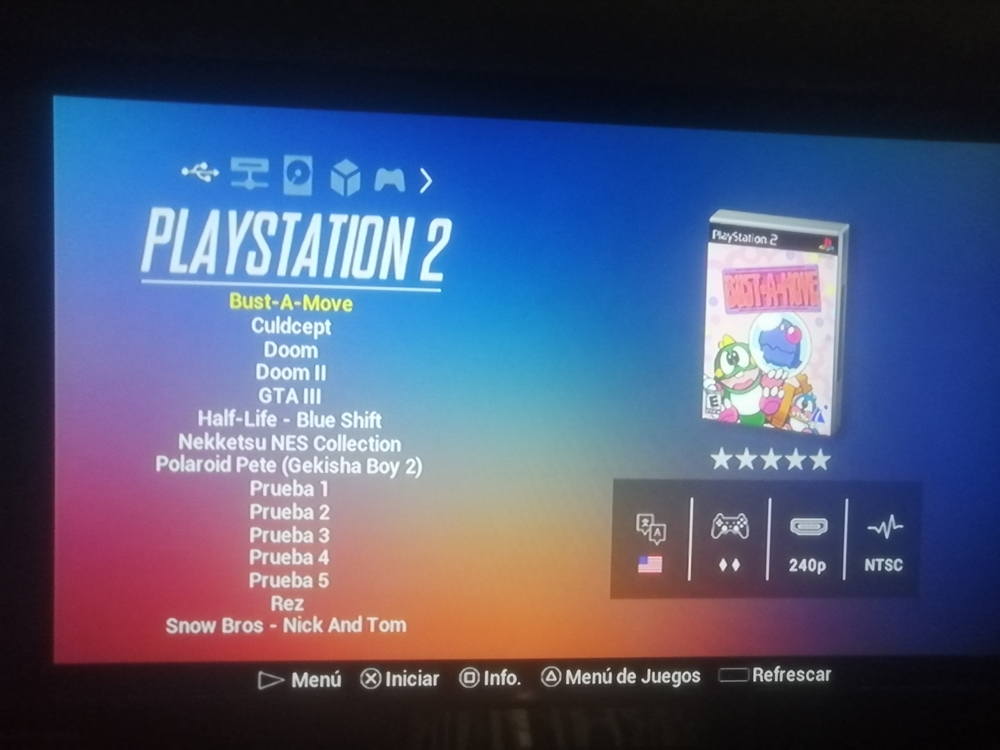
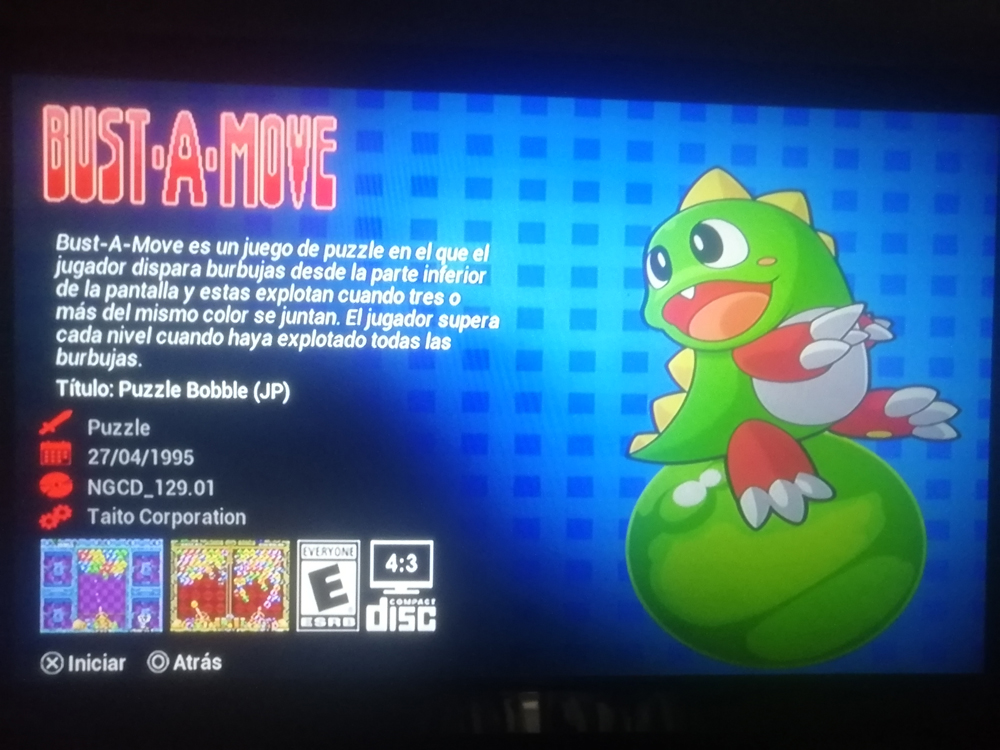
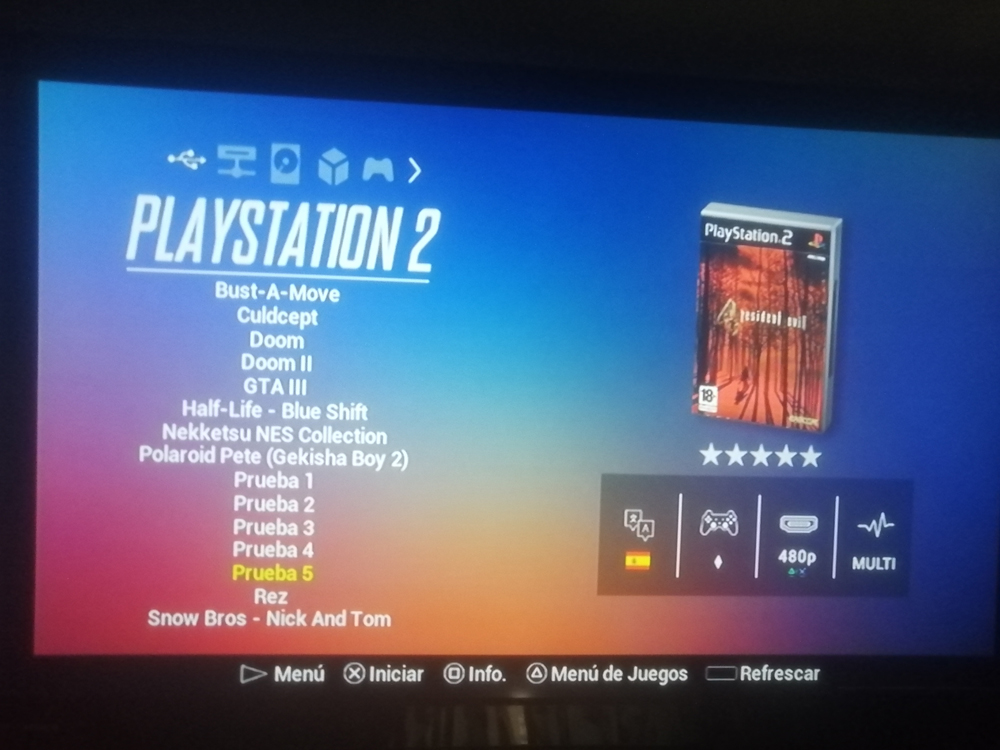
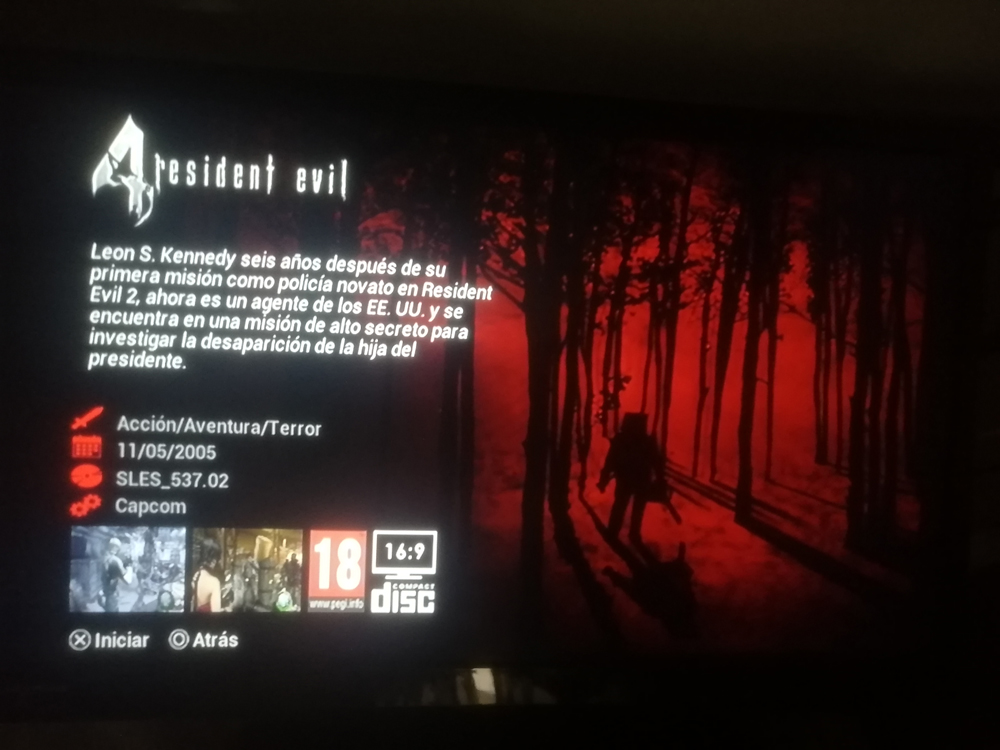
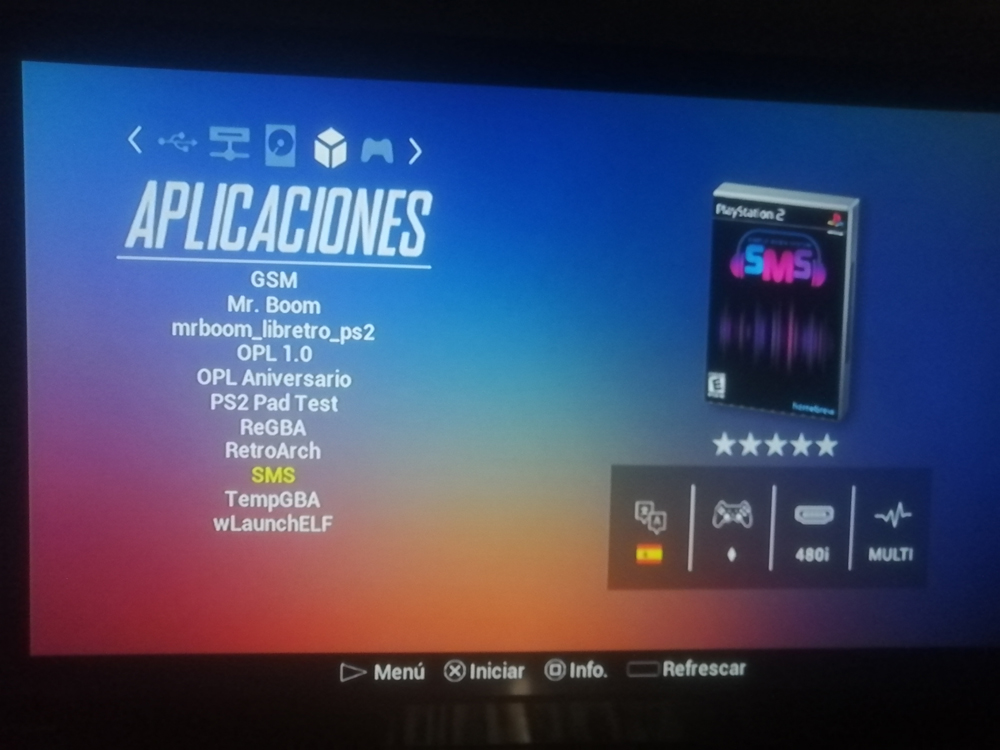
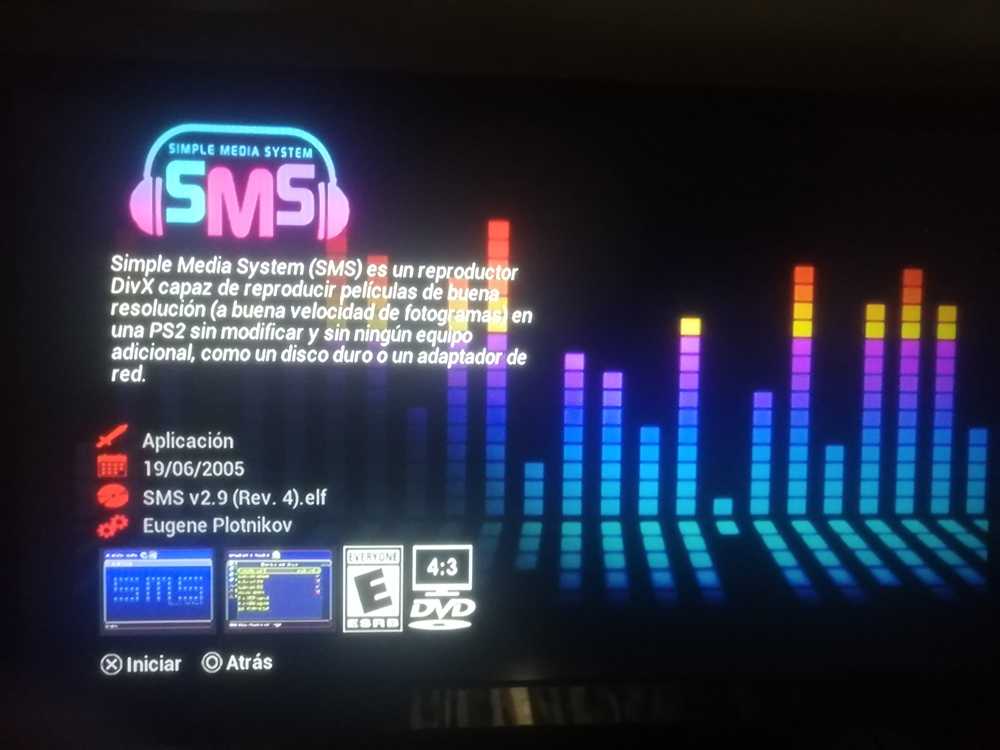
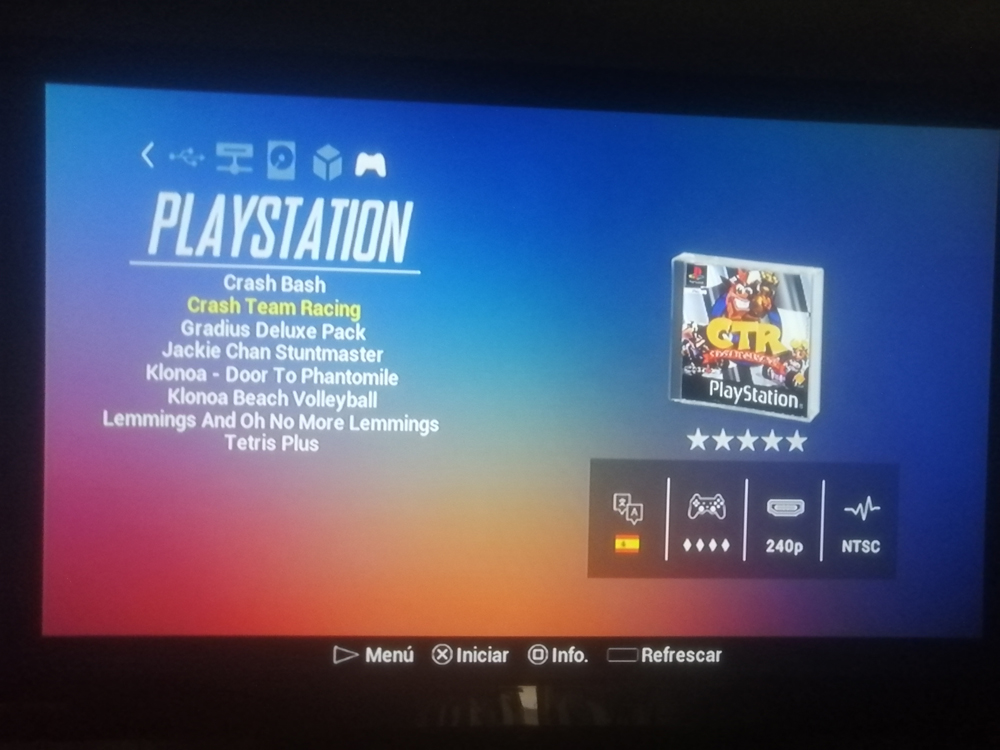
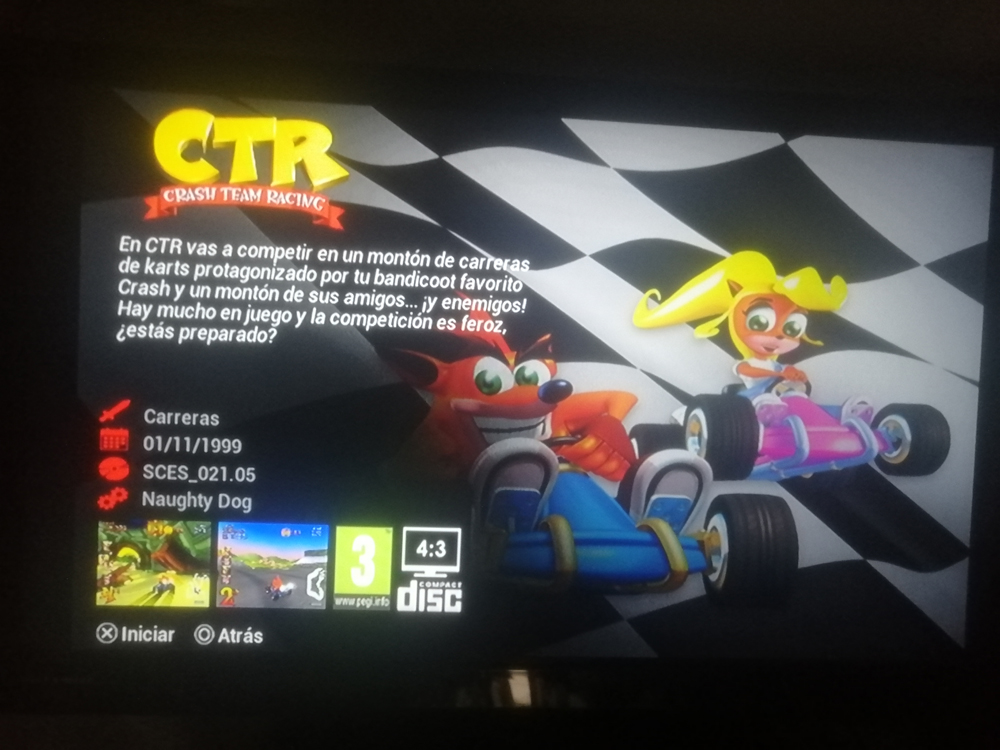
PS2 [OPL THEME] N-Glass Remix - Supports All OPL

Jonepo

Forum Noob
Hello community.
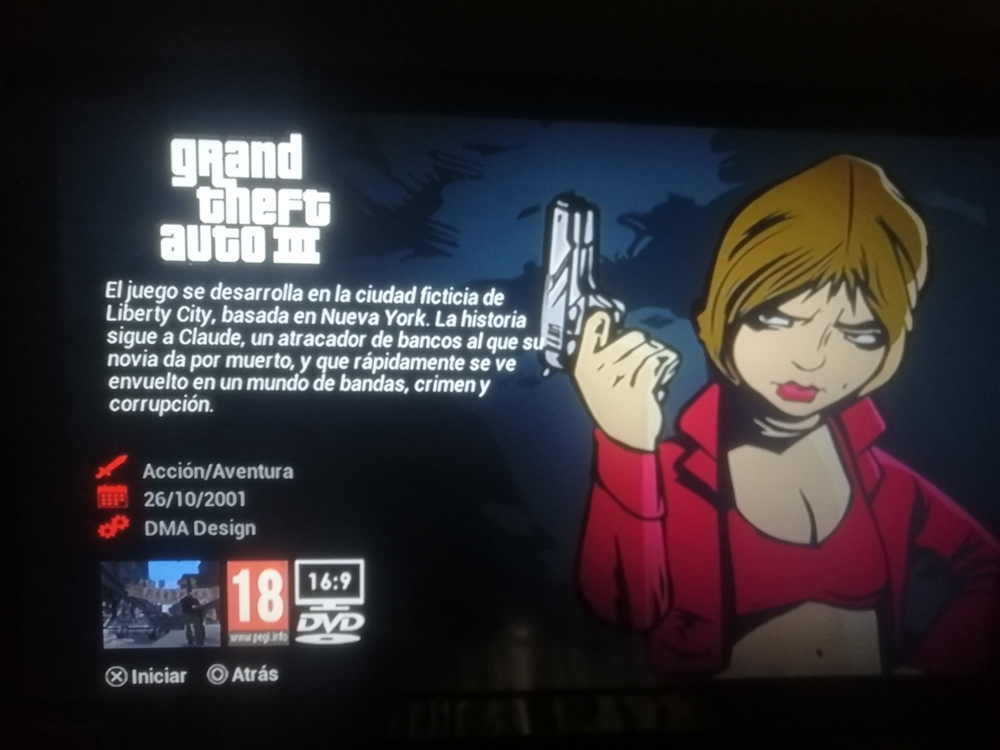
I bring you the latest update of my theme: N-Glass Remix v4.0 theme + the NeoGeo CD game: Bust-A-Move (this last one is to give you a better idea of how the CFG is configured and so you can edit yours, thanks to Kevin Alejandro Romero Moya for allowing me to share his ISO).
It has been more than 4 years since I started this project for version 0.9.2 of the OPL, I hope you enjoy it. :tranquillity:
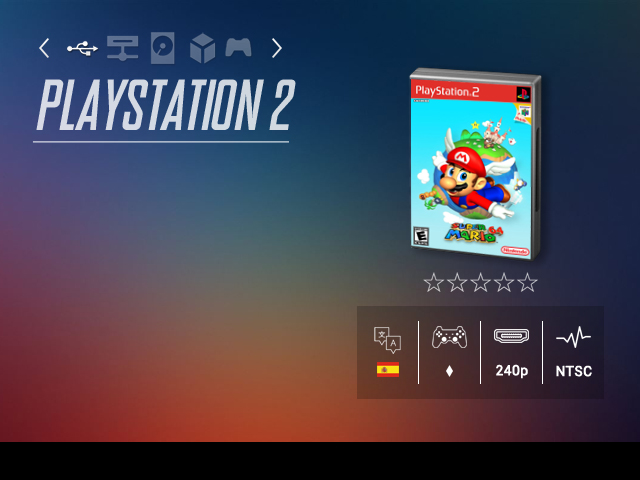
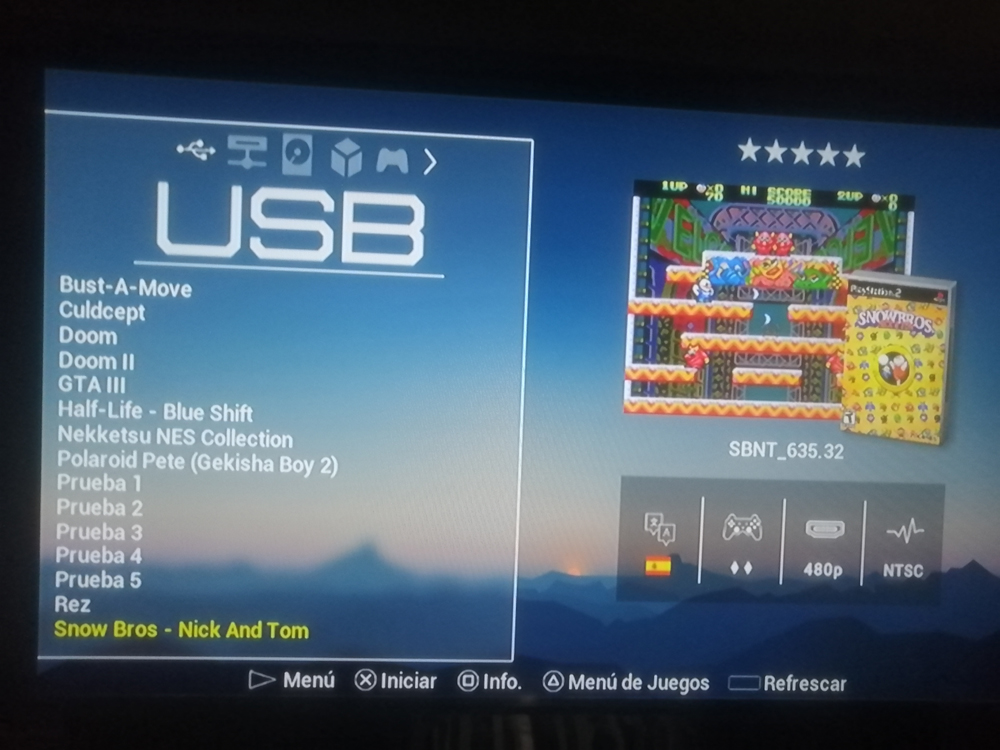
Preview-Blur.jpg

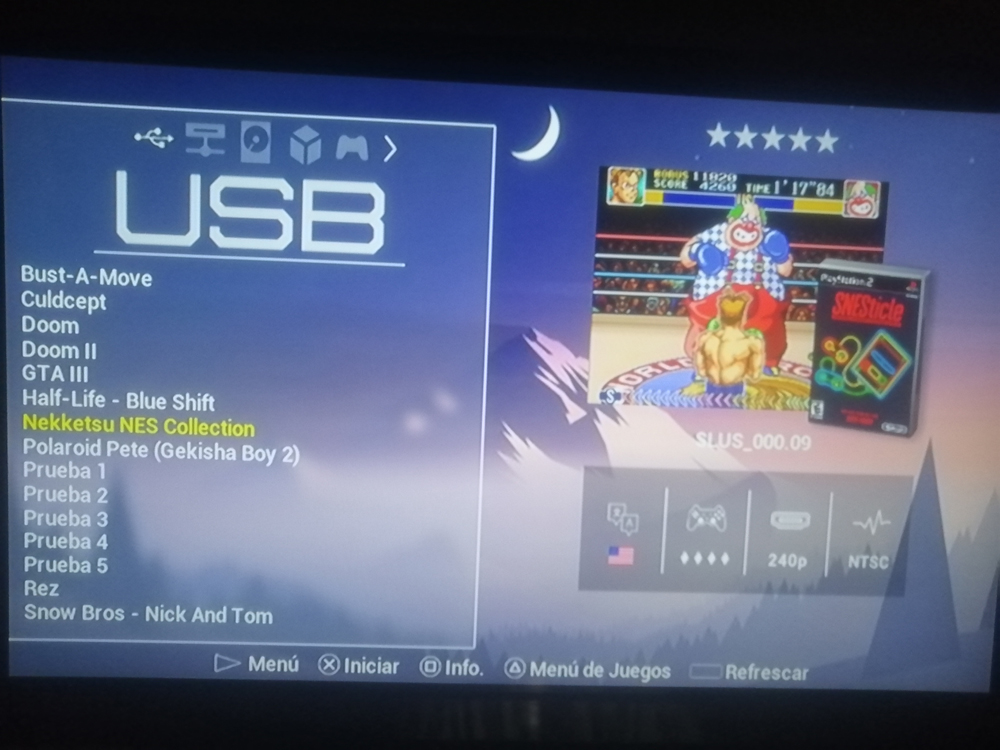
Preview-Evening.jpg

Preview-Sunset.jpg

Preview-Sunny.jpg

Characteristics:

Language:
- English
- Spanish


Compatible:
- OPL 10th Anniversary
- OPL 1.0
- OPL 1.1
- OPL 1.2b
*MX4SIO
*iLink
*UDP
*MC
*BDM


Four unique styles:
- Sunny
- Sunset
- Evening
- Blur
Making a total of 112 different variants!


Audio:
- Sound effects (activate it from the OPL options).
- Does not feature music.


Formats:
- 4:3
- 16:9

IMPORTANT: In the OPL options activate the option: Widescreen, otherwise some icons may present problems.

Unique features:
- Because only the OPL Anniversary has the POPStarter - PS1 section, the option was added in the rest of OPL (1.0, 1.1 and 1.2) to choose whether you want the PS1 icon or the APPS icon, that is useful if you only have PS1 games in the APPS section and want to have greater customization.
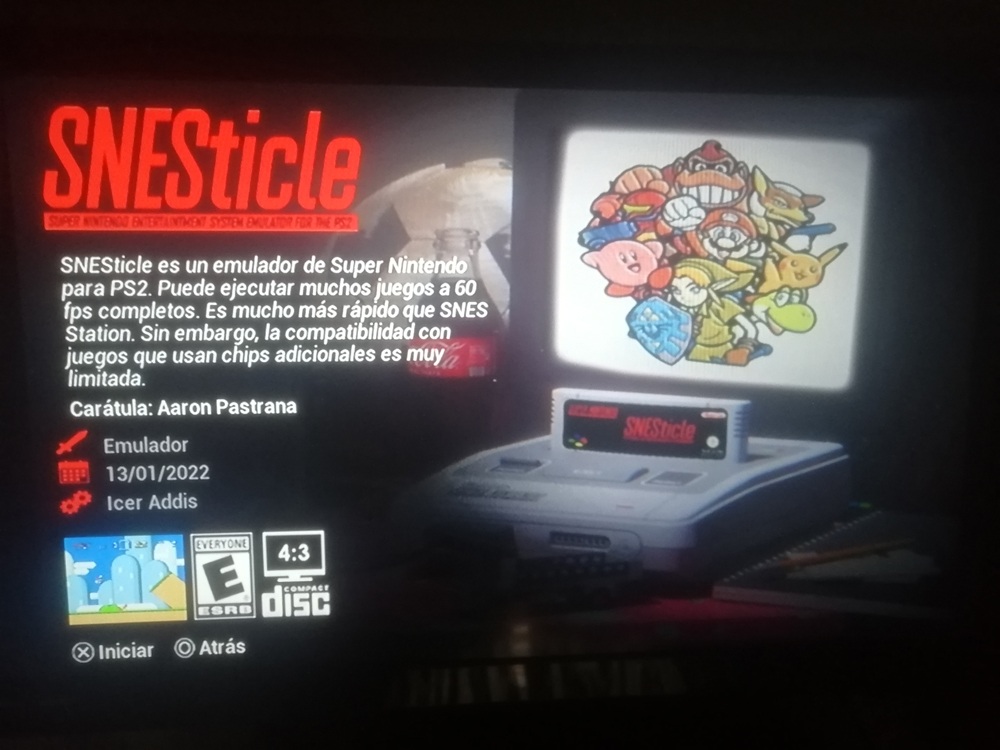
- The section: Device has been replaced by: Language, this is useful if you have games with translations or with different regions, it has 10 different flags so you can change it for one of the default ones (
more information in the text file : INSTRUCTIONS).

Testing:
- 16:9 version: JoRs
- 4:3 version: Jonepo


Special thanks: R623+/Wazup640/Jay-Jay/Gregorio Torrealba Ojeda Facebook/Andiweli/Kevin Alejandro Romero Moya/Darren_Carol/Barbudim Gamer :beguiled:

Links:


8.jpg


2.jpg


3.jpg


4.jpg


5.jpg


6.jpg


7.jpg


8.jpg


19.jpg


20.jpg


21.jpg


22.jpg


23.jpg


24.jpg
 
Last edited by a moderator:
Fantastic work! I can't wait to see it uploaded :D
Be sure to post that you have uploaded it so I don't miss it once you can.
 
Fantastic work! I can't wait to see it uploaded :D
Be sure to post that you have uploaded it so I don't miss it once you can.
Thank you very much for your support, I was already able to publish the links, I am attaching them anyway. Just remember that if you use the 16:9 version, put the Widescreen option ON (you should only turn it off for 16:9 in 4:3). It's something obvious but some were confused with that in the Latin community hahaha Greetings.


Links:

MediaFire:
https://www.mediafire.com/file/2d06kq18s9j8xmy/Tema_N-Glass_Remix_v4.0_%2B_Bust-A-Move.rar/file

GDrive:
https://drive.google.com/file/d/1Fhvlk53_EdgLsggHSOHPxKAz9aAXY7Ra/view?usp=sharing

Beautifull Theme, Would love to grab it as soon as it's uploaded!
Thank you very much for your words, I already put the links so you can download it and try it

It's good that you cheered up to share this beautiful topic with us.
Good job.:applause:
Thank you very much, I didn't know about not being able to publish links haha, even so I already put them in the comments, so I invite you to try it and download it

I keep coming back hoping for a download link. I really wanna try it out <3
I don't know if you can send messages yet but if you can I'd love to get my hands on it haha
Wow, I didn't expect that from you, especially since I also appreciate the time you've put into your OPL Threads (loved the Xbox style).
I hope you can enjoy it and if you ever decide to make something new, you can choose to use my files, just remember to give credits and let me know. Greetings ;)
 
Last edited by a moderator:
Wow, I didn't expect that from you, especially since I also appreciate the time you've put into your OPL Threads (loved the Xbox style).
I hope you can enjoy it and if you ever decide to make something new, you can choose to use my files, just remember to give credits and let me know. Greetings ;)

Thank you ^.^ I am very impressed with your alignment and specifics. I thought I had done a good job on variants but you are king by far hahaha!

If I may make a suggestion:
Your images in these themes are png, and that is wonderful! However, they are not 8-bit depth png. Users will have a much more stable experience if the theme is optimized.
I use redketchup.io to compress all my images to 8bit, and they turn out as good as they were at 32bit. I highly recommend you check it out. :D
It makes everything more stable for the users with large art files.
 
Thank you ^.^ I am very impressed with your alignment and specifics. I thought I had done a good job on variants but you are king by far hahaha!

If I may make a suggestion:
Your images in these themes are png, and that is wonderful! However, they are not 8-bit depth png. Users will have a much more stable experience if the theme is optimized.
I use redketchup.io to compress all my images to 8bit, and they turn out as good as they were at 32bit. I highly recommend you check it out. :D
It makes everything more stable for the users with large art files.
Thanks for the clarification, although I still feel that it is too early for an update of the topic (it has been more than a year since 3.0, haha) I will remember it for the next time, apart from that I am quite tired of editing and testing so I will be inactive in the PS2 community for a while (while I'm in the Wii Scene ;) ) anyway I don't know if you can explain better how to use the link you gave me, well you see, I click Image Compressor, I click open image and After downloading and it ended up weighing more than the original image._. I'm definitely not doing something right...
 
anyway I don't know if you can explain better how to use the link you gave me, well you see, I click Image Compressor, I click open image and After downloading and it ended up weighing more than the original image._. I'm definitely not doing something right...
Step 1:
zip or collect your images for upload
Step 2:
Go to Bulk Image Resizer - Edit Multiple Images Online | RedKetchup - https://redketchup.io/bulk-image-resizer
upload_2024-4-27_4-0-33.png

Step 3:
Add your art or art.zip to the top panel upload slot, and set the settings to convert to PNG.
upload_2024-4-27_4-16-40.png

Step 4:
Process and then download the processed images. They will come in a zip folder.
upload_2024-4-27_4-22-9.png

Step 5:
Refresh the page, and now upload that new zip folder you just were given.
upload_2024-4-27_4-22-55.png

Step 6:
With the zip uploaded, set the settings as seen below:
upload_2024-4-27_4-24-42.png

Step 7:
Click process batch, and download the final zip upon completion.
You may or may not end up with a larger "file size" - this does not matter. The idea is to 8bit only your images for the VRAM, as jpeg images regardless of kb file size are loaded as 32bit images. The idea is to leave as much headroom for game art and theme assets as possible.
upload_2024-4-27_4-30-26.png
 
Step 1:
zip or collect your images for upload
Step 2:
Go to Bulk Image Resizer - Edit Multiple Images Online | RedKetchup - https://redketchup.io/bulk-image-resizer
View attachment 42898
Step 3:
Add your art or art.zip to the top panel upload slot, and set the settings to convert to PNG.
View attachment 42899
Step 4:
Process and then download the processed images. They will come in a zip folder.
View attachment 42900
Step 5:
Refresh the page, and now upload that new zip folder you just were given.
View attachment 42901
Step 6:
With the zip uploaded, set the settings as seen below:
View attachment 42902
Step 7:
Click process batch, and download the final zip upon completion.
You may or may not end up with a larger "file size" - this does not matter. The idea is to 8bit only your images for the VRAM, as jpeg images regardless of kb file size are loaded as 32bit images. The idea is to leave as much headroom for game art and theme assets as possible.
View attachment 42903

Thanks a lot! Yes, she had been doing things wrong haha
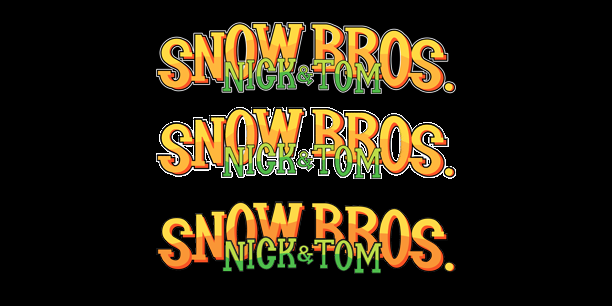
From top to bottom:
1.- Original image
2.- 8-bit compressed
3.- Original without white frame
Ejemplo.png

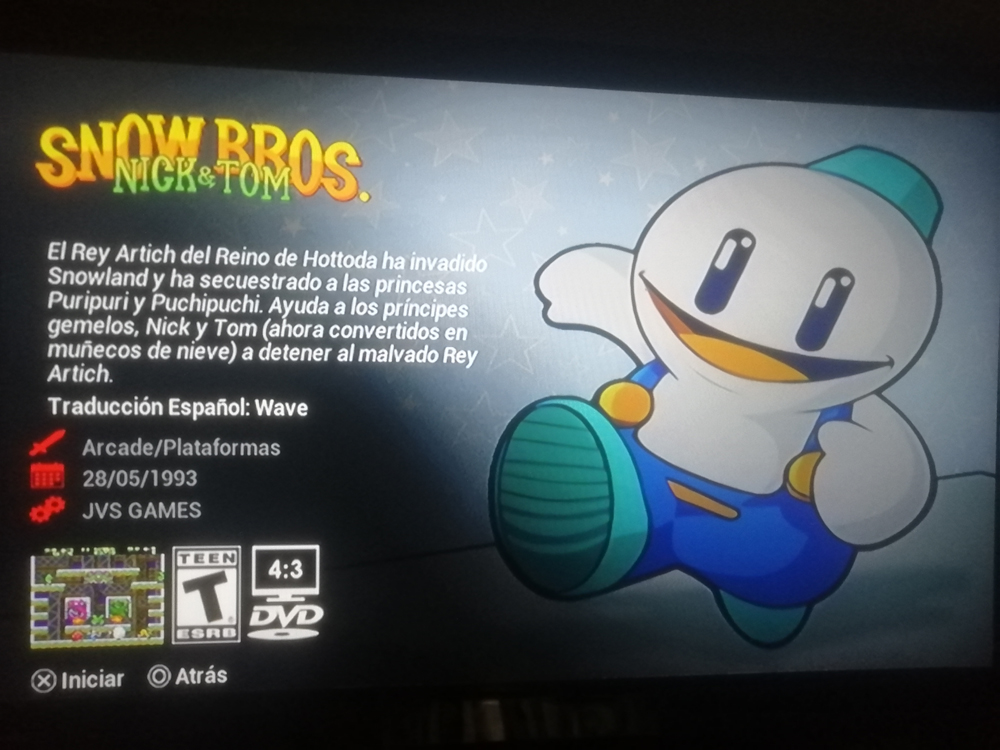
I was testing it and although the final result has not completely convinced me in small images, in the large ones it has surprised me, I plan to use it in some PSVita covers and a Wii theme that is still in progress. I will give you credits for your enormous help in the projects that use this method from now on and also when I upload the update of my theme again. At the moment I'm going to use it in a small contribution from Snow Bros. who asked me for it, I hope you can take a look at it.
 
Lol
"his method" :P
I've taken your words and spread them across the scene hahahaha
8bit optimization coming for us all <3
But ya in truth @TnA was the original 8bit idealist - I just spread it like fire once I seen the load times improve drastically :D
 
It's not "my method" either. The other more advanced stuff like slicing, script-order, etc. is.

You can thank @Maximus32 and @krahjohlito for it.
 
BDM index has been added to OPL:
Index_0.png
Index_1.png
Index_2.png
Index_3.png
Index_4.png

Hope to see it incorporated in next version:D
Hi, thanks for keeping me posted on these things Ripto. Unfortunately my PS2 died and I'm not buying another one until 2-3 months from now. When that happens I'll start testing it as I'm also planning to include the 8-bit update. Cheers ;)
 
i cannot get the rating work on apps (i use conf-apps to show my popstarter games) in the default OPL theme the rating works on games and apps, but in any custom theme the rating only works on games but not on apps, i want to fix it, any ideas ? im using official opl 1.1.0
 
i cannot get the rating work on apps (i use conf-apps to show my popstarter games) in the default OPL theme the rating works on games and apps, but in any custom theme the rating only works on games but not on apps, i want to fix it, any ideas ? im using official opl 1.1.0
For versions of OPL older than 1.2.0 2091, the asset images must be BOTH in the root of the theme AND the subfolders of the theme.
thm_name/1_rating.png and
thm_name/rating/1_rating.png

If doing the information for an app via conf_apps.cfg method, you need to also create the cfg file in the CFG folder.
Example:
mass:/CFG/POPSLoader.ELF.cfg
 
Back
Top