I have a DEX compatible PS3, utilizing Evilnat CFW, and multiman. I have successfully created a debug eboot for MotorStorm following some tutorials online and have been able to utilize ProDG Target Manager and Debugger along with Net Cheat to start digging. I mount the game in multiman, and then launch from disc icon in PS3 XMB.
MY PROBLEM:
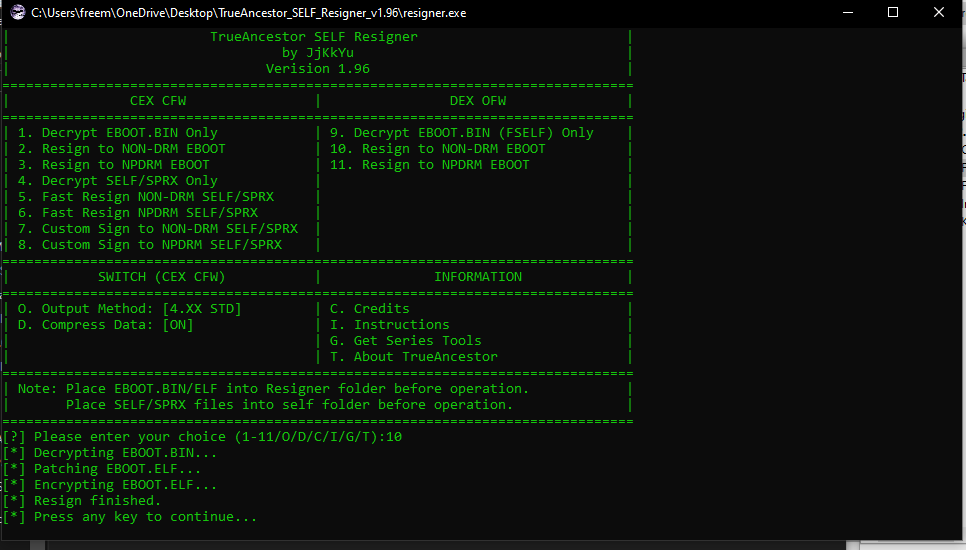
I want to debug NCAA Football 14. I have attempted to resign the original disc EBOOT.BIN without updating past V1.00 of the game and utilizing TrueAncestor SELF resigner V1.96 (see the different combinations below that I have attempted).
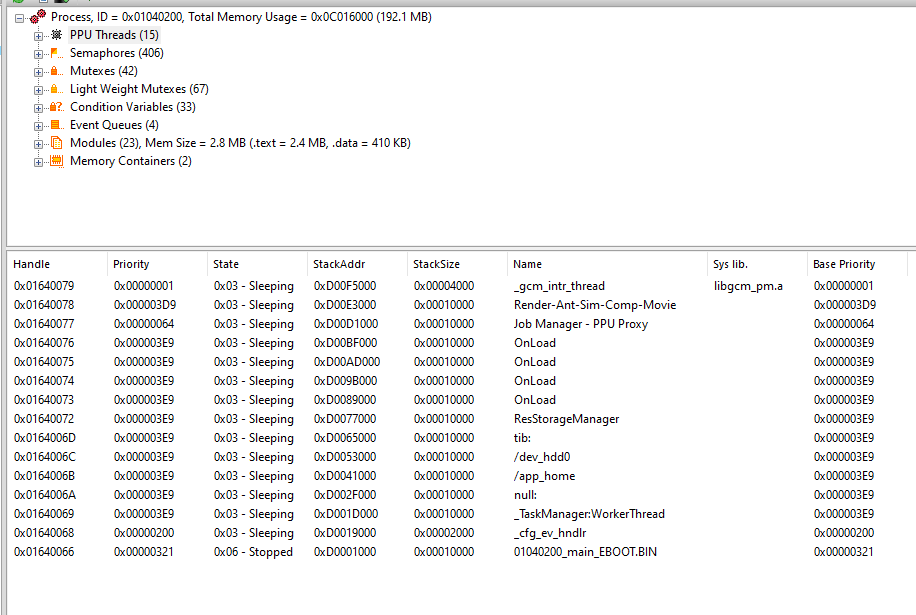
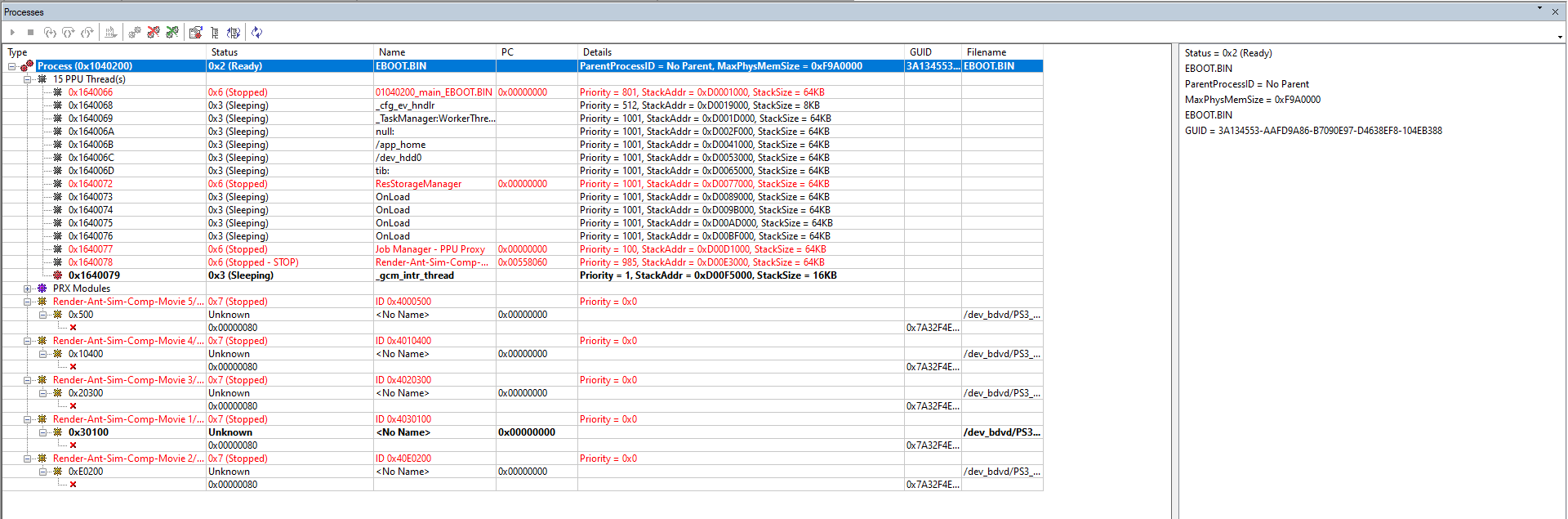
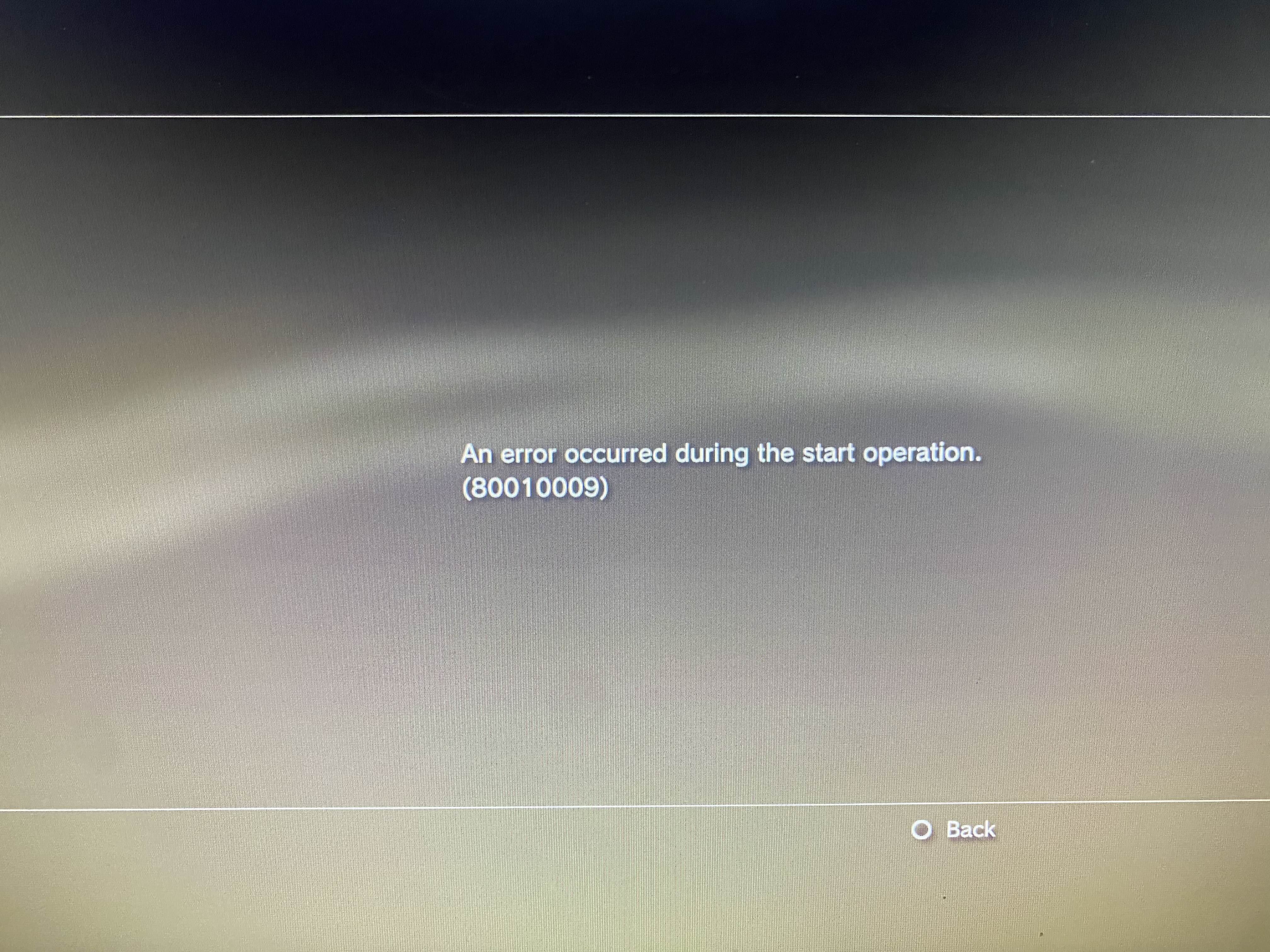
I have also attempted updating to V1.02 of the game and tried resigning the patch EBOOT in all of these combinations as well. Every time, no matter how I resign the EBOOT when I launch the game either in /app_home or from disc icon the game freezes after selecting one of them from the PS3 XMB during init.
What am I doing wrong? Is it an EA licensing issue that keeps hanging it up? I know there have been EA Skate 3 mods out there so I assume there must be a way to resign this EBOOT for debugging.
I have seen already the tutorial written by the member GuilloteTesla at the below link and I have followed that but it is not working for NCAA, but works just fine for MotorStorm.
https://www.psx-place.com/threads/tutorial-how-to-create-a-debug-eboot-from-eboot-bin.38690/
Combinations I've attempted to resign the EBOOT:
-CEX option 1 to decrypt then DEX option 10 to resign
-CEX option 1 to decrypt then DEX option 11 to resign
-DEX option 10
-Dex option 11
-CEX option 1 then cmd line prompt utilizing the make_fself.exe within trueancestor resigner

MY PROBLEM:
I want to debug NCAA Football 14. I have attempted to resign the original disc EBOOT.BIN without updating past V1.00 of the game and utilizing TrueAncestor SELF resigner V1.96 (see the different combinations below that I have attempted).
I have also attempted updating to V1.02 of the game and tried resigning the patch EBOOT in all of these combinations as well. Every time, no matter how I resign the EBOOT when I launch the game either in /app_home or from disc icon the game freezes after selecting one of them from the PS3 XMB during init.
What am I doing wrong? Is it an EA licensing issue that keeps hanging it up? I know there have been EA Skate 3 mods out there so I assume there must be a way to resign this EBOOT for debugging.
I have seen already the tutorial written by the member GuilloteTesla at the below link and I have followed that but it is not working for NCAA, but works just fine for MotorStorm.
https://www.psx-place.com/threads/tutorial-how-to-create-a-debug-eboot-from-eboot-bin.38690/
Combinations I've attempted to resign the EBOOT:
-CEX option 1 to decrypt then DEX option 10 to resign
-CEX option 1 to decrypt then DEX option 11 to resign
-DEX option 10
-Dex option 11
-CEX option 1 then cmd line prompt utilizing the make_fself.exe within trueancestor resigner