Hello, this is my first post here but I'm very thankful for all the information on modding the PS2.
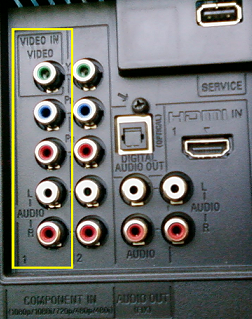
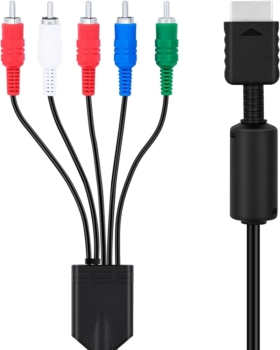
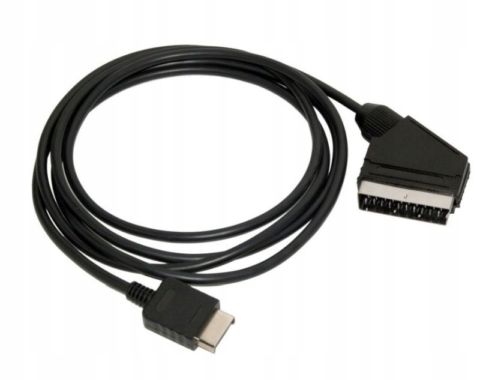
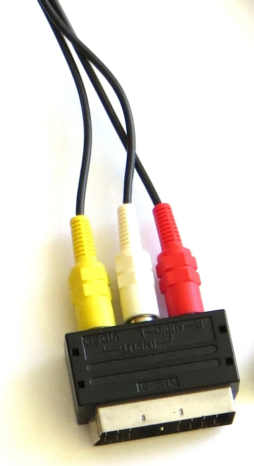
Now, I'm trying to run Einhänder (NTSC game) on my PS2 FAT PAL in a PAL TV (obviously). I'm using a composite cable with a SCART head.
On this TV I can play 60hz games (I have a wii and I can set the TV to 60hz when playing Game Cube games for instance), but I think my ps2 cable is not letting me to do the same thing. So, when trying to play Einhänder for the PS1 with POPSTARTER, what I did was to set up the $FORCEPAL option with the special cheats option for POPS. Before doing so, the game was on full aspect ratio, but in black and white. After doing the $FORCEPAL thing, I can play with full color, but in a wrong aspect ratio, with a big black bar on the bottom of the screen.
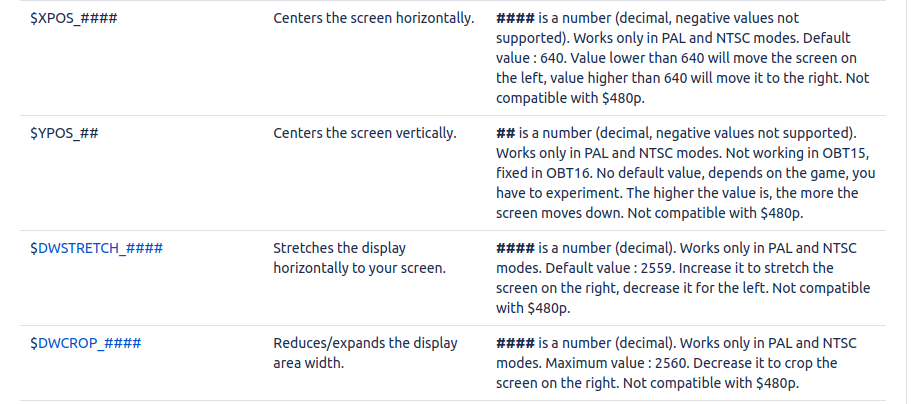
Is there a way to correct the aspect ratio in the Display Settings menu in OPL or some other way?
Thanks in advance.
Now, I'm trying to run Einhänder (NTSC game) on my PS2 FAT PAL in a PAL TV (obviously). I'm using a composite cable with a SCART head.
On this TV I can play 60hz games (I have a wii and I can set the TV to 60hz when playing Game Cube games for instance), but I think my ps2 cable is not letting me to do the same thing. So, when trying to play Einhänder for the PS1 with POPSTARTER, what I did was to set up the $FORCEPAL option with the special cheats option for POPS. Before doing so, the game was on full aspect ratio, but in black and white. After doing the $FORCEPAL thing, I can play with full color, but in a wrong aspect ratio, with a big black bar on the bottom of the screen.
Is there a way to correct the aspect ratio in the Display Settings menu in OPL or some other way?
Thanks in advance.