

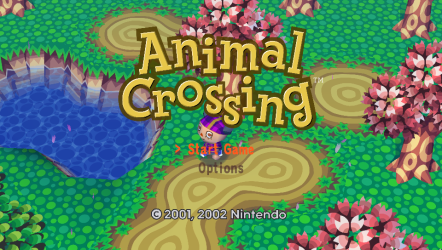
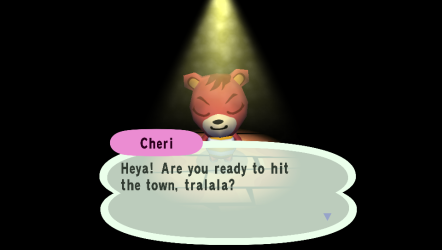
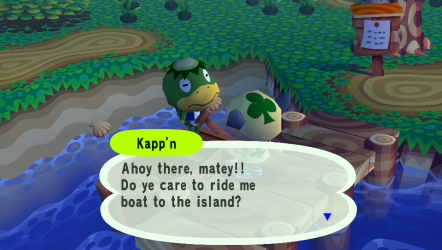
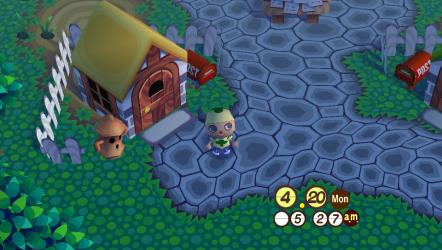
Animal Crossing PS Vita Port, big update
30 commits since v0.1.0-alphaPLEASE backup your town save files, just in case!
SAVING HAS BEEN ALTERED SO ANYTHING CAN HAPPEN PLEASE BACKUP YOUR SAVES
old town saves may need to be moved to ux0:/data/AnimalCrossing/saves/card_a
Dense overworld scenes now hold 60 fps where the alpha was dropping to 44. Save system got a proper pass: Auto Save, Time Sync, and a second save slot for visiting other towns. NES mini-games work. HD texture packs work. Lots of rough edges fixed.
Performance
- All 5 uber-shader fallbacks in the overworld now hit specialized shaders (cfg47 through cfg50). Zero uber draws in dense scenes.
- Free-cam was drawing every actor in an 8-block radius because a cull-bounds multiplier had silently disabled back-face culling. Open-area draws dropped 28 to 58 percent. Scenes that used to sit at 45 fps now hold 60.
- Acre transitions spread over three frames so there's no single spike when you cross a boundary. Re-entering an acre you just came from is now a one-bit check instead of a full actor-list scan.
- Draw merging plus VitaGL fork updates cache GXM state per-unit and per-stream so redundant sceGxmSetFragmentTexture, sceGxmSetVertexStream, and patchVertexProgram calls get skipped.
- Museum scene shaders created.
Saves
- Card A / Card B slots. Drop any Animal Crossing GCI file into save/card_b/ and visit it. Resetti's gyroid face works.
- Auto Save, off by default. Saves about once a minute while you're walking around outside. Also fires on PS button press, on sleep resume, and on clean exit. Sub-scenes (interiors, dialogue) are skipped so saves never tear.
- Time Sync, off by default. Re-anchors the in-game clock to the Vita's RTC on save load and after sleep. Reads the Vita's local timezone directly via sceRtc so the greeting dialogue shows the right time (pre-release builds were off by your tz offset because Vita newlib has no TZ env). Hook fires from the GCI load itself so continuing your home town works the same as loading a fresh save. If you were asleep for 30+ minutes, the app saves and reloads so AC's at-boot daily catch-up (moveouts, mail, weeds, turnip prices, snowman) runs against the new date.
- GCI CARDDir.time stamp now uses local wall clock, so saves made on Vita show the right mtime when imported into Dolphin's memcard manager.
- Full-disk error handling, i forgot about this last time.
- Porter travel and gyroid save audited against GameCube behavior. Wisp items, money rocks, travel cooldown, and home size all match console.
HD textures
- Dolphin HD packs convert to VTC via tools/build_vita_texcache.py and the Vita GPU hardware-decodes them.
- Off-thread DXT swizzle in the VitaGL fork keeps texture loads from stalling the render thread.
- Periodic DXT corruption fixed. That was a GL ID reuse race, now guarded by a deferred-delete holdoff.
- Wildcard TLUT matching means CI textures no longer drop to the vanilla fallback when the exact TLUT hash misses.
Display, camera
- Resolution scale: 100 percent (960x544 native), 75 percent (720x408), 50 percent (480x272, PSP-style).
- 16:9 widescreen (hor+) by default. 4:3 pillarbox with custom PNG banners as an option.
- Free-cam mode streams acres seamlessly with a 2-block actor keep-alive so neighbor-acre content is visible when you're near an edge.
- Camera rotation and several free-cam edge cases cleaned up (villager interiors, 4:3 UI EFB capture, effects bleed, scene/UI flash between menus and world).
NES (upstream v0.9.0.1 merge)
- NES mini-games playable via Nofrendo backend.
- NES save persistence through the game's save system.
- NES aspect ratio and high-score save fixes.
Gameplay
- Nookingtons upgrade gate relaxed.
- Trample-walk grass-wearing bug fixed.
- Town name display fix.
- UI flash between scenes and submenus cleaned up (maybe... this ones killing me to figure out)
Settings
Code:
All in ux0:data/AnimalCrossing/settings.ini:

Setting    Default    Values
render_scale    100    50, 75, 100
msaa    2    0, 2, 4
aspect_mode    0    0 = widescreen, 1 = 4:3 pillarbox
banner    (empty)    PNG name for the 4:3 bars
texture_pack    (empty)    HD pack name (without .vtc)
auto_save    0    Periodic auto-save while outside, sleep, or quit
time_sync    0    Re-anchor clock to Vita RTC
In-game options menu exposes these.
Install
- Copy ac_vita.vpk to the Vita, install via VitaShell.
- Place Animal Crossing (USA).iso at ux0:data/AnimalCrossing/rom/.
- First launch creates settings.ini with defaults.
Known issues
- Train interior is 4:3 native so widescreen shows small black gaps at the sides during train cutscenes. Cosmetic.
- Long-suspend reload only triggers if Auto Save is on. Without it the day change is missed.


