

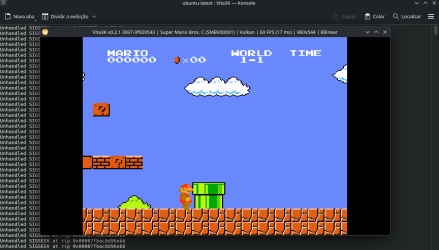
Super Mario Bros. C - PS Vita Port
Installation
- Install the smbc.vpk on your PS Vita using VitaShell.
- Place your game.nes ROM at ux0:data/SMB/game.nes.
- Expected ROM: Super Mario Bros. (JU) (PRG0) [!].nes
Controls
- D-Pad / Left Analog: Move
- Cross / Circle / L-Shoulder: Jump
- Square / R-Shoulder: Run
- Start: Start
- Select: Select
This initial release is now available and fully playable!
Important Note:
Audio support is currently experimental and may cause random crashes. For a stable experience, it is highly recommended to play with audio disabled.
YOU NEED TO SUPPLY YOUR OWN ROM!!!!!!


