
You are using an out of date browser. It may not display this or other websites correctly.
You should upgrade or use an alternative browser.
You should upgrade or use an alternative browser.
PS3 Demonstration mode
- Thread starter Vitan_dz
- Start date

Devildwarf
Member
what part didn't you understand ?Thx I see the thread but I didn't understand the tutorial very well make it easy for me sir
Thank you
Download Official PS3 firmware from the official sony site.
Download PS3 MFW Builder from
https://github.com/haxxxen/ps3mfw-builder-0.2.1-mod
run update_ps3keys.bat (if the latest version gives a error on generating keys grab a older version)
and type 490 then enter then 40090 and enter and then close it,
Then go into
tasks\355-ps3otheros-ps3mfw-tasks\
and copy
patch_shop.tcl
to the Tasks folder (so 1 folder up)
then start
ps3mfw.exe
And the first thing you should do is on the right side of the screen is click SETTINGS
then click on BROWSE button next to PS3 Keys and find the "ps3keys" folder that comes with the app
then click SAVE and close the small box to get back to the main window.
Now click on Browse and find the Official PS3UPDAT.PUP you downloaded earlier.
Then set a save location.
And then in the main window leave all the options on that are already on, just Tick the boxes
4.xx CEX Base Firmware (THIS IS VERY IMPORTANT, DONT CLICK THE OTHERS, MAKE SURE ITS CEX)
Then in the box below tick the box for
"Patch firmware of installation shop/promo unit"
Then click Build MFW and that should do it.
Hopefully that helps if you didn't understand the video.

kenzy
Member
I understand that you trying to help out here but take it easy man. Things that looks easy for you might be very hard for somebody else.what part didn't you understand ?
Download Official PS3 firmware from the official sony site.
Download PS3 MFW Builder from
https://github.com/haxxxen/ps3mfw-builder-0.2.1-mod
run update_ps3keys.bat (if the latest version gives a error on generating keys grab a older version)
and type 490 then enter then 40090 and enter and then close it,
Then go into
tasks\355-ps3otheros-ps3mfw-tasks\
and copy
patch_shop.tcl
to the Tasks folder (so 1 folder up)
then start
ps3mfw.exe
And the first thing you should do is on the right side of the screen is click SETTINGS
then click on BROWSE button next to PS3 Keys and find the "ps3keys" folder that comes with the app
then click SAVE and close the small box to get back to the main window.
Now click on Browse and find the Official PS3UPDAT.PUP you downloaded earlier.
Then set a save location.
And then in the main window leave all the options on that are already on, just Tick the boxes
4.xx CEX Base Firmware (THIS IS VERY IMPORTANT, DONT CLICK THE OTHERS, MAKE SURE ITS CEX)
Then in the box below tick the box for
"Patch firmware of installation shop/promo unit"
Then click Build MFW and that should do it.
Hopefully that helps if you didn't understand the video.
kenzy
Member
If you still find it difficult to build one. I suggest you ask(plead with) one of developers here to help you build one. It can be uploaded then it can be easily be downloaded. As for how to to reach out to them. I will live that one for you to find out. Now this is what I call noob friendly advice. Hey don't ask me I don't know how to build one.Thx I see the thread but I didn't understand the tutorial very well make it easy for me sir
Thank you
Devildwarf
Member
I wasn't going off on him or anything i was just trying to figure out where he was stuck, the video is actually a little confusing in parts,I understand that you trying to help out here but take it easy man. Things that looks easy for you might be very hard for somebody else.
i wrote it out to make it easier for him to understand (into steps as apposed to the video since the video is a bit back and forth because he forgets a few things then has to go back and do them later in the video) and if there is a particular part he can just say "this bit" which i assumed would be easier then him trying to describe the part from the video, its hard to help someone if you do not know where they are stuck and if we know where they are stuck we can try to explain it in more depth or give more help where needed.
@esc0rtd3w @Joonie isnt possible to use ps3 hen on ofw sex (hfw sex) to install some patches that allow to install directly the cex ofw over the sex ofw (hfw)?
I mean by using an hfw 4.90 sex, that must be installed over ofw 4.90 sex, to run ps3 hen that install patches to install cex ofw 4.90 over sex 4.90 hfw.
I mean by using an hfw 4.90 sex, that must be installed over ofw 4.90 sex, to run ps3 hen that install patches to install cex ofw 4.90 over sex 4.90 hfw.
Last edited:

esc0rtd3w
Developer
The VSH offsets are different for sure. When 4.90 came out, I ended up downloading the shop pup and after gathering all the gadget offsets, and testing, I realized it wasn't the cex version.@esc0rtd3w @Joonie isnt possible to use ps3 hen on ofw sex (hfw sex) to install some patches that allow to install directly the cex ofw over the sex ofw (hfw)?
I mean by using an hfw 4.90 sex, that must be installed over ofw 4.90 sex, to run ps3 hen that install patches to install cex ofw 4.90 over sex 4.90 hfw.
We don't currently support SEX versions, but that could be added at some point, if HFW was made from them. As far as the patches to actually use for installing CEX over it, I imagine its possible.
Devildwarf
Member
Use the guide i mention above (in post #4) but for step 5 (and type 490 then enter then 40090 and enter and then close it) make sure you change it toHi there! Do you know how can I unlock demonstration mode with firmware 4.91? I can't find the code anywhere...
Code:
and type 491 then enter then 40091 and enter and then close itUse the guide i mention above (in post #4) but for step 5 (and type 490 then enter then 40090 and enter and then close it) make sure you change it to
after doing that it will work and allow you to rebuild the firmware.Code:and type 491 then enter then 40091 and enter and then close it
Thanks!
I'll try now!
Use the guide i mention above (in post #4) but for step 5 (and type 490 then enter then 40090 and enter and then close it) make sure you change it to
after doing that it will work and allow you to rebuild the firmware.Code:and type 491 then enter then 40091 and enter and then close it
OMG
YOU ARE THE BEST!
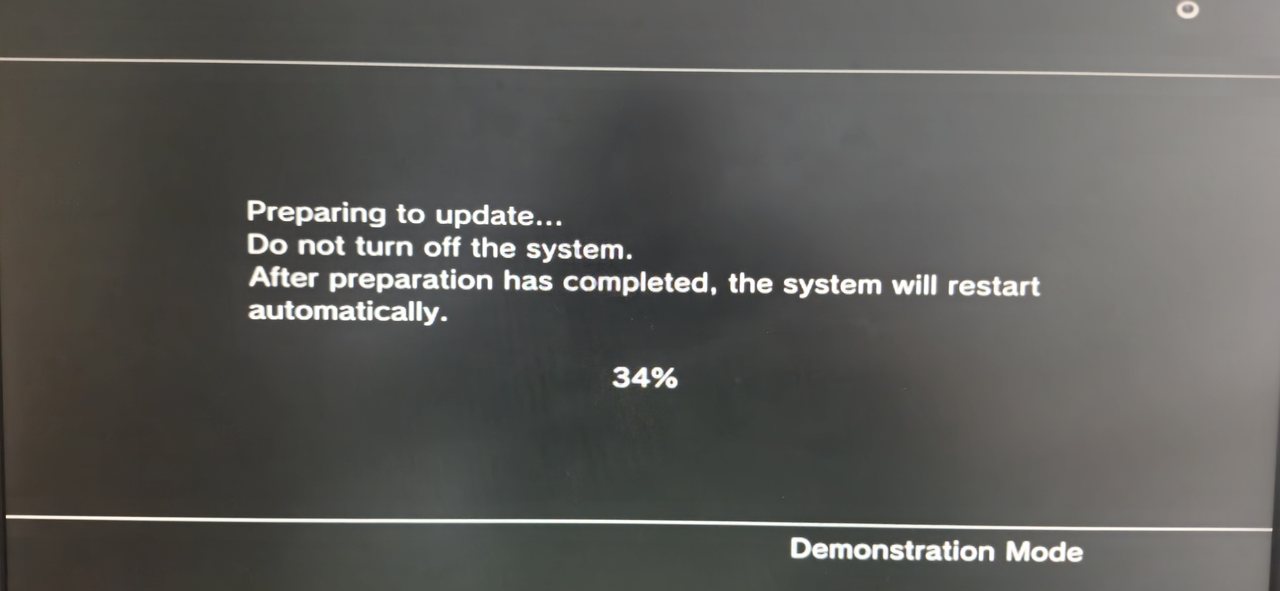
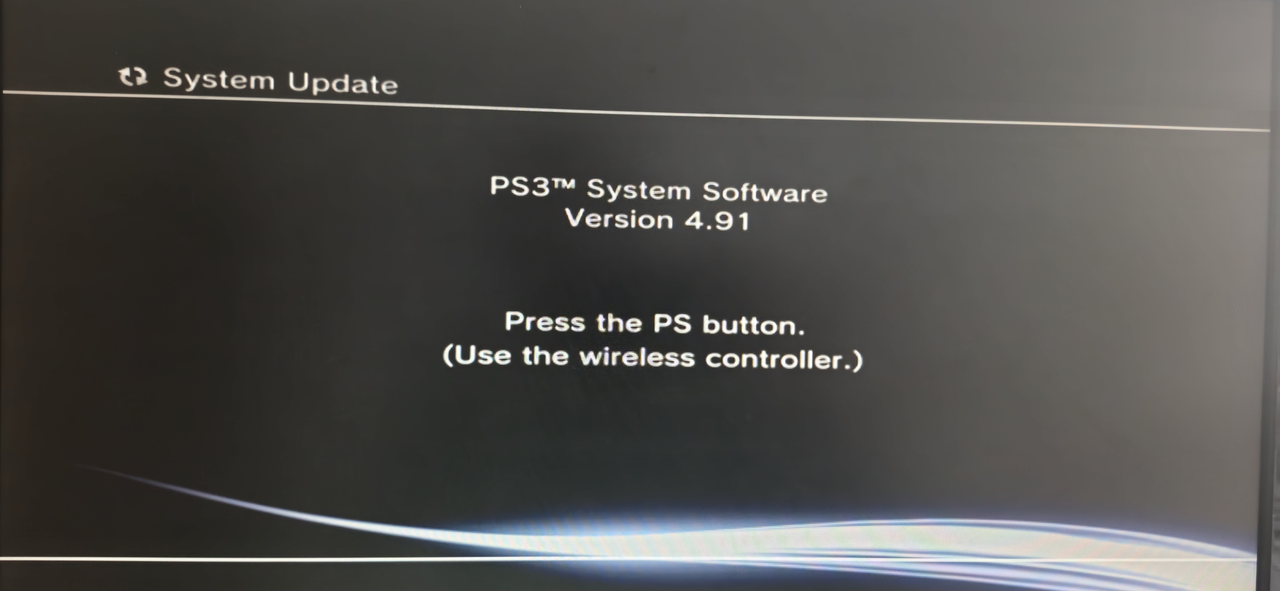
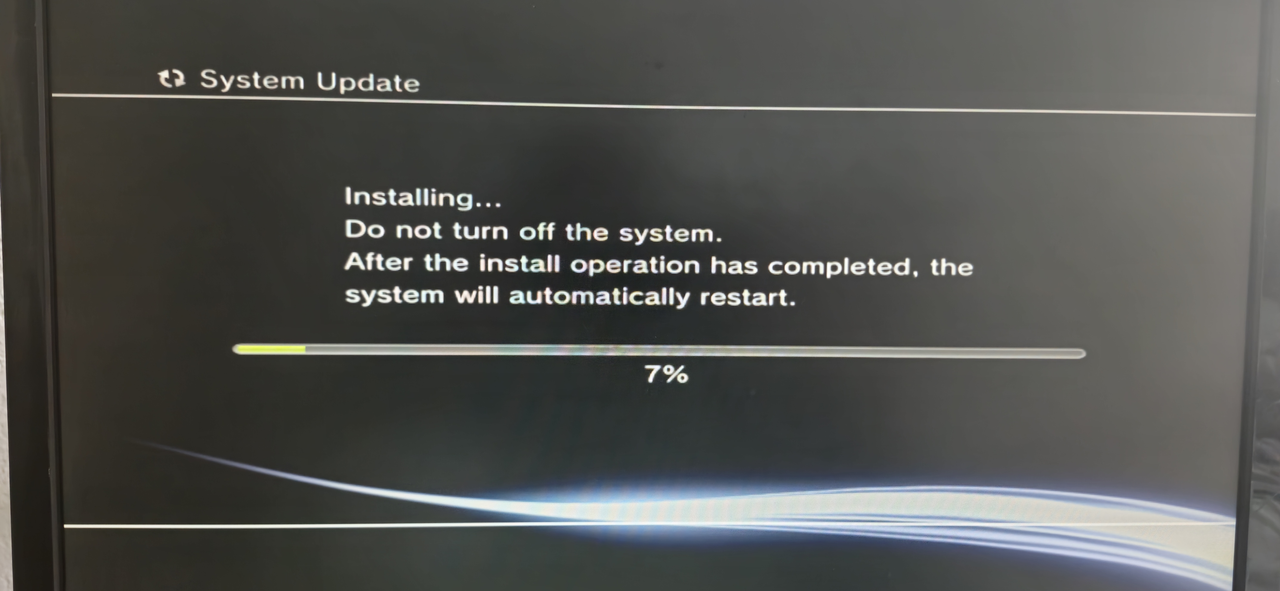
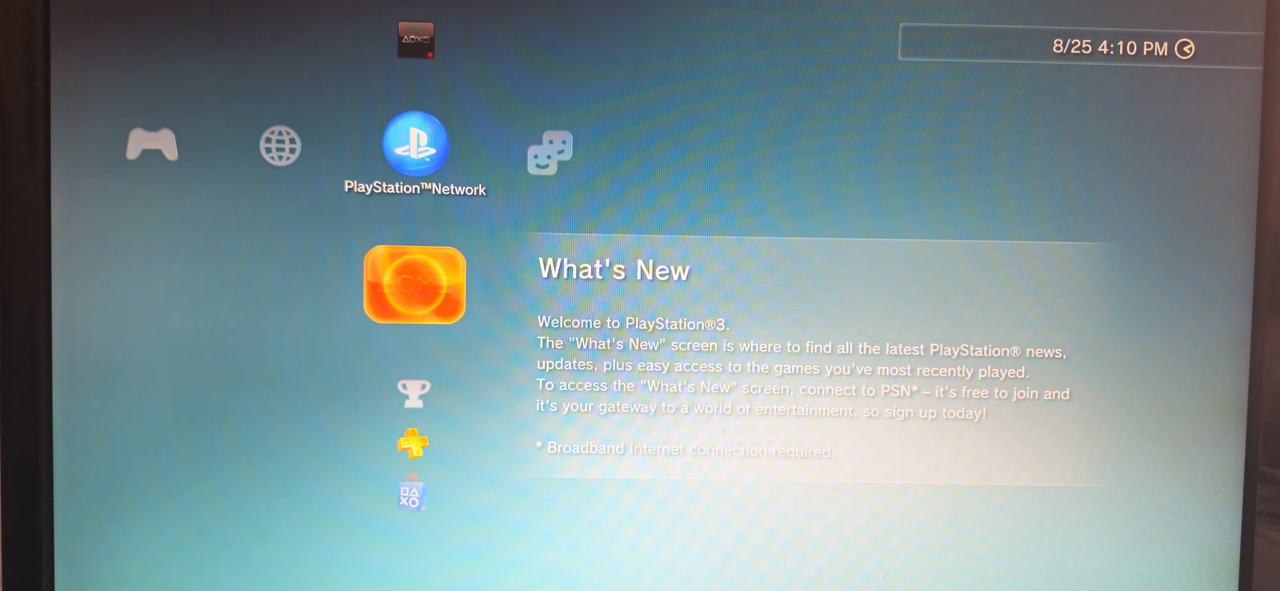
Devildwarf
Member
Congrats and im so glad it worked for you, Nice to have confirmation it still works on 4.91, thanks for letting us know how you got on (so many times people fix the issue and just never respond).OMG
YOU ARE THE BEST!
Congrats and im so glad it worked for you, Nice to have confirmation it still works on 4.91, thanks for letting us know how you got on (so many times people fix the issue and just never respond).
I completely understand, and it's the least one can do—both to thank those who lend a helping hand and to give hope to others facing the same issue or who have similar doubts.
Now that the PS3 is up and running, I need to figure out what to do with it next. I found it a week ago in the building's dumpster. It seems the previous owner didn't have the patience or time to take it out of demo mode and give this beautiful machine a second chance at life.
I'm thinking about installing RetroArch on it. I already have it on an old laptop, but it would be more convenient on the PS3 with the wireless controllers I just bought. If there are any other or better ideas, I'm very open to hearing them!
Thanks again!
Devildwarf
Member
I completely understand, and it's the least one can do—both to thank those who lend a helping hand and to give hope to others facing the same issue or who have similar doubts.
Now that the PS3 is up and running, I need to figure out what to do with it next. I found it a week ago in the building's dumpster. It seems the previous owner didn't have the patience or time to take it out of demo mode and give this beautiful machine a second chance at life.
I'm thinking about installing RetroArch on it. I already have it on an old laptop, but it would be more convenient on the PS3 with the wireless controllers I just bought. If there are any other or better ideas, I'm very open to hearing them!
Thanks again!
That is really a amazing find, i guess trying to get it out of demo mode is too hard for them (does make me wonder if its one of the previous users on this forum.....).
A modded ps3 is pretty good but Retroarch is a bit far behind on ps3, it can play upto the Megadrive/Genesis and 32x ok but if you are looking for PS1, Saturn or N64 then you won't be able to play them in retroarch, luckily for PS1 games the PS3 does have its own built in emulator (and for PS2), so it really depends which retro games you had in mind when playing with Retroarch to if its worth it.
I mostly just use my ps3 for PS3 games and PS1+2 games so im probably not the best person to ask on other uses, there are things that can be done with a ps3 like OtherOS if you are interested in that sort of thing but most are not,
Anyway good luck with whatever you decide to do with it.