

jolek
Senior Member
If you've hooked up your PS2 with the wrong cables (or accidentally switch modes) and aren't getting video,
you can switch from one video mode to other using these steps.
1. Boot the console without a disk.
2. Wait for 20-30 seconds so the main menu loads up.
3. Press down once ( ).
).
4. Press X ( ).
).
5. Press down three times ( ).
6. Press press left or right once ( or
or  ).
).
7. Press X ( ).
You should now have switched from RGB (composite) to YPBPR (component) or vice-versa.
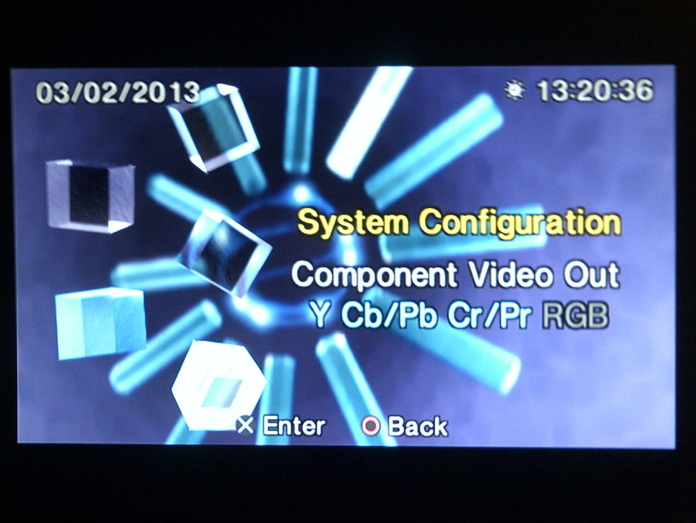
you can switch from one video mode to other using these steps.
1. Boot the console without a disk.
2. Wait for 20-30 seconds so the main menu loads up.
3. Press down once (
).4. Press X (
).5. Press down three times (
).6. Press press left or right once (
or ).7. Press X (
).You should now have switched from RGB (composite) to YPBPR (component) or vice-versa.


