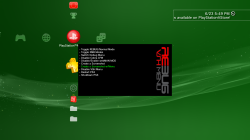
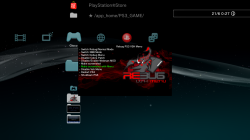
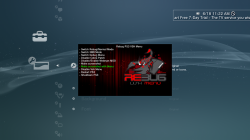
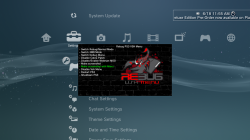
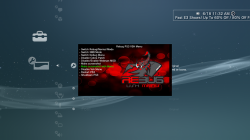
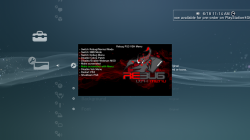
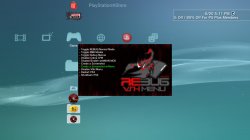
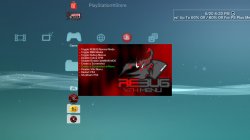
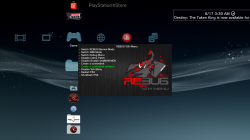
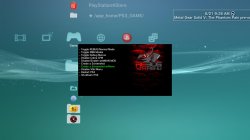
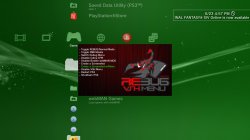
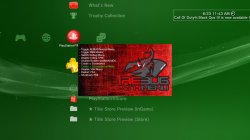
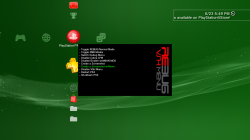
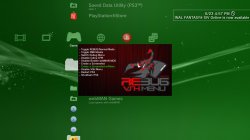
Orion is back with an update to the VSH Menu for REBUG with the release of v0.2. This VSH Menu is really handy for REBUG user's as you can easily perform various REBUG functions with ease from the XMB. No button combinations or going into REBUG Toolbox to perform these simple task. Now simply hit SELECT and this menu as you see pictured will appear on your XMB. The VSH Menu's have been progressing nicely since[break]s[/break] the initial POC from developer 3141card, Since that POC we have seen the SEN Enabler plugin (by Evilnat) adopt the a new VSH Menu and also Orion has started this VSH Menu for REBUG. . See all the details of the latest developments of this plugin below
Downloads:
Source: GameSonic.it / PSX-Place.com
View our newly created VSH Menu forum here at PSX-Place.com via this link
Also, bitsbubba and myself have created a number of Custom Backgrounds for Orion's VSH Menu that are super easy to install. See the small collection below with instructions on how to swap out these different looks for your XMB.
Orion said:Rebug PS3 Vsh menu v0.2 by Orion
Changelog Plugin
- Code to remove patches cobra rewritten and is now fully functional (thanks to @bitsbubba for the tip).
- Added code to detect patches Cobra (Coming from Gamesonic Manager)
- Fixed code draw_png () (Thanks to developer @3141card for this fix)
- New background for Vsh Menu (Thank @STLcardsWS to have made it)
Changelog Installer
- Added code that goes to write to the file boot_plugins.txt, if there is, the string to start the Vsh menu.
- Fixed code for Restart (thank @bitsbubba for the tip)
- New icon for the installer (Thanks to @STLcardsWS to have made it)
Functions the VSH Menu (REBUG) can perform:
- Switch Rebug/Normal Mode
- Switch XMB Mode
- Switch Debug Menu
- Disable Cobra Patch
- Disable/Enable webMAN MOD
- Make Screenshot
- Make Screenshot with Menu
- Disable VSH Menu
- Restart PS3
- Shutdown PS3
STLcardsWS said:How to install these custom backgrounds:
- After Installing the REBUG VHS Menu
- By FTP or File Manager go to this location: /dev_hdd0/vsh_menu/
- Replace the current "background.png" with one of the ones from the included pack. (/dev_hdd0/vsh_menu/background.png)
- Enjoy!
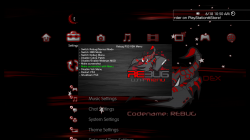
Custom Background XMB Preview
Horizontal Black Wood (by STLcardsWS)
Vertical Red Lines (by STLcardsWS)
Black Brick (by STLcardsWS)
Red Bubbles (by STLcardsWS)
Vertical Lines v2 (by bitsbubba)
Vertical Black Wood (by bitsbubba)
Old Fashion Rebug (by Berion)
Rebug Stone (by bitsbubba)
Another Vertical Red Lines (by bitsbubba)
Red Chalk (by bitsbubba)
Rebug Side (by bitsbubba)













Downloads:
Source: GameSonic.it / PSX-Place.com
View our newly created VSH Menu forum here at PSX-Place.com via this link
Last edited by a moderator:


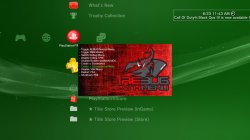

 Only problem is it's got alot more detail than the rest so it's a larger file :p