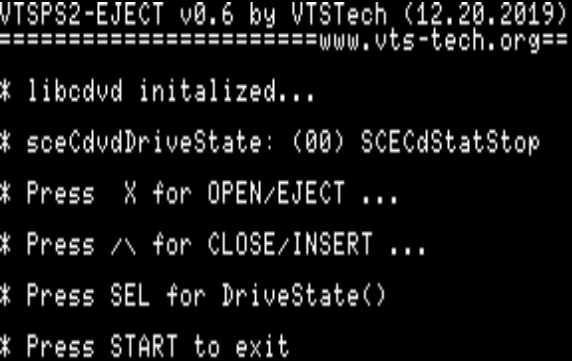
VTSPS2-EJECT

PS2 VTSPS2-EJECT 0.6

VTSTech

Developer
4f724f57e9d7c46df54a8f1472945995.png


Includes source code + packed/unpacked binaries

Changelog:

v0.6 12/20/2019 11:59:06 PM
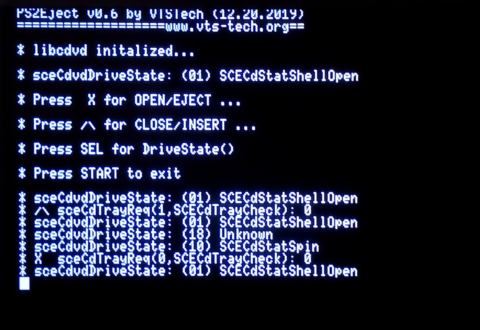
Swapped O for /\
Removed 1s delay on DriveState()

v0.5 12/20/2019 1:44:27 PM
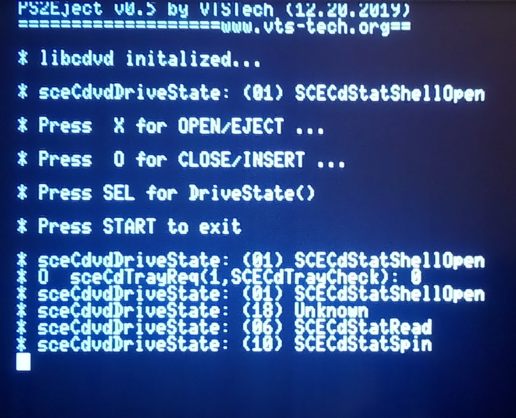
Added 'Press SEL for DriveState()'
Added SCECdStatRead and SCECdStatSeek detection to DriveState()
Removed sceCdTrayReq(2) & sceCdTrayReq(3)
More specific menu, Eject/Insert specified.
Now clears the screen instead of overwriting.

v0.4 12/20/2019 1:00:17 PM
Can now select multiple commands
Sends sceCdTrayReq(0) and exits in 10s if no controller present/ready
Makefile improvements

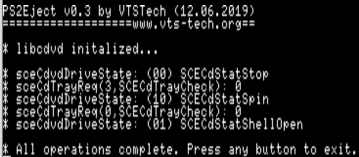
v0.3 12/6/2019 5:33:45 PM
Now waits for button press to exit
Otherwise exits in 10s if no controller present/ready

v0.2 11/29/2019 3:09:20 PM
Code optimizations

v0.1 11/29/2019 11:44:31 AM
First release
 
Well, sadly it doesn't support 'closing', but interesting nonetheless, because this version/variant seems to be working everywhere.
 
Thanks for this app.
I've tried it on SCPH-50004, works like a charm.

Can you reduce the time needed to restart?
30 s is quite a bit...
What about e.g. 10s or give a notification\prompt "Press "X" to exit".
 
If you would implement these things, it would be quite cool:
  • Selection/Choice for Ejecting, Closing and Exiting
  • Probably argument-support, to call a function from an external/another ELF-Launcher. That would be useful, if FMCB's or wLE's ELF-Launcher ever supports arguments!
  • A real intermediate ELF-Loader, which clears everything, is loaded at a better adress and runs more apps!
 
Great! That's much smaller! That will start a little bit faster and spare some more storage-space!
 
Thanks for new version.
Currently I can eject tray with :but x:, close it with :but cir:.
I'm not entirely sure what for are sceCdTrayReq(2) and sceCdTrayReq(3).

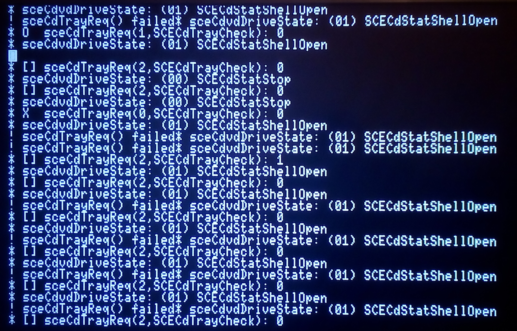
I don't know if it meant to be that way, but if I press :but square: or :but tri: couple times I'll get:
eject-04.png

So the screen will be "overwrite" with new logs, but the initial commands will be lost.
It'll looks a bit messy.
 
  • Like
Reactions: TnA
I'll add a check for scr_GetY() and if it's beyond a certain value scr_clear();

That should keep screen from getting too messy.

Don't have a FAT myself so wasn't sure which command was 'Insert', I can make those titles more descriptive now.

Next version will have SEL for DriveState()

Also support Seek/Read states detection, should those ever occur.

Looks like I need to add a \n on the failed msg too. Never had a cmd fail before.
 
VTSTech updated PS2Eject with a new update entry:

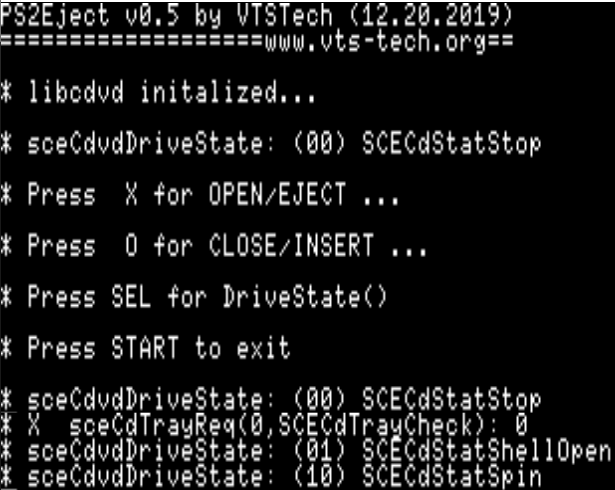
PS2Eject v0.5
// v0.5 12/20/2019 1:44:27 PM
// Added 'Press SEL for DriveState()'
// Added SCECdStatRead and SCECdStatSeek detection to DriveState()
// Removed sceCdTrayReq(2) & sceCdTrayReq(3)
// More specific menu, Eject/Insert specified.
// Now clears the screen instead of overwriting.

d1a4967c824f22cdc84329edbffed363.png

Read the rest of this update entry...
 
Last edited by a moderator:
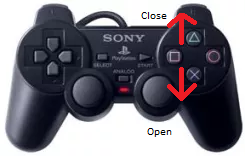
It might be a cosmetic change, but the reason why I wanted to have :but x: for open tray, :but tri: for close...
Is because of a button layout on DS2:
open-close.png


I've notice while closing tray with PS2 game (18) Unknown call when I pressed :but select::
unknown-eject.png


scr_clear seems to work, so thanks for updates.
 
One last thing that I forgot to mention, is a position of the screen\text.
No matter if I'll set 4:3 or widescreen in my LCD TV I"ll get:
eject1.png
(Widescreen)

eject2.png
(4:3)

Top of text is cut.

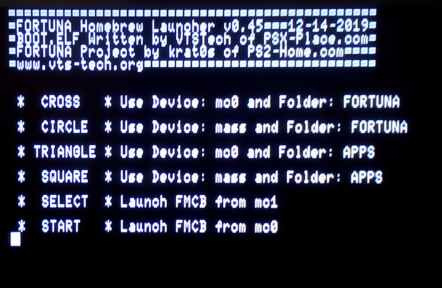
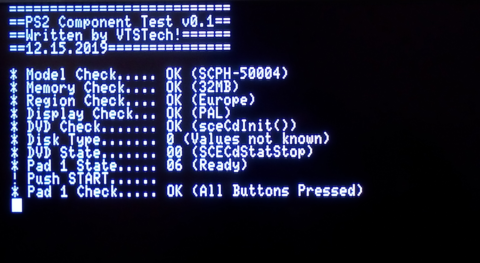
In other projects everything seems to be fine.
fortuna-poz.png
(Fortuna launcher)

compnent-poz.png
(Component test)

test-poz.png
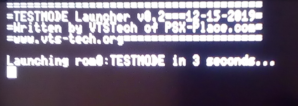
(TESTMODE Launcher)
 
  • Like
Reactions: TnA
Can anybody tell me what exactly is the point of this program? I mean I can push a button and open the tray. What am I missing here??
 

Similar threads

Back
Top