PS2 DVD player mod on SCPH-90004

lloydsmart

Forum Noob
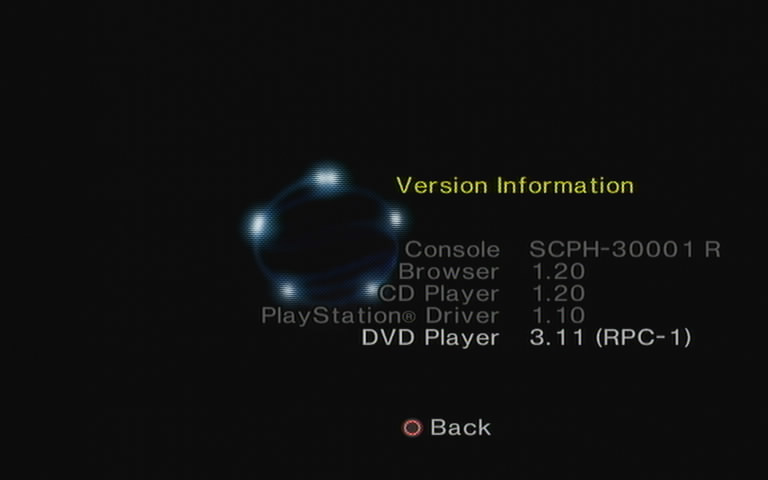
Hi, I'm here because I have a PAL SCPH-90004 connected to a CRT via RGB. When I play a DVD on it, I get the green tint over the picture, which I've read is a copy-protection thing.

I understand there are mods out there that should fix this (like one by krHACKen) but I can't for the life of me figure out how to get them running. I have a Memcard-Pro2 that I've used to get OPL running via OpenTUNA. That works fine. But the guides I've found for the DVD mod all reference FMCB, which I can't use on my console.

I was hoping to reply to the thread here to ask about it: https://www.psx-place.com/threads/ps2-dvd-player-modifications.25039

I'd really appreciate if someone could either point me in the right direction, or approve my account so I can ask on that thread. Thanks in advance.
 
Which part or point is problematic?

Here is how to install it on MC:

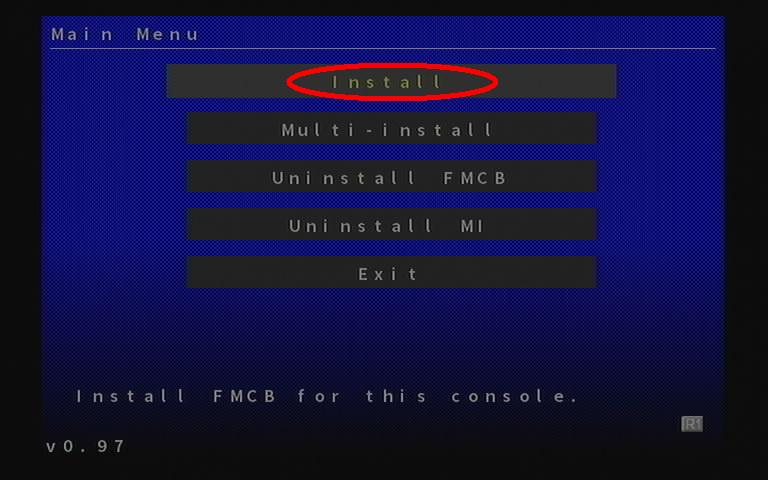
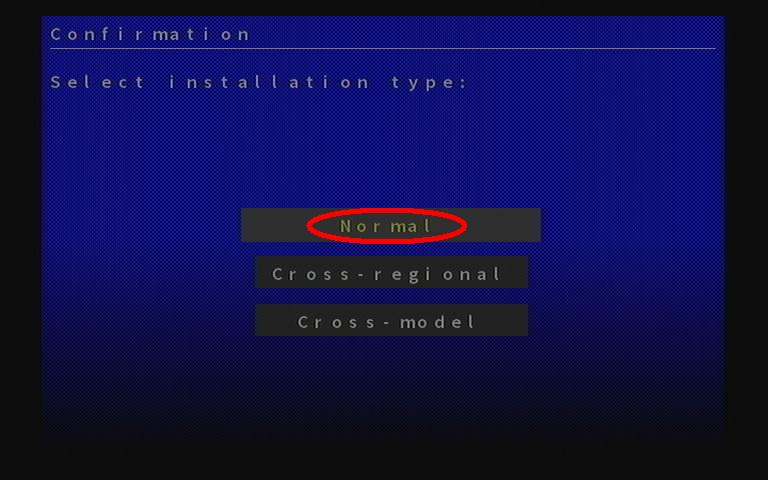
  1. Please install FMCB 1.966 on your MC (you can uninstall it later, it's not a requirement for the DVD Player to run).


  2. Download* the zip from the Pastie;

  3. Download the KELFTwinSigner v1.00 from the attachment;

  4. Extract B?EXEC-SYSTEM/osdmain.elf (check out $ony DVD region list tab)

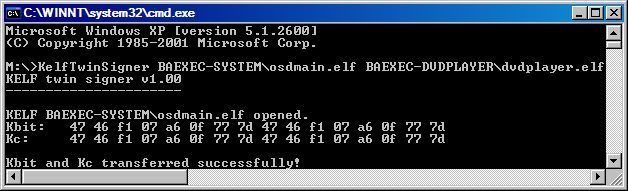
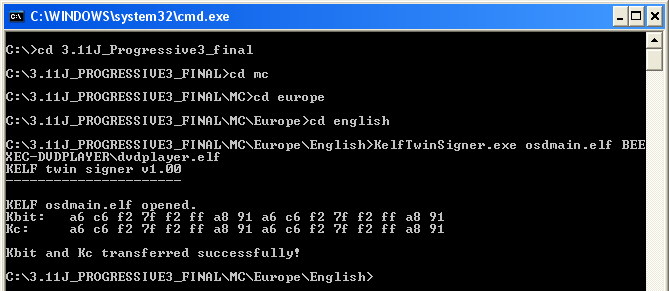
  5. TwinSign B?EXEC-DVDPLAYER/dvdplayer.elf with B?EXEC-SYSTEM/osdmain.elf.

    E.g.
    • KelfTwinSigner.exe BAEXEC-SYSTEM/osdmain.elf
      BAEXEC-DVDPLAYER/dvdplayer.elf


      For North America

    • KelfTwinSigner.exe osdmain.elf BEEXEC-DVDPLAYER\dvdplayer.elf

      For Europe.

  6. Copy the B?EXEC-DVDPLAYER folder (which contains the "twinsigned" dvdplayer.elf) to your memory card.

  7. Delete the four FMCB folders if you want. Do not delete the SYS-CONF folder if you saved your uLaunchELF settings or anything else in it ;).

 
It's the FMCB part. I need OpenTUNA on the memory card for my PS2 because it's a later model that FMCB doesn't work on. It needs to stay there, too. It can't be installed to the console itself afaik. (Happy to be corrected on that if I'm wrong!)
 
Sorry I did not notice that you have a model that does not boot FMCB automatically.
But you should be able to run it (the DVD modification) from USB.

Running from USB:
  1. Inside the archive, enter the "USB" folder.
  2. Enter the folder with the desired language for the DVD Player software itself.
  3. Copy all the files to the root of a PS2-compatible USB drive. No exceptions, subfolders are not supported (except for the actual .elf executables)
  4. After inserting a DVD Video disc, run the software in any applicable way (such as via a file manager, modchip, Swap Magic 3.6, FreeMCBoot menu or hotkeys, ...)

Note: JAP.ELF and US_EU.ELF differ in which button is OK and which one is Back.
 
Ok I'll give that a try. I guess if it works, I should be able to copy the software from the USB stick to a memory card right? It'd have to be the boot memory card (OpenTUNA) cause I can't switch it and still run homebrew, but that'd be ok I think.
 
A simple coping files from USB to a memory card will not work because you have to "assign" the modification to the specific memory card.
That is why this step (5) is needed:
DVD.png


You have 2 options and none of them are perfect.

If you want to have this modification on a memory card you have to follow this tutorial:
https://www.psx-place.com/threads/dvd-player-mod-on-scph-90004.49525/#post-420309.
Once you done with everything you can delete FMCB.
The modification will be on a memory card but you have to launch it (e.g. through wLaunchELF) every time you want to watch a DVD-Video movie.

If you want to have it on a USB device, the device have to be connected and you have to follow these steps:
https://www.psx-place.com/threads/dvd-player-mod-on-scph-90004.49525/#post-420394.

EDIT:
For a test you can try to copy files from USB (the USB version) to a memory card and check if it will work.
Of course you have to launch it every time when you want to watch a movie either way.
 
Last edited:

Similar threads

Back
Top