Rinnegatamante
Developer
Quakespasm-Spiked v.1.6
-
Introduction:
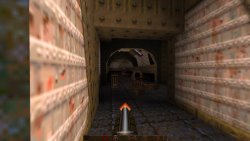
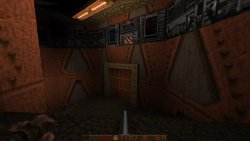
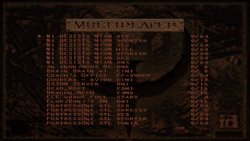
Quakespasm-Spiked is a port of Quakespasm-Spiked for PSVITA. It is a modern Quake source port with limits removed and high mods compatibility.
Changelogs:
v.1.6:
- Renamed Mouse Speed option to Touch Sensitivity.
- Added two new options under Advanced Options to adjust analog sensitivity (Joy X/Y Sensitivity).
- Increased available memory for the engine (Potentially allowing more demanding mods to work)
- Updated to latest vitaGL version.
- Fixed a bug making impossible to adjust Y axis gyroscope in the options menu.
- Fixed a bug making impossible to reduce X axis gyroscope value in the options menu.
- Fixed a bug making impossible to invoke keyboard on game console (Pressing Triangle now correctly invokes it).
- Fixed a bug making Use Retrotouch option to be always On even when showed as Off.
- Fixed a bug making so that touchscreen input would spam Fire actions.
- Fixed a bug making so that touchscreen sometimes didn't properly move camera on the Y axis.
- Fixed a bug causing some textures to sporadically render glitched.
v.1.5:
- Reworked Video Options menu to Advanced Options menu.
- Removed all unused/not working options in Options menu.
- Added an option to turn on/off Bilinear Filtering.
- Added an option to edit Water opacity.
- Fixed V-Sync option: now it works as expected.
- Fixed Statusbar Alpha option: now it works as expected.
- Fixed Brightness option: now it works as expected.
- Added Field of View option.
- Added Show Crosshair option.
- Added Rumble Effect option (will make controller rumble when you lose health).
- Added Use Retrotouch option to turn on/off rearpad usage.
- Added gyroscope aiming support.
- Added Show Framerate option.
- Now options will be saved when exiting Options menu.
- Greatly improved performances by transitioning from immediate mode rendering for entities and world to shaders based optimized pipeline.
-
Credits:
- Original authors of Quakespasm and Quakespasm-Spiked for the engine
- Ch3lin for the livearea assets.
- fgsfds for the mods menu and the base code used for keyboard implementation.
- All my Patroners for their awesome support:
-
- @Sarkies_Proxy
- Badmanwazzy37
- Delon5
- drd7of14
- Freddy Parra
- Heraldian Despot
- Jacob Martinez
- Joey
- mmtechnodrone
- Pspguru
- Shin Megami
- sputnik
- The Vita3K project
- Al Capwn
- Arka Mukherjee
- CatoTheYounger
- Colin Steinmann
- Count Duckula
- Dieter B.
- e
- Edgar Morales
- Elgx3 13
- Ian Stoffberg
- Igor Kovacs Biscaia
- Imran Akhtar Syed
- John Laschober
- Marc C.
- Mored4u
- mxadi25
- Pape Moussa SARR
- polytoad
- PSX-Place.com
- rsn8887
- Russ Crandall
- Sergio Valenzuela
- steven powell
- suLac4ever
- tantaxa
- The Libretro Team
- Vita Homebrew Gaming Library
- Waffeleisen
- Wiese
- 2Mourty
- Aaron Von
- Alfredo Gutierrez
- Andyways
- BOBdotEXE
- BrainCheese87
- bruno lima Lima
- Cheerful Despair
- Daniel Krusenbaum
- Danny
- David Stieben
- Dean Stark
- Diego G.
- Dr Yosef Lodgardes IV
- drivenby
- Elwood Blues
- Enrique Romero
- Error
- Gonzalo Arévalo Ibarra
- Gwijde Maegherman
- Hòa Hiệp Bùi
- Jack Chiu (The Jack!)
- James Guzman
- Jihel Jay
- Joe brindle
- Jonathan Steen
- Justin
- Kyle Ring
- LaFlex
- Lucas Brugnaro Badur
- Martial B.
- Matt Hargett
- Michael Kristensen
- Miguel Angel Layna
- gnmmarechal
- Neil MacAlasdair
- nowhereman87
- Pedro Guizar
- Pepelu1975
- Pirloui
- Saul Correa
- Simon Sawert
- spriteice
- Stefanos P.
- Sternaid
- Tamas Ivanich
- Thomas Würgler
- wasabinator
- Daniel Cassidy
-
-
Installation:
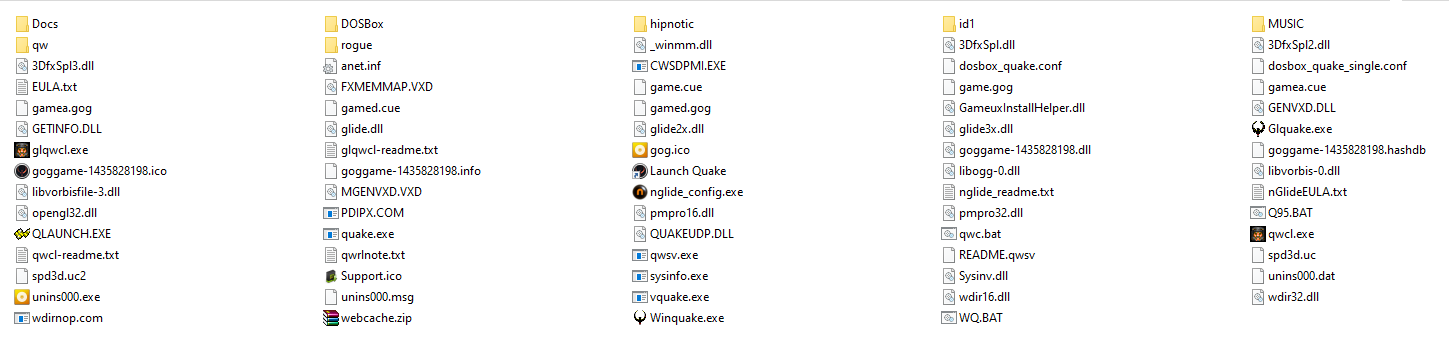
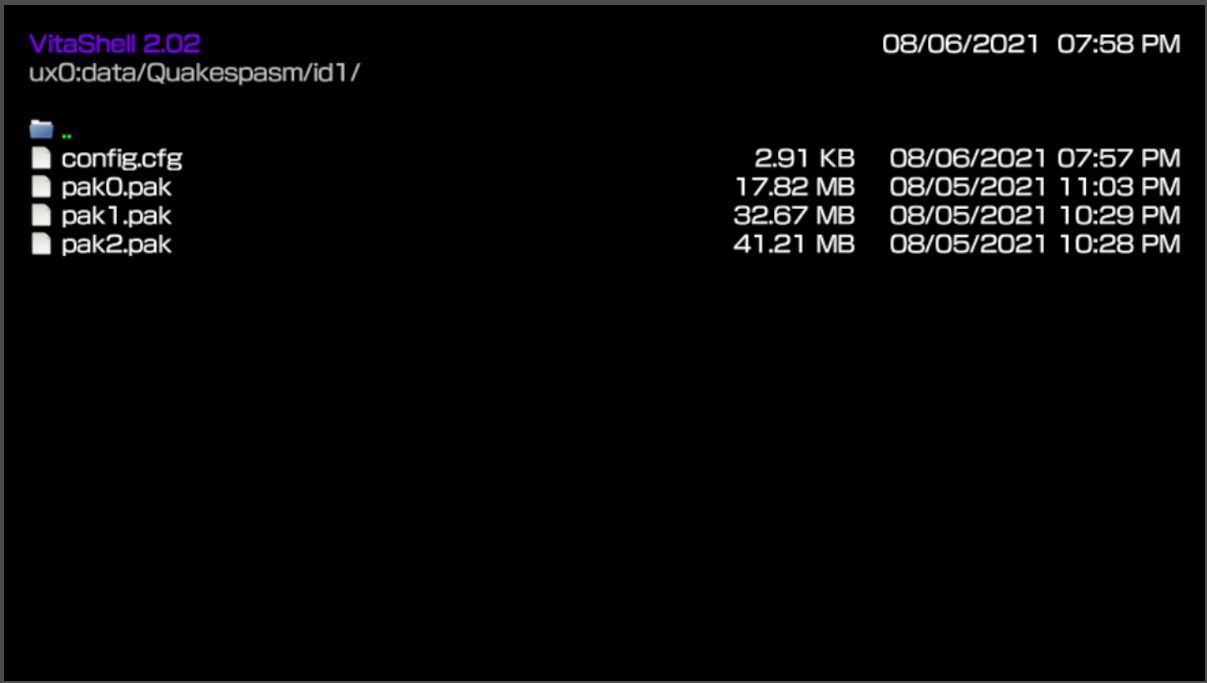
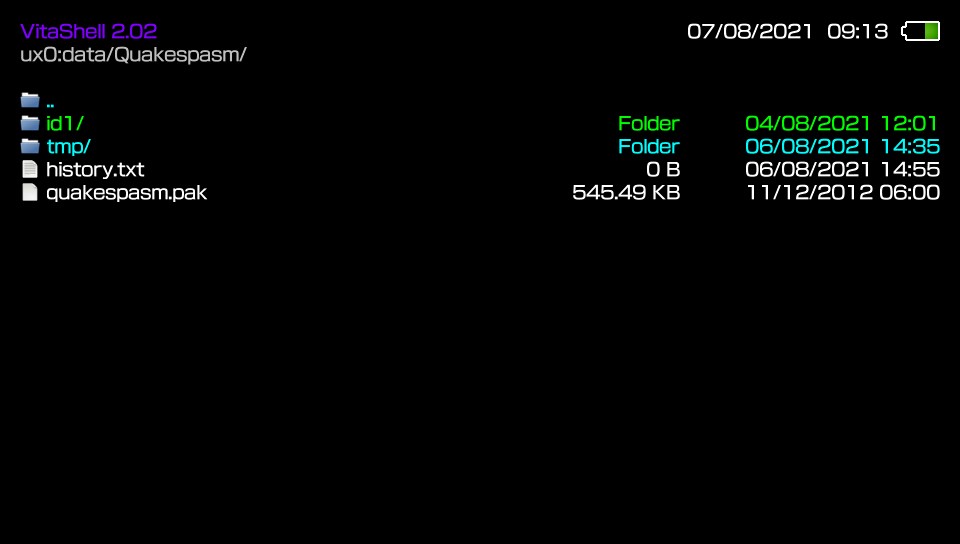
- Place the data folder in ux0:/data
How to use soundtrack:
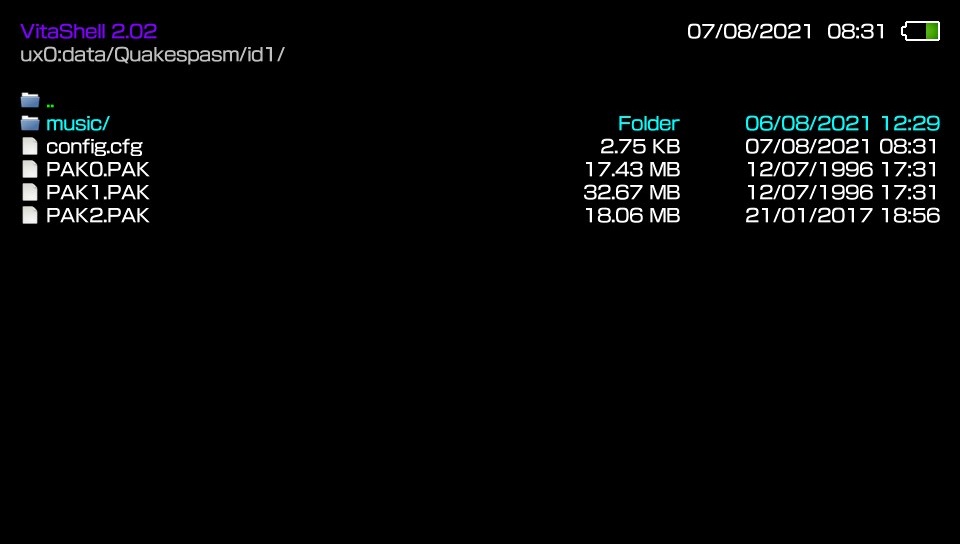
- Create a folder in ux0:/data/Quakespasm/id1 and call it music
- Place the audio tracks renamed as track01, track02, ... in ogg or mp3 format in this folder.
- The same can be done for any mission pack or mod folder.
You can find complete soundtrack in ogg format here: https://www.quaddicted.com/files/music/quake_music.zip
How to have colored lights:
The simplest way to get colored lights in Quake is to download this package: http://www.moddb.com/games/quake/addons ... -lightmaps
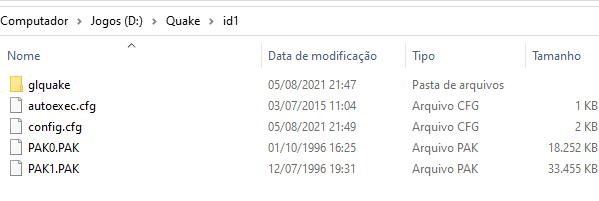
Grab LIGHTS.PAK file and place it in your vitaQuake installation (where pak0.pak is) and rename LIGHTS.PAK as if it's a normal pak (so if you have pak0 and pak1, rename it pak2.pak).
That package has colored lights support for the two official mission packs too.
Links:
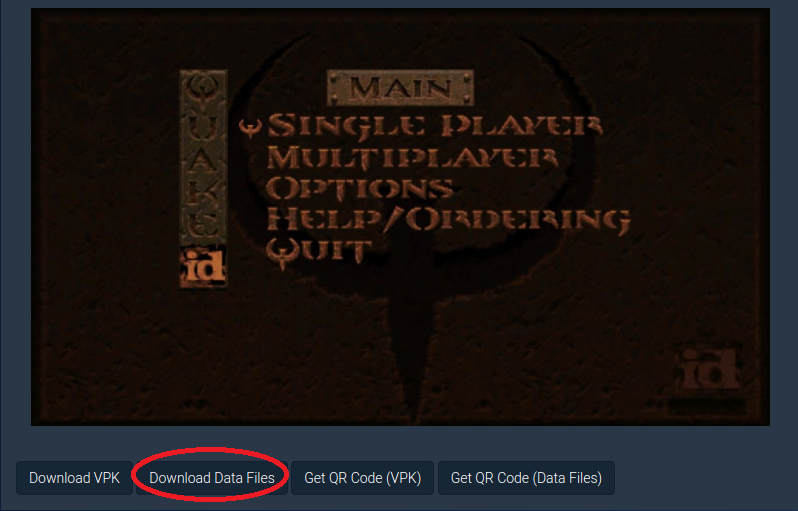
Download: https://vitadb.rinnegatamante.it/#/info/716
GitHub Repository: https://github.com/Rinnegatamante/Quakespasm
Last edited:



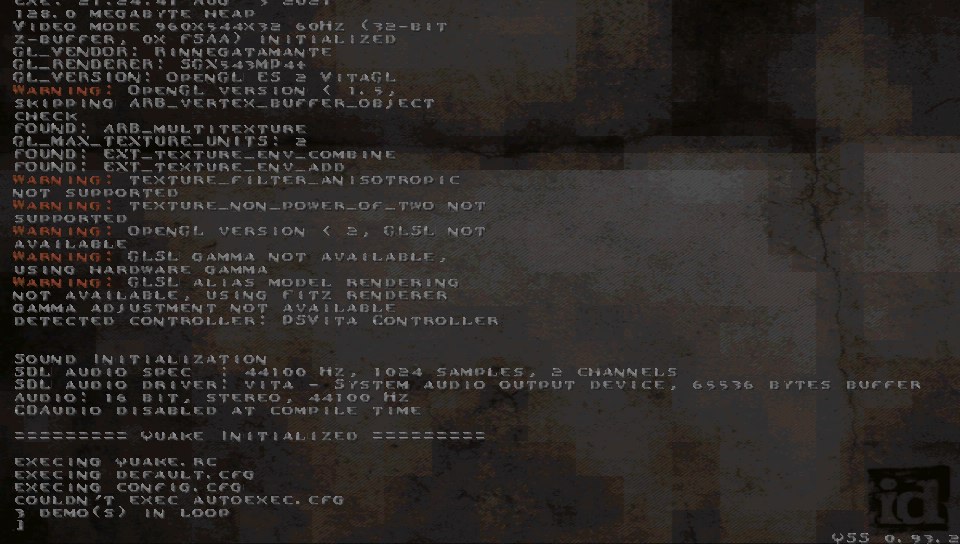
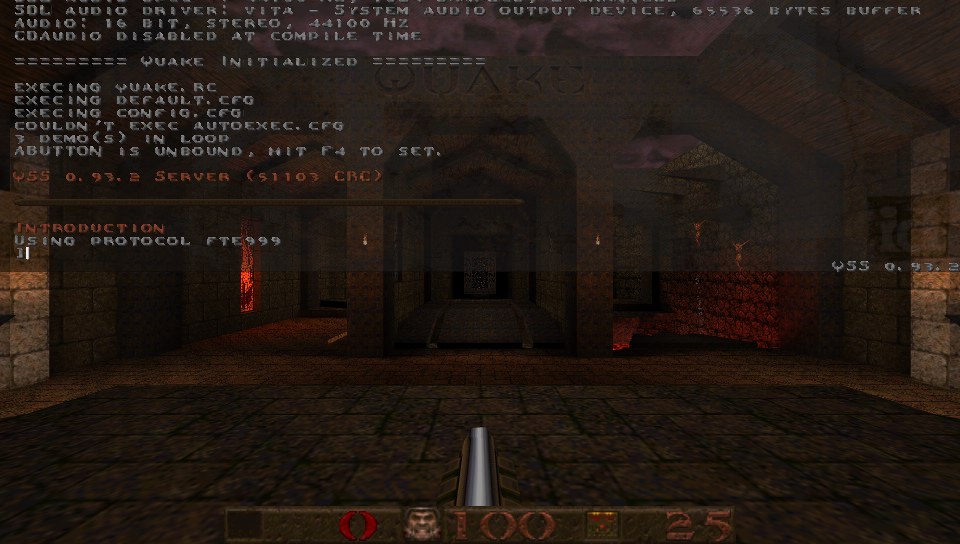
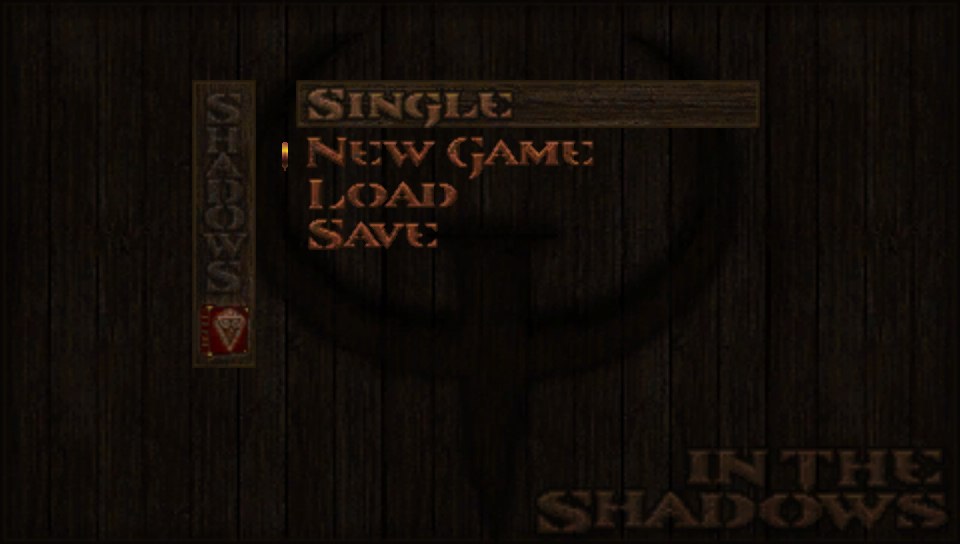
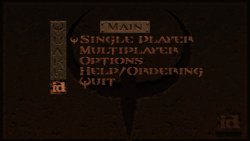
 to enter the main menu and start new game.