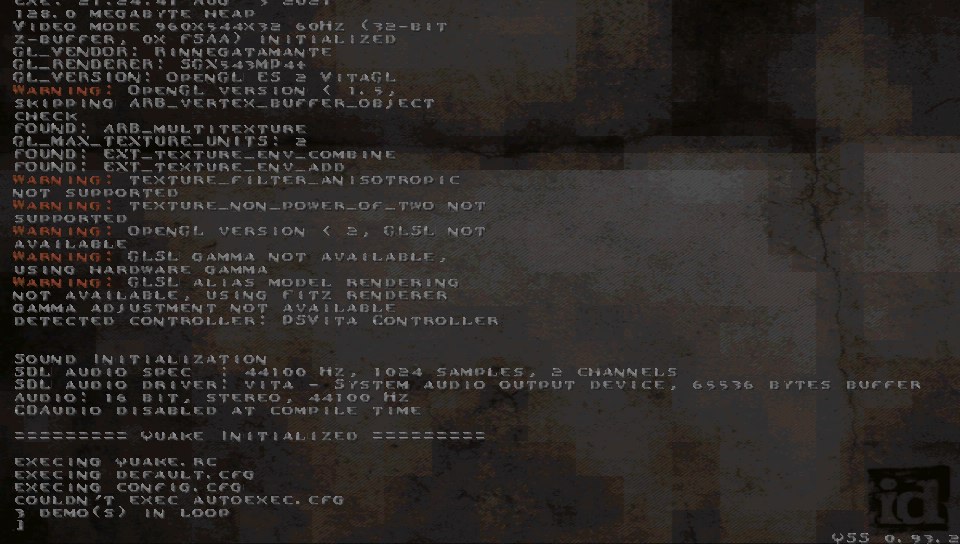
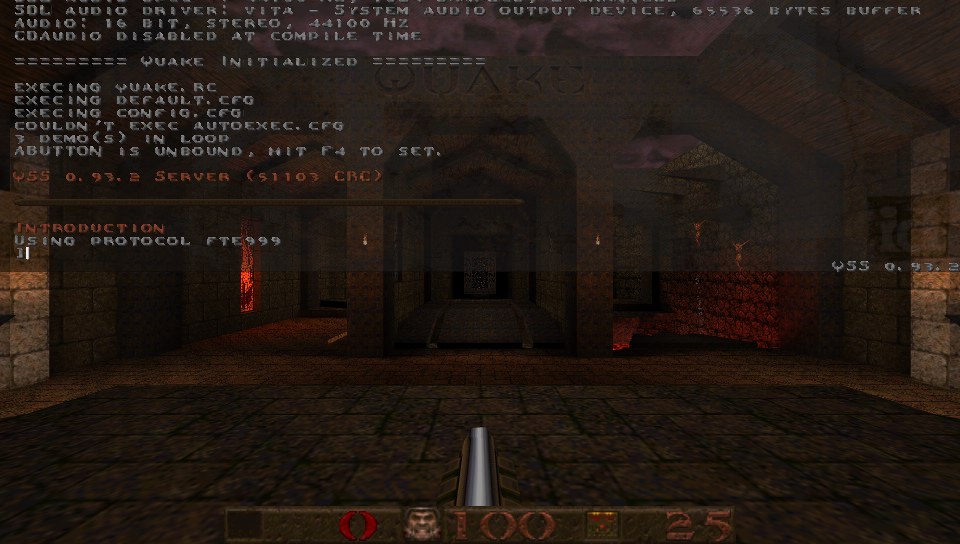
Quakespasm-Spiked

PS VITA / PS TV [RELEASE] Quakespasm-Spiked - Modern Quake sourceport with high mods compatibility v.1.6

Quakespasm-Spiked v.1.6
E78LtpwWEAAVutW.jpgE78Lty7X0AkckfU.jpg

  • Introduction:
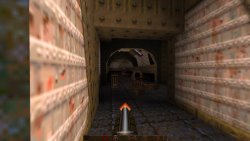
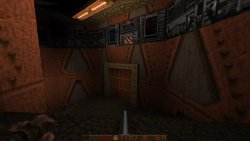
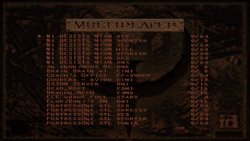
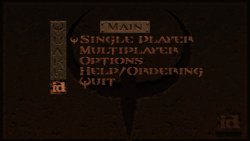
    Quakespasm-Spiked is a port of Quakespasm-Spiked for PSVITA. It is a modern Quake source port with limits removed and high mods compatibility.

    Changelogs:
    v.1.6:

    - Renamed Mouse Speed option to Touch Sensitivity.
    - Added two new options under Advanced Options to adjust analog sensitivity (Joy X/Y Sensitivity).
    - Increased available memory for the engine (Potentially allowing more demanding mods to work)
    - Updated to latest vitaGL version.
    - Fixed a bug making impossible to adjust Y axis gyroscope in the options menu.
    - Fixed a bug making impossible to reduce X axis gyroscope value in the options menu.
    - Fixed a bug making impossible to invoke keyboard on game console (Pressing Triangle now correctly invokes it).
    - Fixed a bug making Use Retrotouch option to be always On even when showed as Off.
    - Fixed a bug making so that touchscreen input would spam Fire actions.
    - Fixed a bug making so that touchscreen sometimes didn't properly move camera on the Y axis.
    - Fixed a bug causing some textures to sporadically render glitched.

    v.1.5:

    - Reworked Video Options menu to Advanced Options menu.
    - Removed all unused/not working options in Options menu.
    - Added an option to turn on/off Bilinear Filtering.
    - Added an option to edit Water opacity.
    - Fixed V-Sync option: now it works as expected.
    - Fixed Statusbar Alpha option: now it works as expected.
    - Fixed Brightness option: now it works as expected.
    - Added Field of View option.
    - Added Show Crosshair option.
    - Added Rumble Effect option (will make controller rumble when you lose health).
    - Added Use Retrotouch option to turn on/off rearpad usage.
    - Added gyroscope aiming support.
    - Added Show Framerate option.
    - Now options will be saved when exiting Options menu.
    - Greatly improved performances by transitioning from immediate mode rendering for entities and world to shaders based optimized pipeline.

  • Credits:
    - Original authors of Quakespasm and Quakespasm-Spiked for the engine
    - Ch3lin for the livearea assets.
    - fgsfds for the mods menu and the base code used for keyboard implementation.
    - All my Patroners for their awesome support:

    • - @Sarkies_Proxy
      - Badmanwazzy37
      - Delon5
      - drd7of14
      - Freddy Parra
      - Heraldian Despot
      - Jacob Martinez
      - Joey
      - mmtechnodrone
      - Pspguru
      - Shin Megami
      - sputnik
      - The Vita3K project
      - Al Capwn
      - Arka Mukherjee
      - CatoTheYounger
      - Colin Steinmann
      - Count Duckula
      - Dieter B.
      - e
      - Edgar Morales
      - Elgx3 13
      - Ian Stoffberg
      - Igor Kovacs Biscaia
      - Imran Akhtar Syed
      - John Laschober
      - Marc C.
      - Mored4u
      - mxadi25
      - Pape Moussa SARR
      - polytoad
      - PSX-Place.com
      - rsn8887
      - Russ Crandall
      - Sergio Valenzuela
      - steven powell
      - suLac4ever
      - tantaxa
      - The Libretro Team
      - Vita Homebrew Gaming Library
      - Waffeleisen
      - Wiese
      - 2Mourty
      - Aaron Von
      - Alfredo Gutierrez
      - Andyways
      - BOBdotEXE
      - BrainCheese87
      - bruno lima Lima
      - Cheerful Despair
      - Daniel Krusenbaum
      - Danny
      - David Stieben
      - Dean Stark
      - Diego G.
      - Dr Yosef Lodgardes IV
      - drivenby
      - Elwood Blues
      - Enrique Romero
      - Error
      - Gonzalo Arévalo Ibarra
      - Gwijde Maegherman
      - Hòa Hiệp Bùi
      - Jack Chiu (The Jack!)
      - James Guzman
      - Jihel Jay
      - Joe brindle
      - Jonathan Steen
      - Justin
      - Kyle Ring
      - LaFlex
      - Lucas Brugnaro Badur
      - Martial B.
      - Matt Hargett
      - Michael Kristensen
      - Miguel Angel Layna
      - gnmmarechal
      - Neil MacAlasdair
      - nowhereman87
      - Pedro Guizar
      - Pepelu1975
      - Pirloui
      - Saul Correa
      - Simon Sawert
      - spriteice
      - Stefanos P.
      - Sternaid
      - Tamas Ivanich
      - Thomas Würgler
      - wasabinator
      - Daniel Cassidy

  • E78LuE7WQAYPi-v.jpg E78Lt7bXMAEOS2S.jpg

    Installation:
    - Place the data folder in ux0:/data​

    How to use soundtrack:
    - Create a folder in ux0:/data/Quakespasm/id1 and call it music
    - Place the audio tracks renamed as track01, track02, ... in ogg or mp3 format in this folder.
    - The same can be done for any mission pack or mod folder.​

    You can find complete soundtrack in ogg format here: https://www.quaddicted.com/files/music/quake_music.zip

    How to have colored lights:
    The simplest way to get colored lights in Quake is to download this package: http://www.moddb.com/games/quake/addons ... -lightmaps
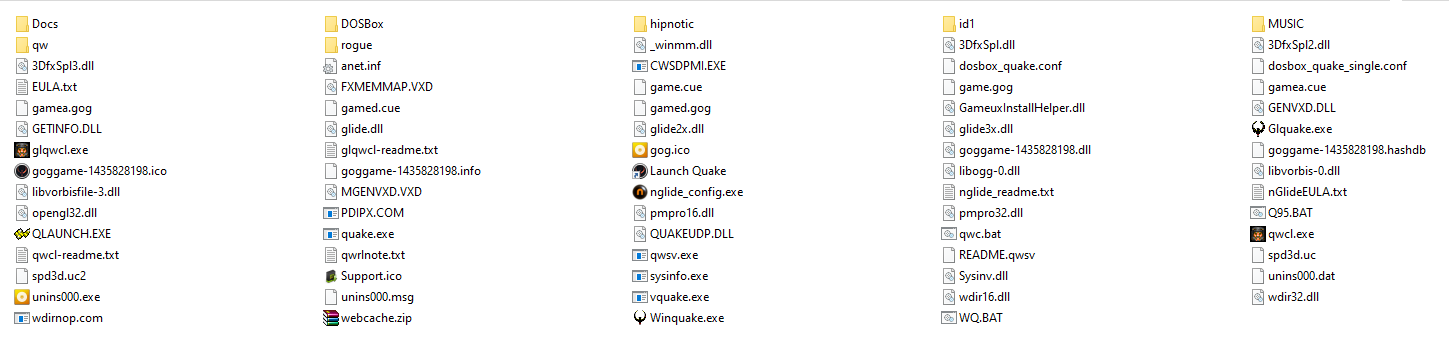
    Grab LIGHTS.PAK file and place it in your vitaQuake installation (where pak0.pak is) and rename LIGHTS.PAK as if it's a normal pak (so if you have pak0 and pak1, rename it pak2.pak).
    That package has colored lights support for the two official mission packs too.​

Links:
Download: https://vitadb.rinnegatamante.it/#/info/716
GitHub Repository: https://github.com/Rinnegatamante/Quakespasm
 
Last edited:
Works nicely, love it [emoji41]

Just tried alkaline and just force close, I think is too much for it, right?

Enviado desde mi SM-G980F mediante Tapatalk
 
hi! i need some help!

what I have to do after the installation? Ihow can I install mods? I tryed to creat a folder for mod and insert the pak files, but when I try to load always I get a error saying that could not write some config.cfg or autoexec... I`m completly lost :(

other problem, when I try to play the singleplayer, It says that I must use a registered version, I tryed to replace the pak files with my files from original game from gog, but now I have a crash when I try to play... can anyone give a hint?

Screenshot-1.png
 
Last edited:
Did you download the data folder? Maybe you don't have the config.cfg file in the id1 folder

And also maybe you need to have those pak files with everything in lowercase [emoji1744]
 
Did you download the data folder? Maybe you don't have the config.cfg file in the id1 folder

And also maybe you need to have those pak files with everything in lowercase [emoji1744]
yes I have the config.cfg in the id1 folder... I will try to rename the files to lower case, thanks
 
Quakespasm-Spiked is a port of Quakespasm-Spiked for PSVITA. It is a modern Quake source port with limits removed and high mods compatibility.

Is there a chance to add an option to turn on\off a crosshair?

I have noticed that after starting this port there aren't any Main Menu Demos:

In a shareware version there is no soundtrack. You have to use a registered version to have it.
 
What I have to do after the installation?

Did you download:
dat2a.png

If not, download and extract it.

How can I install mods? I tryed to creat a folder for mod and insert the pak files, but when I try to load always I get a error saying that could not write some config.cfg or autoexec... I`m completly lost :(

Here is a hint:
How to have colored lights:
The simplest way to get colored lights in Quake is to download this package: http://www.moddb.com/games/quake/addons ... -lightmaps
Grab LIGHTS.PAK file and place it in your vitaQuake installation (where pak0.pak is) and rename LIGHTS.PAK as if it's a normal pak (so if you have pak0 and pak1, rename it pak2.pak).
That package has colored lights support for the two official mission packs too.

So you can name your mod e.g. "PAK3.PAK" if you have "PAK0.PAK", "PAK1.PAK" and "PAK2.PAK".
All these files should be in: "ux0:/data/Quakespasm/id1".

Other problem, when I try to play the singleplayer, It says that I must use a registered version, I tryed to replace the pak files with my files from original game from gog, but now I have a crash when I try to play... can anyone give a hint?

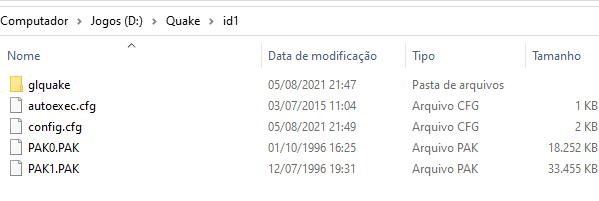
From a registered version you only have to copy "PAK0.PAK" & "PAK1.PAK" to:
"ux0:/data/Quakespasm/id1".
If you are asked to overwrite files, select "Yes".
 
Did you download:
dat2a.png

If not, download and extract it.


Here is a hint:


So you can name your mod e.g. "PAK3.PAK" if you have "PAK0.PAK", "PAK1.PAK" and "PAK2.PAK".
All these files should be in: "ux0:/data/Quakespasm/id1".


From a registered version you only have to copy "PAK0.PAK" & "PAK1.PAK" to:
"ux0:/data/Quakespasm/id1".
If you are asked to overwrite files, select "Yes".

Many thanks for your reply

I already did the copy of my original files from gog to ID1. I tryed to rename the files to lower case, and nothing yet... I still got that error

So about mods I don`t have to create a folder for every mod? just rename the pak files inside the ID1?

some screens:

Screenshot-3.png
Screenshot-2.png
 
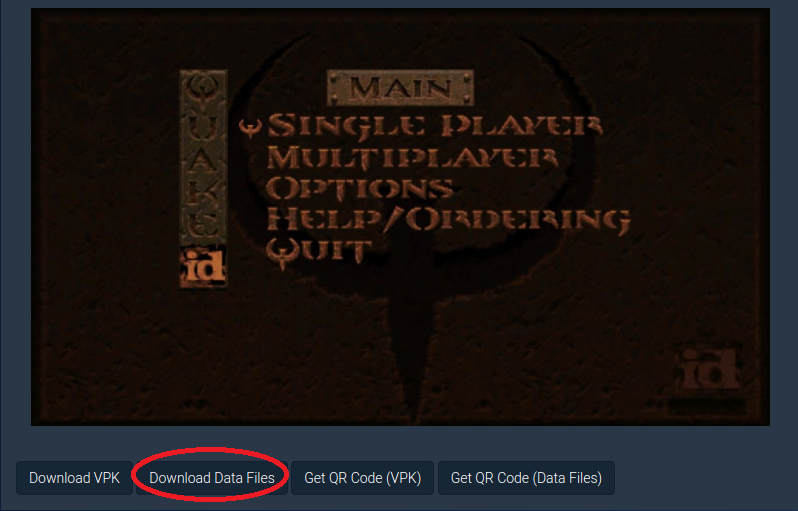
Did you download "Quakespasm.zip" (Download Data Files):
dat2a.png


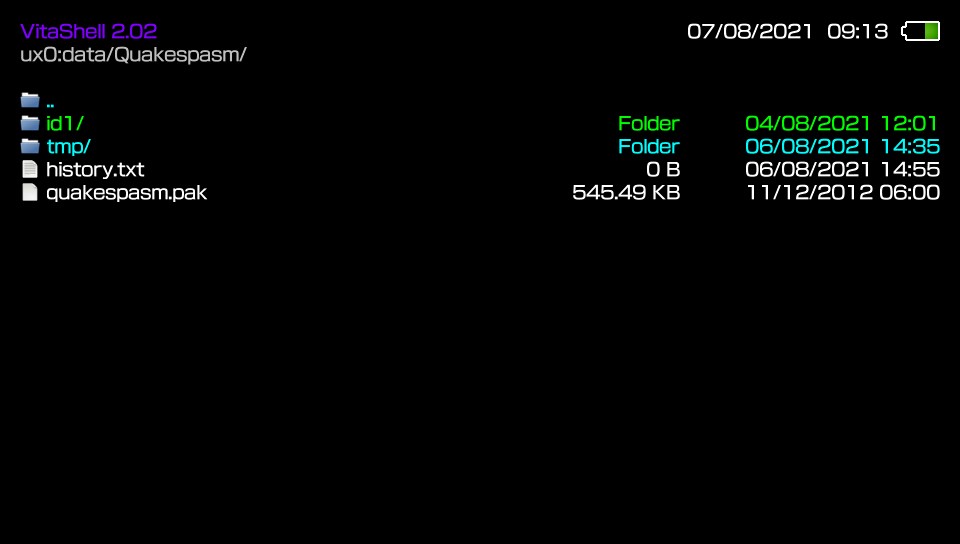
Inside this zip archive there is also "quakespasm.pak" which is important:
2021-08-07-091323.jpg


I already did the copy of my original files from gog to ID1. I tryed to rename the files to lower case, and nothing yet... I still got that error:
Screenshot-3.png

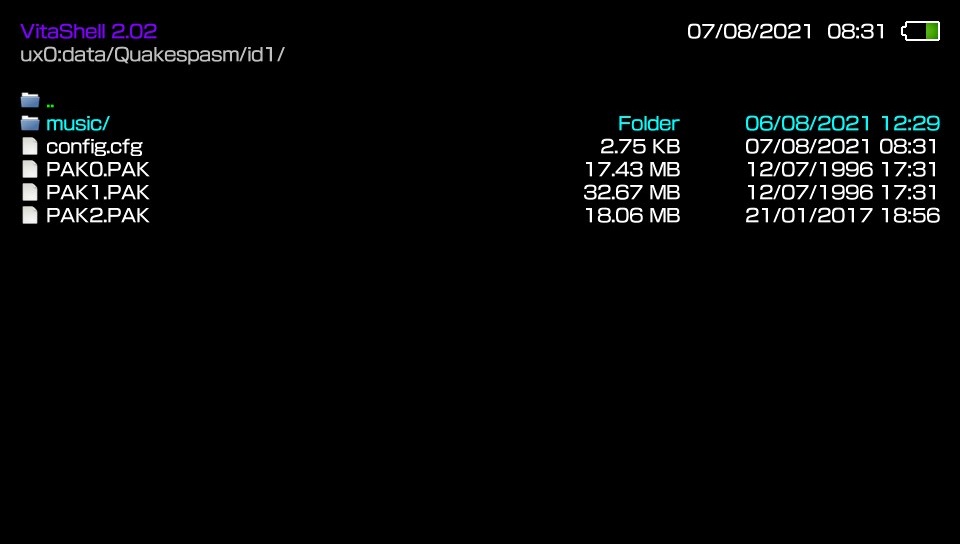
I have all my *.PAK files in uppercase (as they were originally):
2021-08-07-083129.jpg


Can you try to load Quake without any additional mods (without "In The Shadows" mod)?
Just a register (full) version.

So about mods I don`t have to create a folder for every mod? just rename the pak files inside the ID1?

At least that is how it should be done with colored lights:
2021-08-07-083312.jpg


2021-08-07-083339.jpg

2021-08-07-083129.jpg


EDIT: For "In the shadows" mod you have two options:
  1. Rename "pak0.pak" to e.g. "pak3.pak" and place it into "ux0:/data/Quakespasm/id1".
    Launch the game. After some time press :but start: to enter the main menu and start new game.
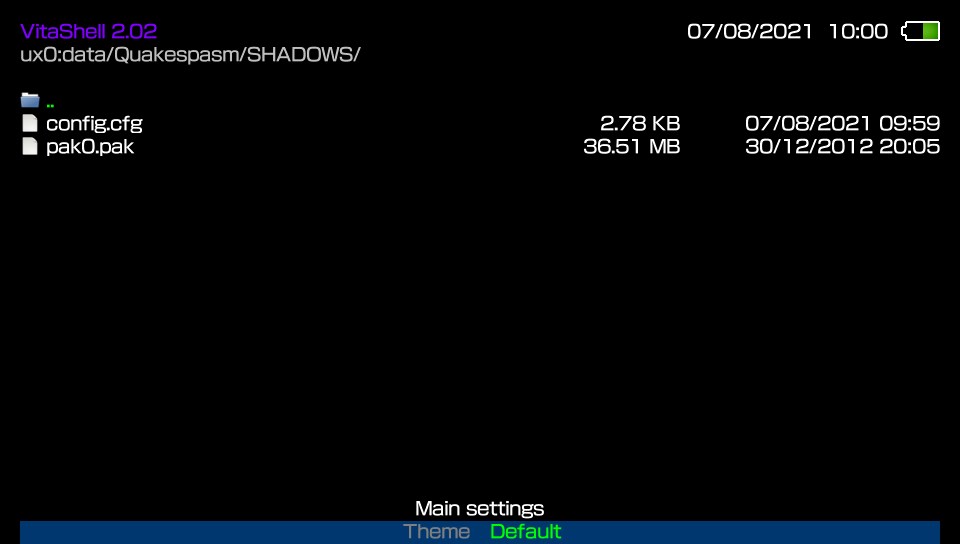

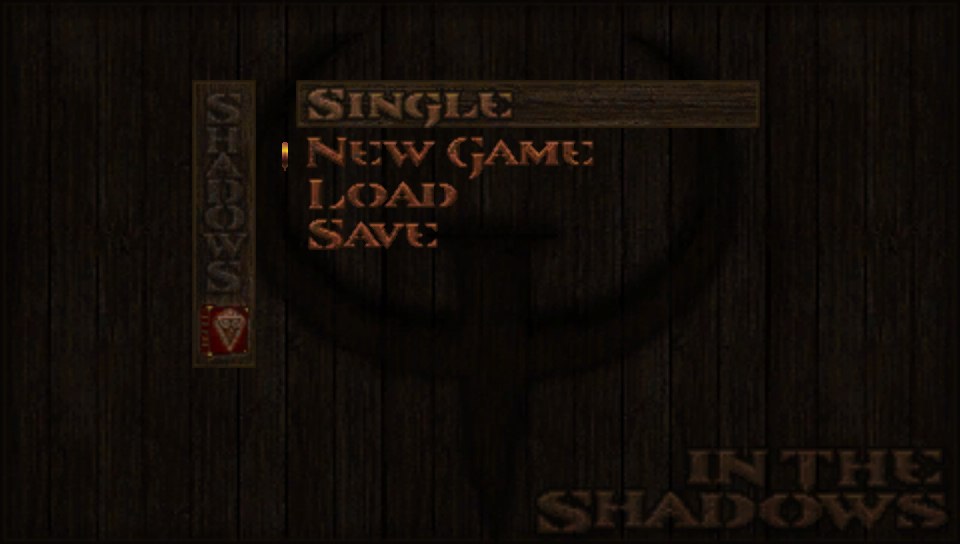
    • Create folder and named it 'SHADOWS':
      2021-08-07-095951.jpg


    • Unzip contents (of its_demo_v1_1.zip) to the directory that you just created:
      2021-08-07-100009.jpg

      (Config.cfg was created after starting this mod)

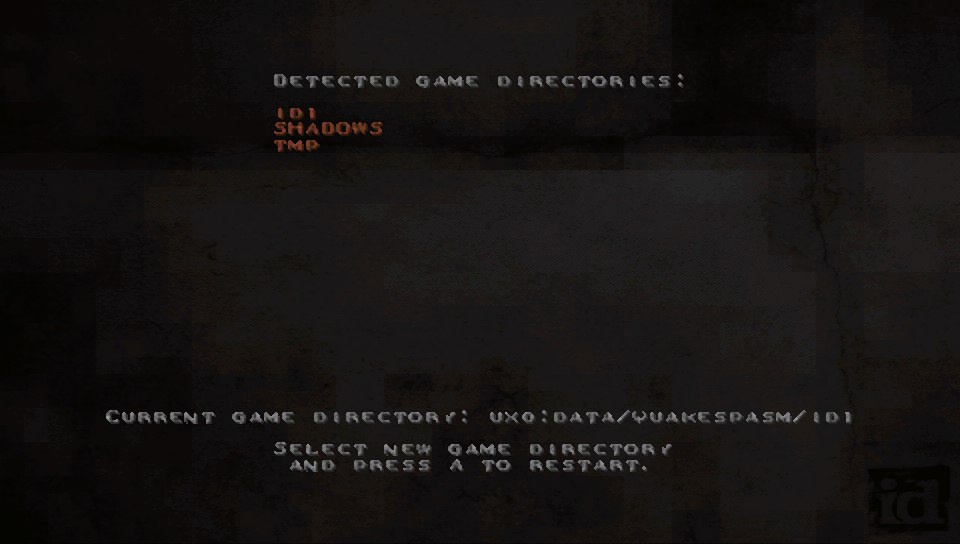
    • Go to Options, look for "SELECT MOD" :
      2021-08-07-095911.jpg


    • Choose "SHADOWS":
      2021-08-07-095625.jpg


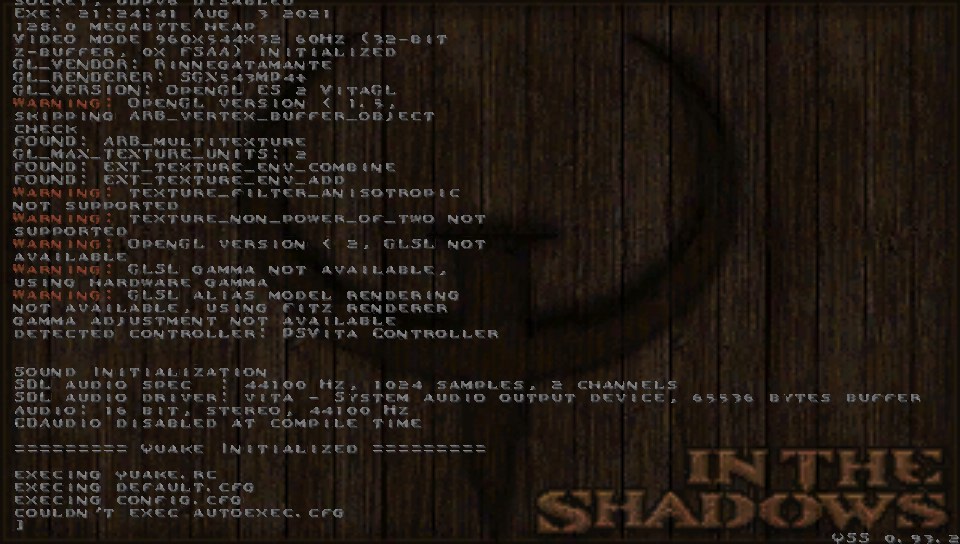
    • When you will see this screen:
      2021-08-07-095412.jpg


    • Press :but start: and start new game
      2021-08-07-095418.jpg

      It takes some time for this mod to boot, so be patient.
 
Last edited:
Did you download "Quakespasm.zip" (Download Data Files):
dat2a.png


Inside this zip archive there is also "quakespasm.pak" which is important:
2021-08-07-091323.jpg


I have all my *.PAK files in uppercase (as they were originally):
2021-08-07-083129.jpg


Can you try to load Quake without any additional mods (without "In The Shadows" mod)?
Just a register (full) version.


At least that is how it should be done with colored lights:
2021-08-07-083312.jpg


2021-08-07-083339.jpg

2021-08-07-083129.jpg


EDIT: For "In the shadows" mod you have two options:
  1. Rename "pak0.pak" to e.g. "pak3.pak" and place it into "ux0:/data/Quakespasm/id1".
    Launch the game. After some time press :but start: to enter the main menu and start new game.
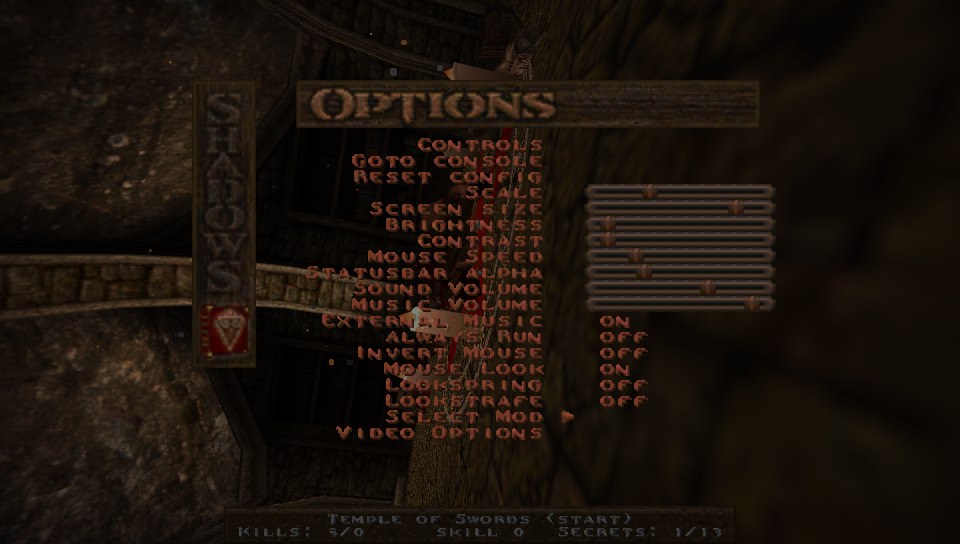

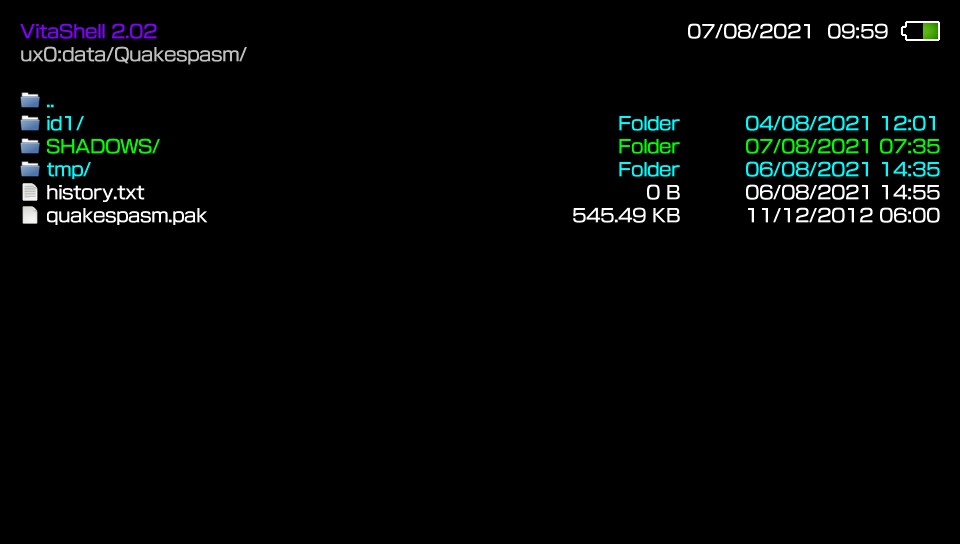
    • Create folder and named it 'SHADOWS':
      2021-08-07-095951.jpg


    • Unzip contents (of its_demo_v1_1.zip) to the directory that you just created:
      2021-08-07-100009.jpg

      (Config.cfg was created after starting this mod)

    • Go to Options, look for "SELECT MOD" :
      2021-08-07-095911.jpg


    • Choose "SHADOWS":
      2021-08-07-095625.jpg


    • When you will see this screen:
      2021-08-07-095412.jpg


    • Press :but start: and start new game
      2021-08-07-095418.jpg

      It takes some time for this mod to boot, so be patient.

thanks, but I`m having problems with the original quake file too, not only with in the shadows
 
Then write step by step what you have done.

I installed the package installer, installed that 3 packages in the right order, after that installed sharkfood and run it, it generated that library in ur0

After that I activate the fdfix and kubridge plugins in autoplugin 2

Then I got the paks files from my original game in gog and replaced in the data folder, I transfered the folder using FTP to ux0:/data
Then I installed the vpk file

When I try to load the single player it crashes

I could run it with the pak files included in the data zip, just once, now even with this files I can run without crashing

I`m using a PSVITA TV in 3.65 with enso and an original memory card
 
I installed the package installer, installed that 3 packages in the right order, after that installed sharkfood and run it, it generated that library in ur0

So in the beginning you probably installed PKGinstallerLauncher by SKGleba.
Later PSM runtime (1.00, 2.00, 2.01).
Next step was ShaRKF00D as it is in this instruction:
https://samilops2.gitbook.io/vita-troubleshooting-guide/shader-compiler/extract-libshacccg.suprx
to have a runtime shader compiler (libshacccg.suprx).

After that I activate the fdfix and kubridge plugins in autoplugin 2

In short.
FdFix helps when a console enters e.g. suspend mode to resume.
I do not have kubridge, but here is was it does:
Kernel-user bridge module for PS Vita

Then I got the paks files from my original game in gog and replaced in the data folder, I transfered the folder using FTP to ux0:/data
Then I installed the vpk file

In your original game, how many PAKs files do you have?
Does this version from GOG additionally have a mission pack?

When I try to load the single player it crashes

Can you delete PAK2.PAK from ux0:/data/Quakespasm/id1

I could run it with the pak files included in the data zip, just once, now even with this files I can run without crashing

Did you delete "quakespasm.pak" from ux0:/data/Quakespasm?
You need this file.

I`m using a PSVITA TV in 3.65 with enso and an original memory card

I am also on 3.65 with an original memory card but without Ensō.
 
So in the beginning you probably installed PKGinstallerLauncher by SKGleba.
Later PSM runtime (1.00, 2.00, 2.01).
Next step was ShaRKF00D as it is in this instruction:
https://samilops2.gitbook.io/vita-troubleshooting-guide/shader-compiler/extract-libshacccg.suprx
to have a runtime shader compiler (libshacccg.suprx).


In short.
FdFix helps when a console enters e.g. suspend mode to resume.
I do not have kubridge, but here is was it does:


In your original game, how many PAKs files do you have?
Does this version from GOG additionally have a mission pack?


Can you delete PAK2.PAK from ux0:/data/Quakespasm/id1


Did you delete "quakespasm.pak" from ux0:/data/Quakespasm?
You need this file.


I am also on 3.65 with an original memory card but without Ensō.


here`s my quake folder

download.png


Screenshot-4.png


I didn`t delete the quakespasm.pak
 
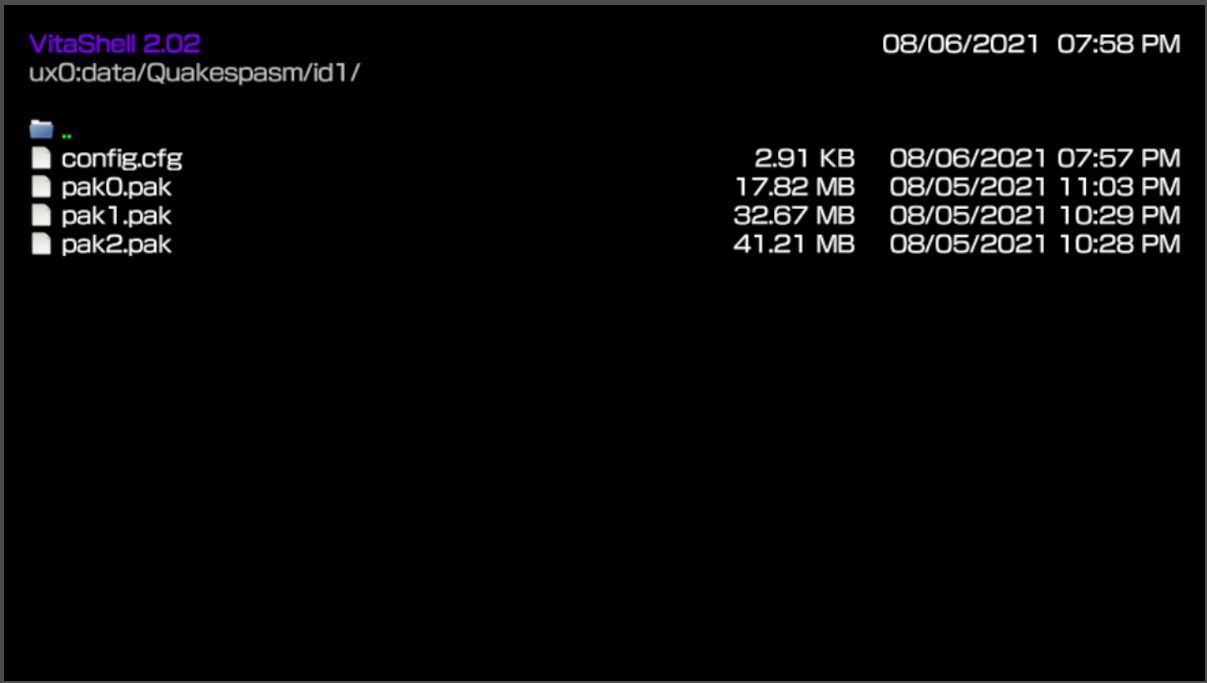
Are you sure that you have overwritten pak0.pak?

pak0.pak from demo takes 17.82 MB.
In one of your screenshots you have the same size:
https://www.psx-place.com/threads/r...th-high-mods-compatibility.34786/#post-305568.
"My" PAK0.PAK takes 17.43 MB.

Can you try to delete all PAK files from ux0:/data/Quakespasm/id1
Copy all PAK files (PAK0.PAK & PAK1.PAK) from the original game once again.

pak0.pak from a demo takes 17.82 MB.
pak0.pak from a registered (full) version takes 17.43 MB.
pak1.pak from a registered (full) version takes 32.67 MB.
 
Last edited:
I too get an error... after some hours of playing and restarting the game.
Tried rebooting, rebuilding the database, moving extra pak's outside of ID1 directory - no success.

ERROR C1-2783-0

Any idea?
 
v.1.5 available for download that brings back a lot of the vitaQuake improvements to Quakespasm Spiked as well as dropping a huge performance boost thanks to an optimized shaders rendering pipeline used for entities and world rendering.

Changelog, credits and download can be find on OP!
 
Back
Top